
Bring your software into the care record
Every route into HealthOS lands in the same Canonical Care Record, under the same tenancy, matching and audit rules. Pick the one that fits how your system already talks, and we’ll set you up with a test organisation to build against.
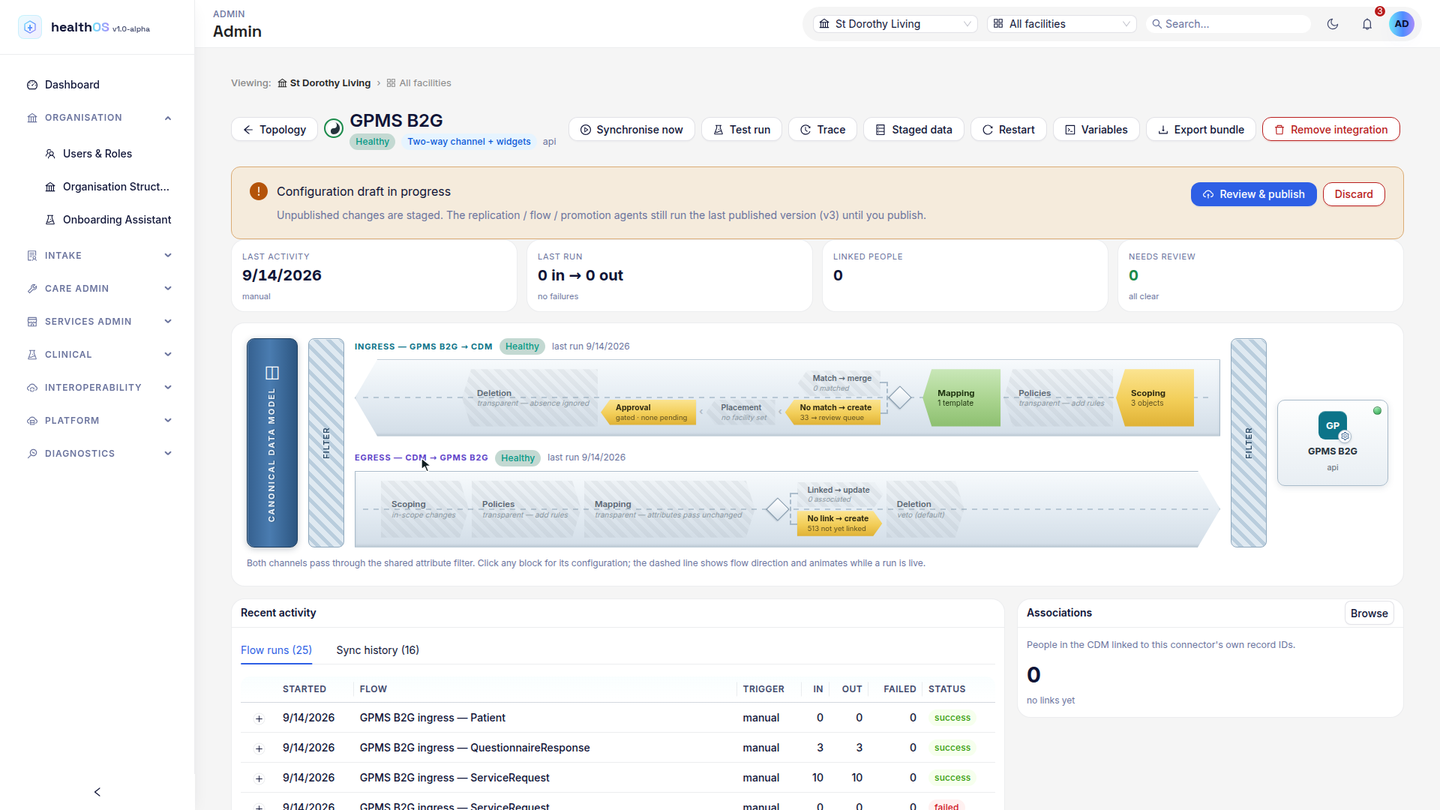
Data is matched to a person on Medicare, IHI, MRN or DVA numbers first, then name and date of birth. Anything uncertain waits in a review queue.
A connection belongs to the provider who installed it. Its token, its secret and what it can see stop at that organisation.
FHIR R4 with AU Core profiles for clinical data, and HL7 v2 for the feeds that still speak it.
Each call is logged against the connection that made it, and the audit trail is kept for seven years.
Start from how your system talks
Most vendors need one of these. A few need two, usually a feed in and an app on top.
| Route | Suits | Direction | Guide |
|---|---|---|---|
| FHIR for systems | Integration engines and clinical systems exchanging records in bulk or as events | Both ways | FHIR for systems |
| SMART on FHIR apps | An app a clinician opens from a patient’s chart, or a patient or family member opens on their own | Both ways | SMART on FHIR apps |
| HL7 v2 over MLLP | Pathology, radiology, ADT and bedside monitor feeds | Into HealthOS | HL7 v2 |
| Ready-made contracts | Rostering systems, remote monitoring platforms and location systems | Into HealthOS | Ready-made contracts |
| Signed webhooks | Anything that can POST JSON when something happens | Into HealthOS | Webhooks |
| HealthOS calls your API | Systems with a REST or FHIR API we can poll on a schedule | Both ways | Pull, files and replication |
| Files and replication | Batch extracts, SFTP drops and staging tables in a database you run | Into HealthOS | Pull, files and replication |
The back end and the front end are different jobs
FHIR is our main route for clinical data, and people mean two quite different things by it. We split them.
FHIR for systems
Your integration engine or clinical system exchanges records with HealthOS directly. Bundles can come in through a signed endpoint on the integration engine (the ESB), which maps them, matches the person and writes the record, or go straight to the FHIR API when no mapping is needed. Reads and bulk exports use a backend service credential.
- No person signs in; the connection itself is authorised
- Sees what its scopes allow across the organisation
- Fits event-by-event exchange, and bulk export for whole populations
SMART on FHIR apps
Your app runs in front of a person. A clinician opens it from the Apps menu on a person’s chart, or a patient or family member signs in through HealthOS Connections, and the app gets a token for that person and nothing wider.
- The user signs in and approves the app, and an ID token tells your app who they are
- Limited to one patient, or to what a clinician may already see
- Fits decision support, specialist views and apps for families
Getting connected
Every provider runs their own HealthOS, so you never get one key that opens everyone. You build once, and each provider installs your connection in their own organisation.
- Tell us what you’re connecting, and who is asking for it. We’ll agree the route and the data with you.
- We set up a test organisation with invented people and give you its credentials.
- You build against it. Signatures, idempotency keys and error responses behave there exactly as they do in production.
- A provider installs your connection from the connector marketplace in their own HealthOS. Their administrator approves it, and the credentials issued belong to that install alone.
Every guide in one PDF
All the routes, examples and error codes in one document, to read offline or hand to your team. Tell us where to reach you and the download starts straight away.
Thanks. Your download should have started. If it didn’t, download the developer guide (PDF).
The guides
Step by step
Each setup walked through on a real HealthOS, screen by screen, with who does each step.
Building for Australian care?
Tell us what your system does and which providers want it connected. We’ll suggest a route and get you a test organisation.