
One referral inbox for every source
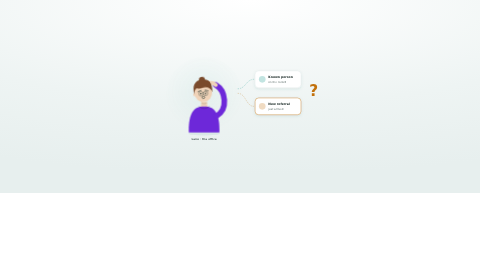
Every referral becomes a person on the record without anyone re-typing them. Email, phone, fax and portal referrals land in one queue, Support at Home referrals arrive straight from Services Australia, and when a referral converts the person is admitted without re-keying a field.
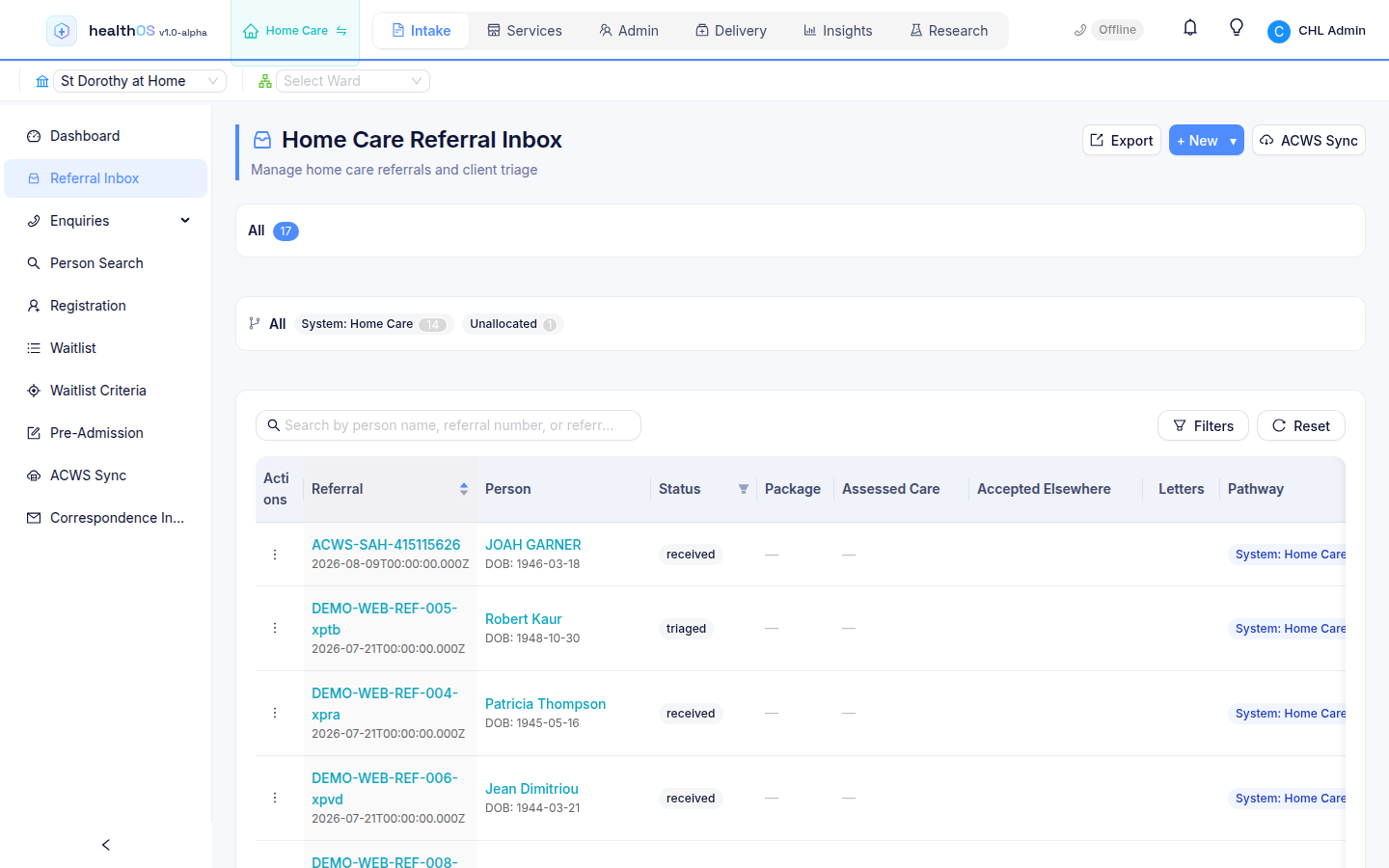
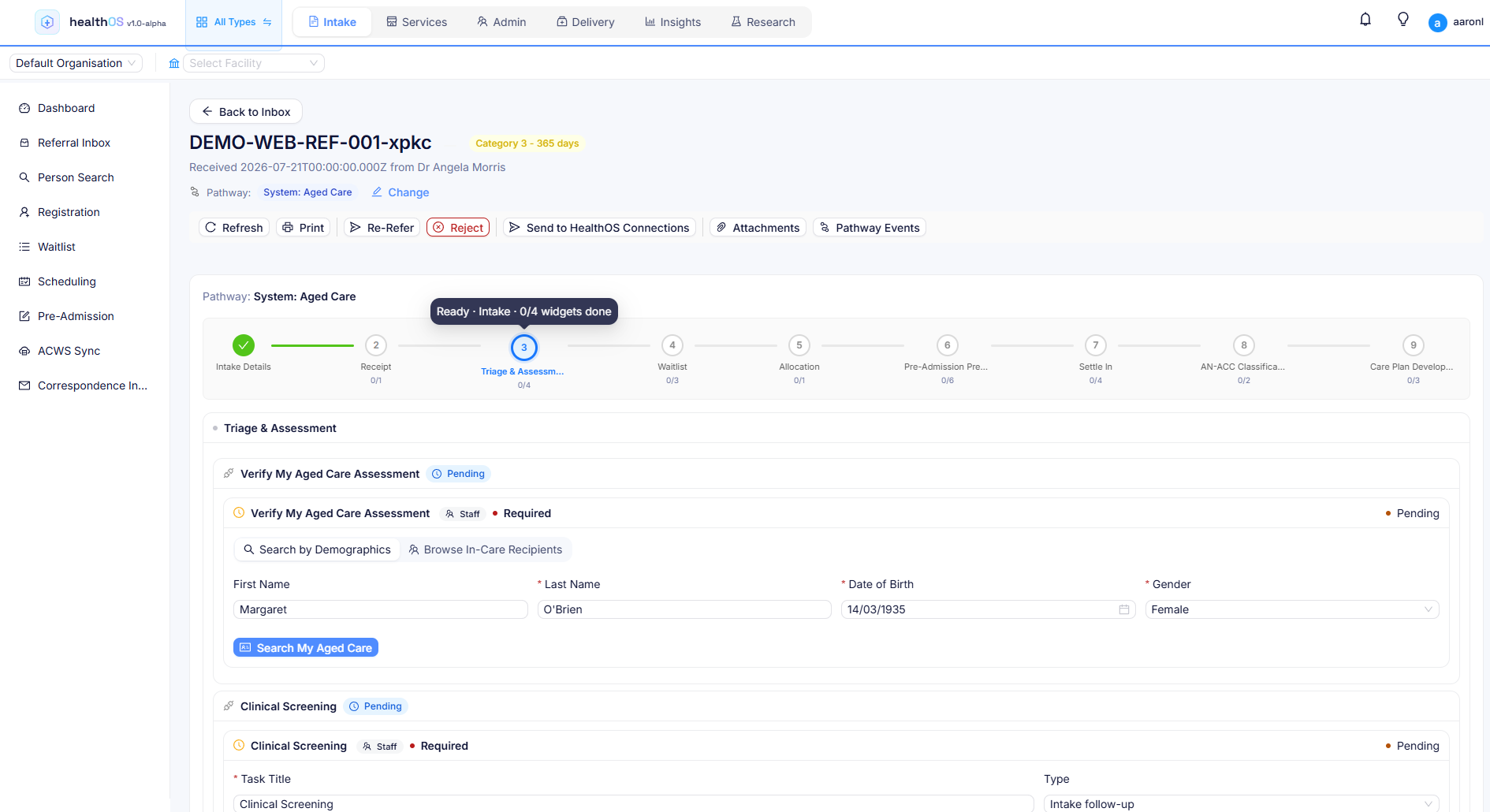
Support at Home intake, with referrals synced from Aged Care Web Services.
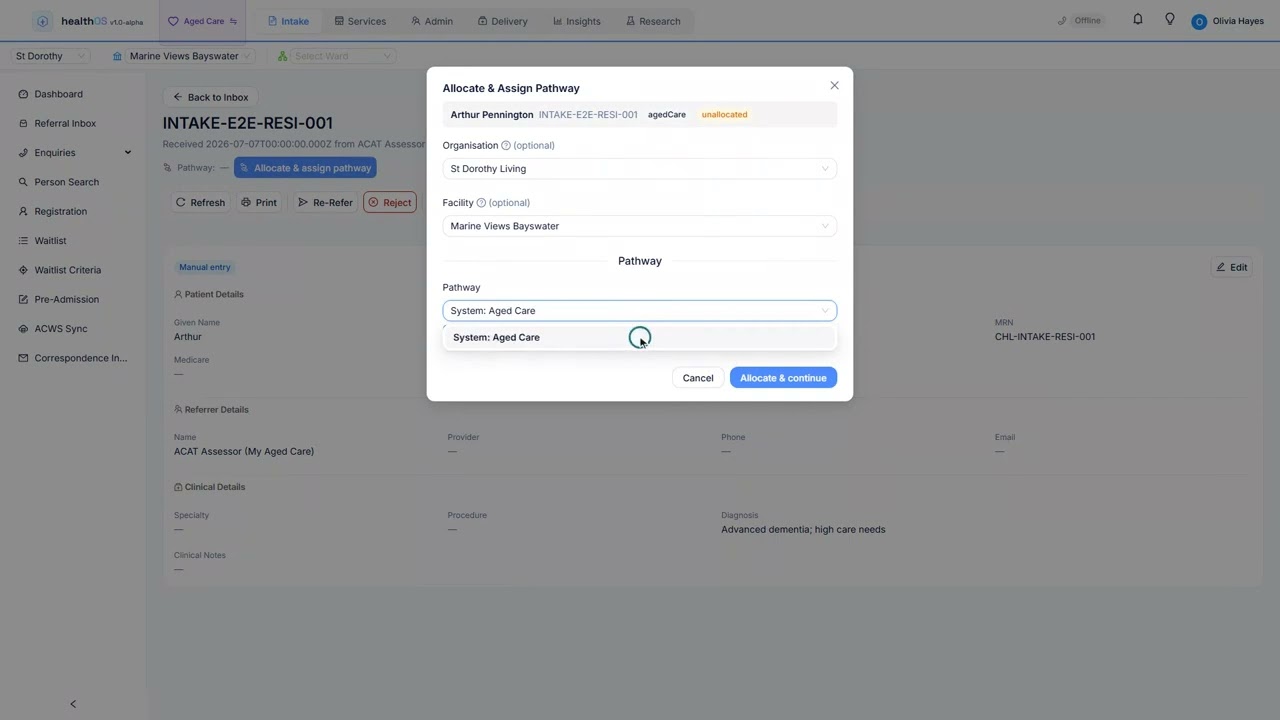
My Aged Care referral handling, through to placement and AN-ACC.
NDIS participant intake on the same inbox and pathways.
A hospital referral inbox, through pre-admission to the bed.
From first contact to first service
Every referral in one queue
Email, phone, fax and portal referrals land in one inbox. Your team assigns, triages and prioritises from a single screen, and progresses each referral to assessment without switching systems.
- Email parsing reads referral emails from your email system and pulls out the key details automatically, so nobody copies and pastes from the inbox
- Digital intake forms, consent documents and assessments, completed online with electronic signatures and stored against the client record
- Configurable triage workflows and assessment scheduling
- Document collection and storage, with automated status notifications
Support at Home referrals, direct from Services Australia
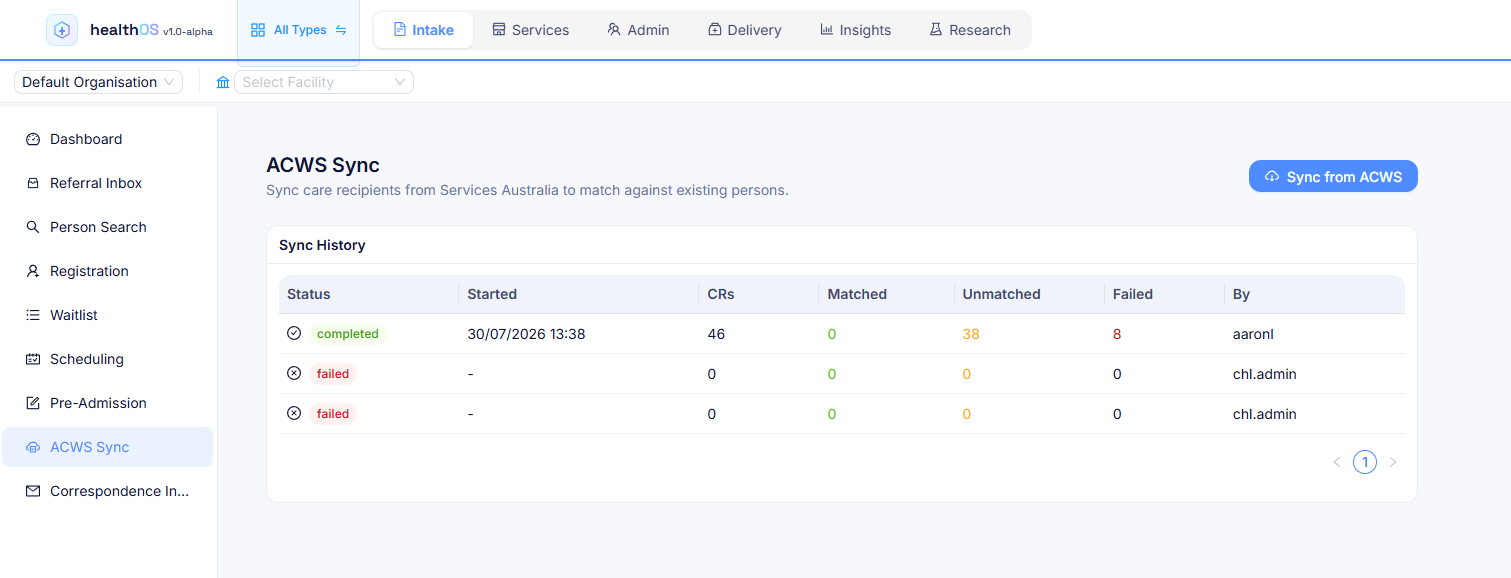
Referrals sync straight from Services Australia's Aged Care Web Services (ACWS). Care recipients are matched to an existing person or created, with their details, assessments and budgets prefilled. It is a direct government feed few systems offer.
- When a care recipient is admitted by another provider, the sync spots the entry event and flips the referral to accepted elsewhere
- Your intake team is alerted, so nobody chases a person who has already found a place
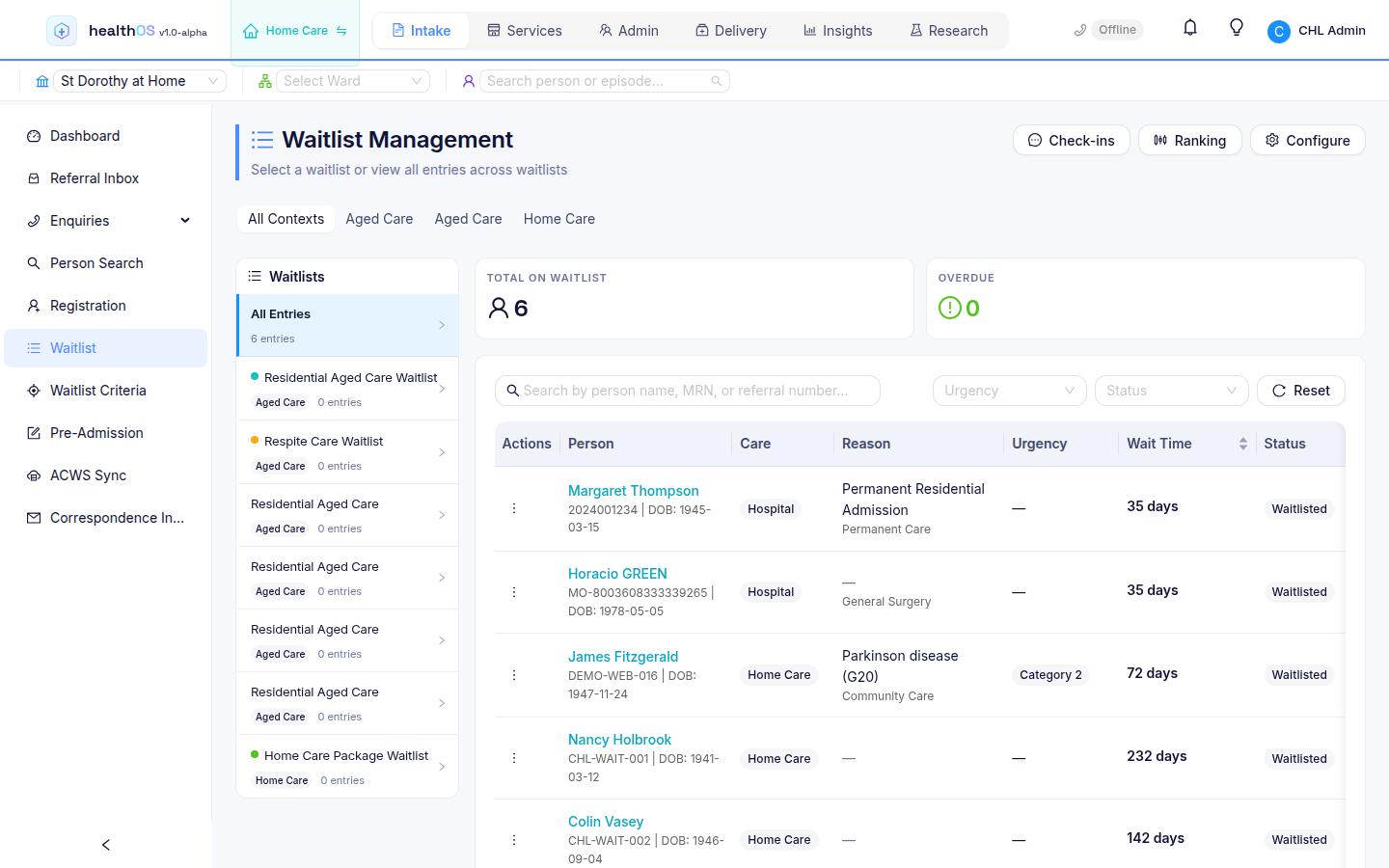
Waitlists that work across care settings
Define waitlists by context: residential placement, respite, home care packages, ACAT assessment and outpatient programs. Each has its own criteria and workflow. One view shows position, priority, wait time and SLA compliance for every person on every list, live, with no spreadsheets or phone calls.
- Each waitlist ranks people by a priority score you configure, weighting clinical acuity, social risk and operational factors to match your own triage policy
- The score recalculates automatically as circumstances change
- Set SLA targets (for example 28-day placement) and track compliance against them
- See wait times, position, SLA status and capacity across every facility and waitlist type
- Automated follow-ups keep no one waiting in silence
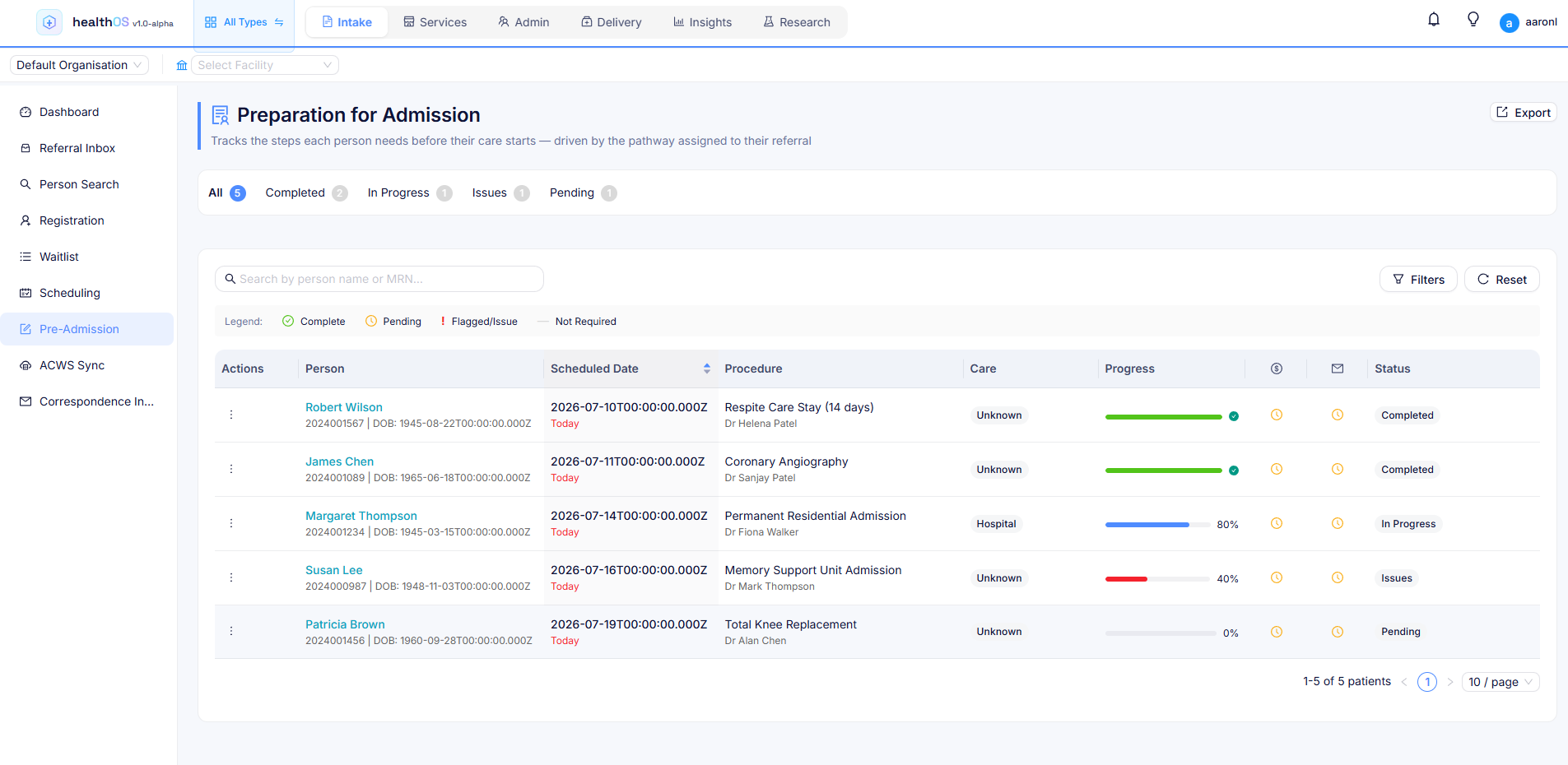
From the waitlist to pre-admission, automatically
Referrals flow from intake directly onto the right waitlist. When a place becomes available, the next person moves to pre-admission automatically. The intake pipeline tracks every interaction from first contact: referral source, triage outcome, assessment status and waitlist position, all in one view.
- Pre-admission pipeline tracking for each person
- Progress against the steps their pathway sets
Care pathways that render to the person
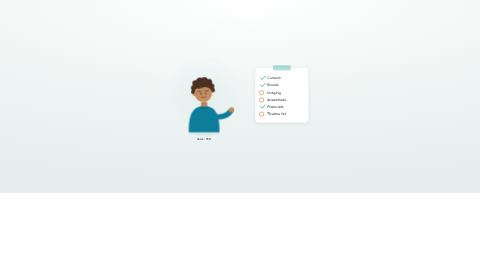
Care pathways in HealthOS render on the fly from the client's program, funding model, facility and clinical needs. Staff and consumers work through parallel pathways together, each seeing the steps relevant to their role. Each facility gets its own experience without custom development. See how pathways and widgets are built.
- Pathways assembled dynamically from a toolbox of configurable widgets covering assessments, consent, scheduling, document collection and more
- Each facility can have its own pathway configuration, with no code changes
- New widgets added to the toolbox are available across all facilities straight away
- Pathway logic adapts to the funding stream: Support at Home, residential aged care (AN-ACC), NDIS and private
See it in action
 1:46
1:46
Related
See the intake pipeline in action
We will walk you through it on real data. Bring questions.