Videos for the whole care team

See HealthOS in action Screen recordings of the real product, in hospitals, residential care and at home.

  • Start with the overview. The whole platform in one sitting, from the first referral to the claim.
  • Follow one person. A patient, a resident or a home care client, from start to finish in their own care setting.
  • Pick your part. Films by module, for the part of the work that’s yours.
5:00
HealthOS platform journey: one record across hospital, home and aged careOne older person’s care from a referral into hospital, home on Support at Home and later residential aged care, on one platform.
HealthOS online

Sold on their own

Pricing
4:07
HealthOS online: four products, start the same dayAged Care Purser, Care Minutes Periscope, Code Captain and NWAU Periscope, each started on its own from the systems you already run.
3:11
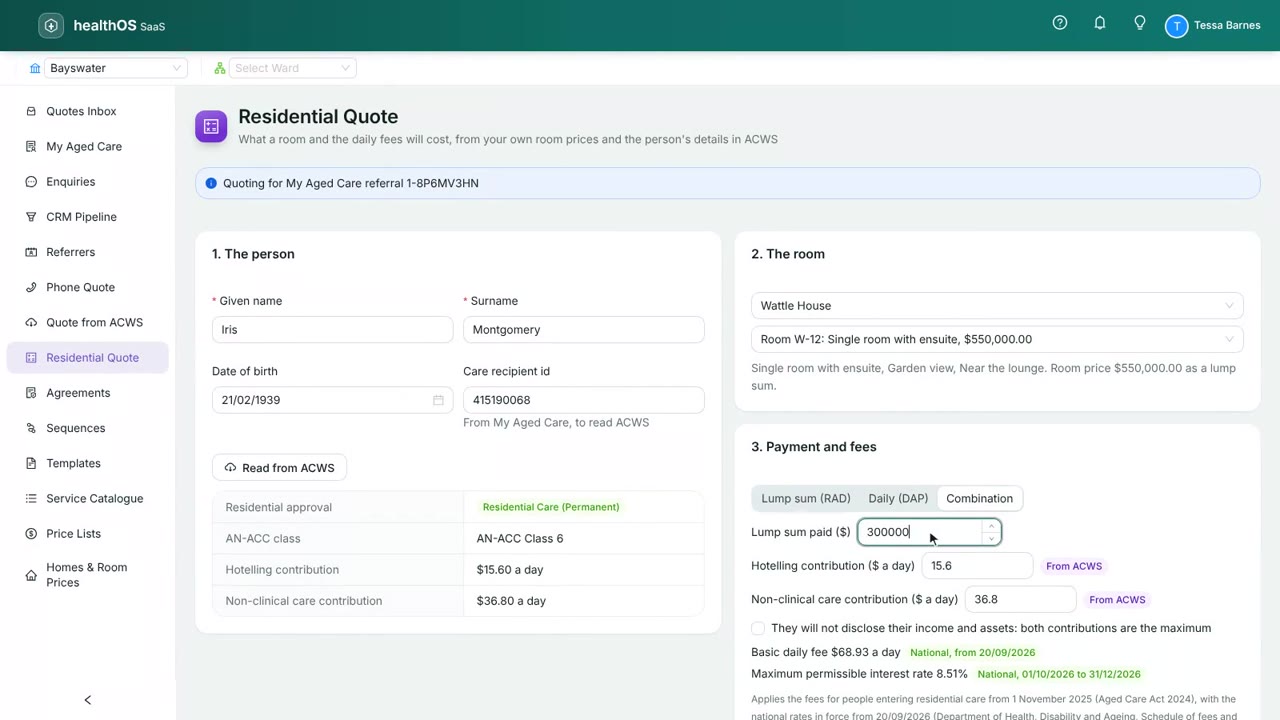
Aged Care Purser: from first contact to admissionA family’s enquiry and My Aged Care referral, quoted from the provider’s own prices, taken to an agreement the family signs online, through to admission. Support at Home works the same way.
5:14
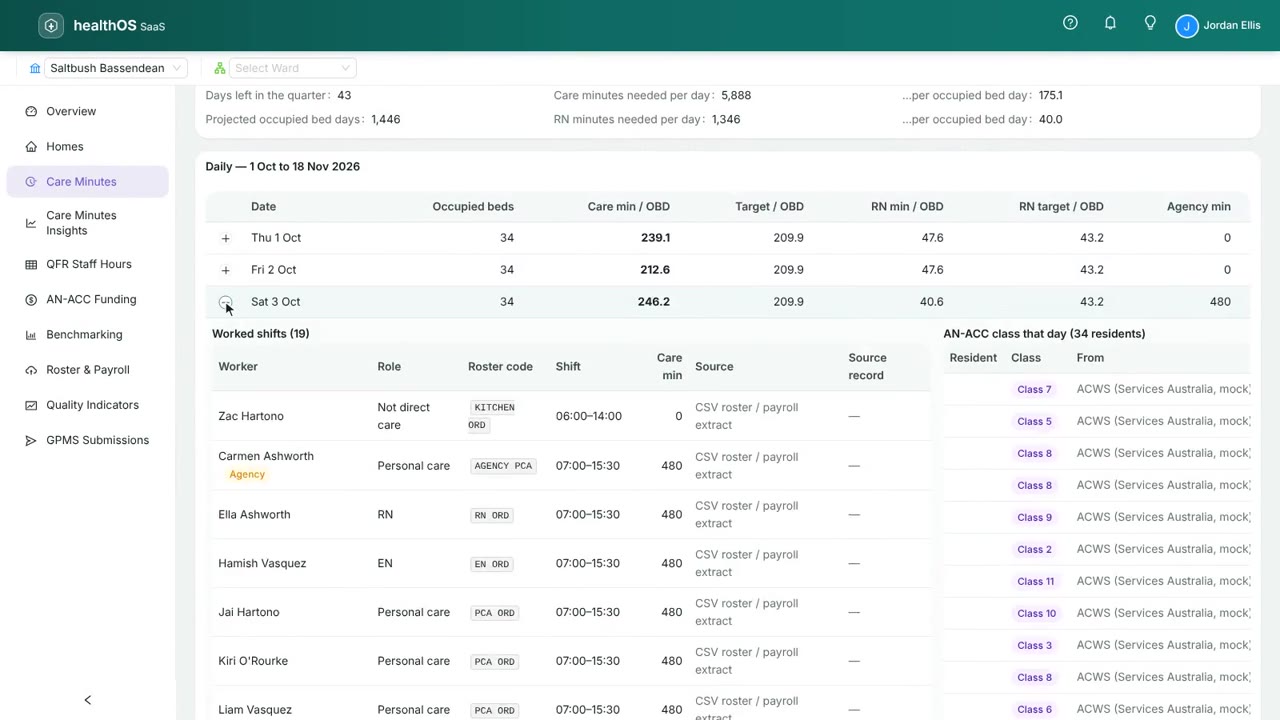
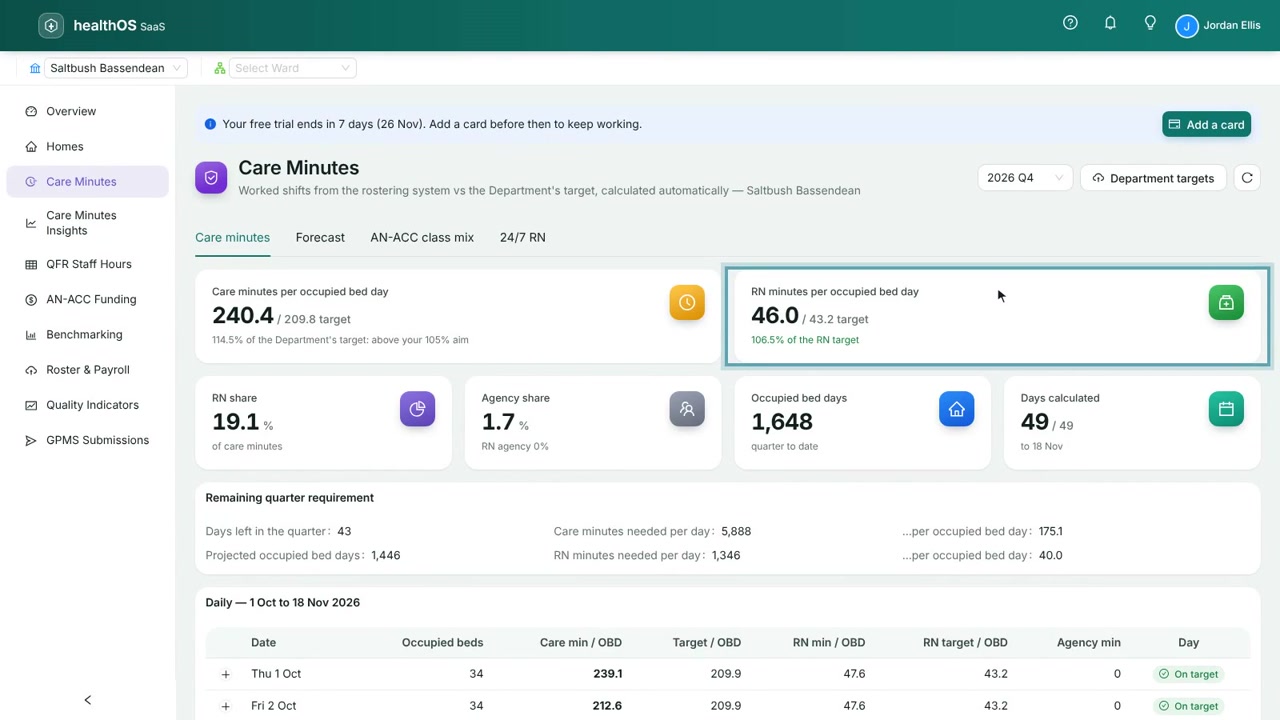
Care Minutes PeriscopeWorked shifts and live funding classes classes into the quarter’s care minutes and 24/7 registered nurse cover, lodged through the government's provider system.
4:00
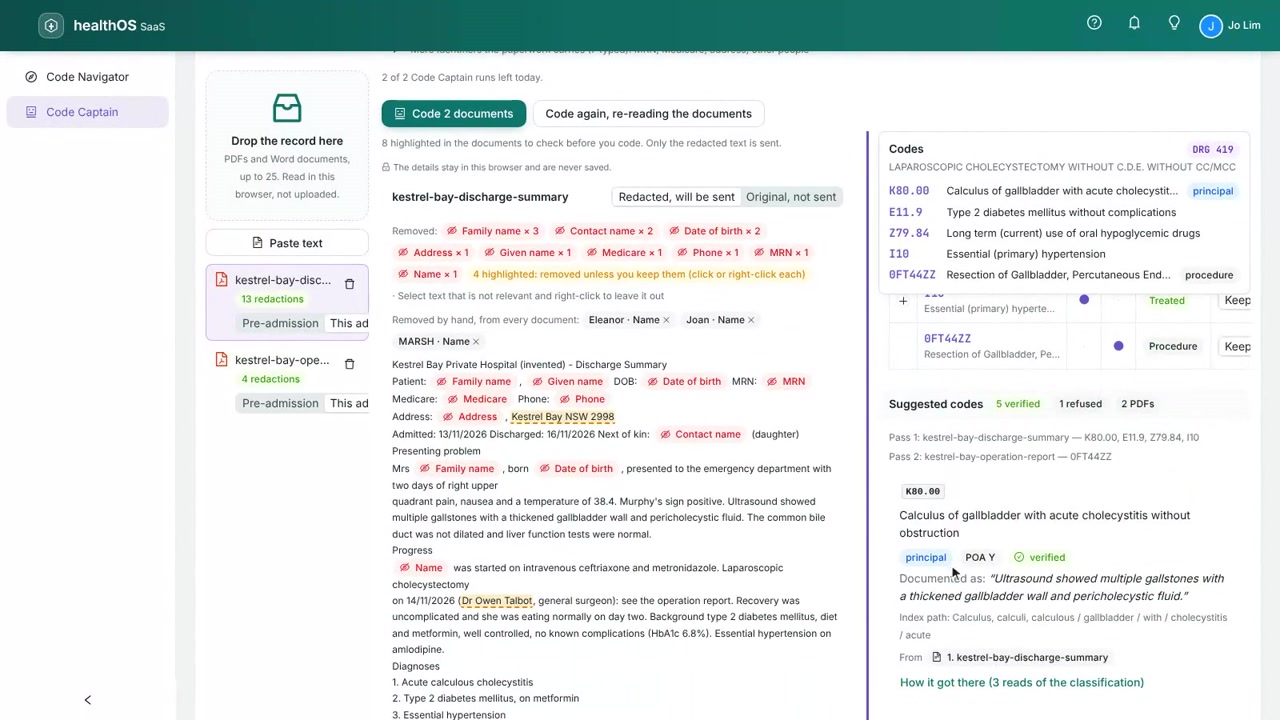
HealthOS Coder: Code Captain and Code NavigatorA discharge summary and a scanned operation report, redacted in the browser, each code traced to the record, then the Code Navigator by hand.
3:13
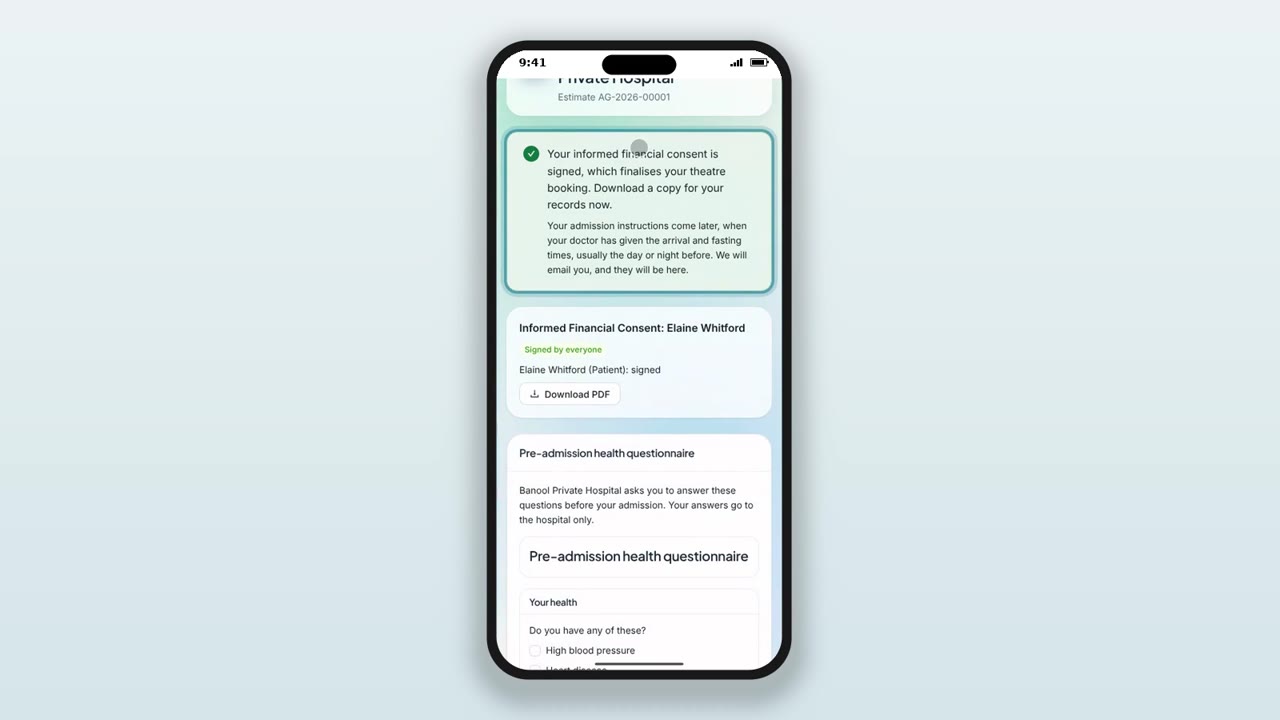
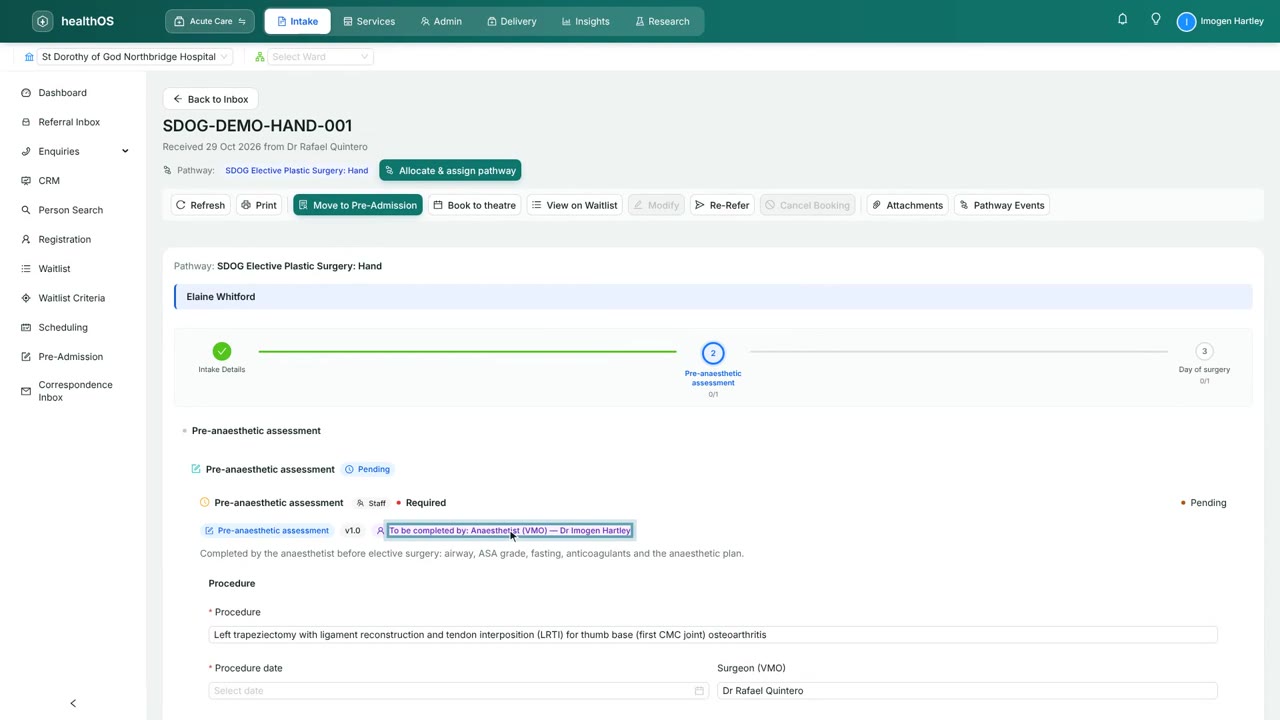
Hospital Purser: from the surgeon’s request to admissionA Request for Admission from the surgeon’s rooms, the patient’s cover checked, an estimate from the hospital’s contracted rates and informed financial consent signed online, which finalises the theatre booking. Staff send the admission and fasting instructions later, once the times are known.
5:46
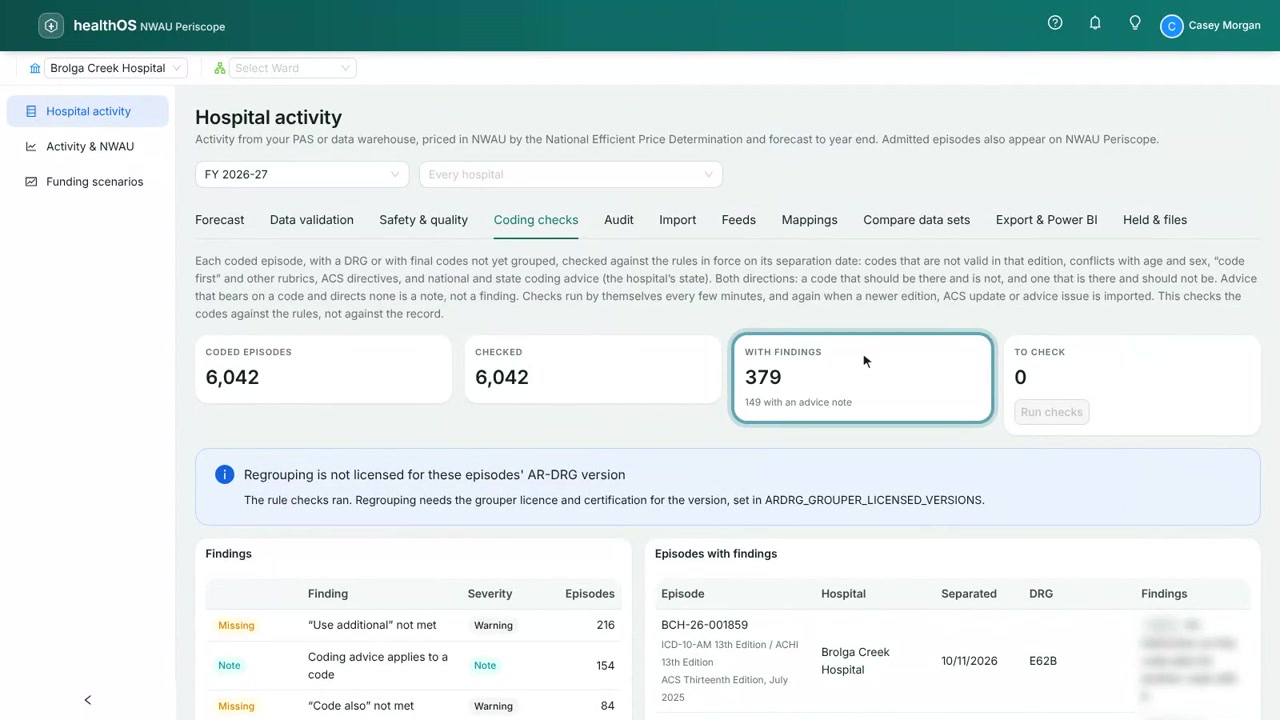
NWAU Periscope: coding you can stand behindCoding checks and a blind recode audit, then the year end forecast and activity from the patient administration system as it happens.
In every care setting

One person, start to finish
12:08
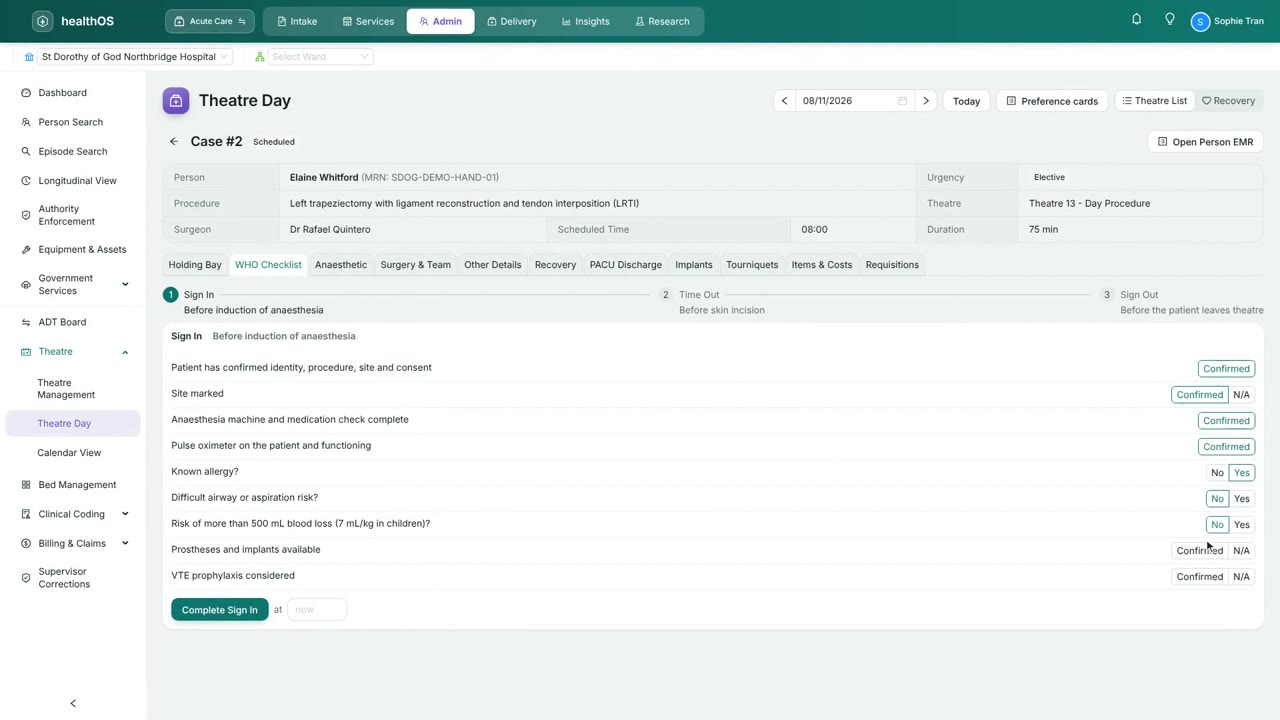
Private hospital: a day surgery case from referral to claimA hand surgery case at a private hospital: request for admission, estimate and upfront gap in the portal, theatre, discharge, auto coding, a Medicare Online batch claim and the invoice paid in Connections.
7:38
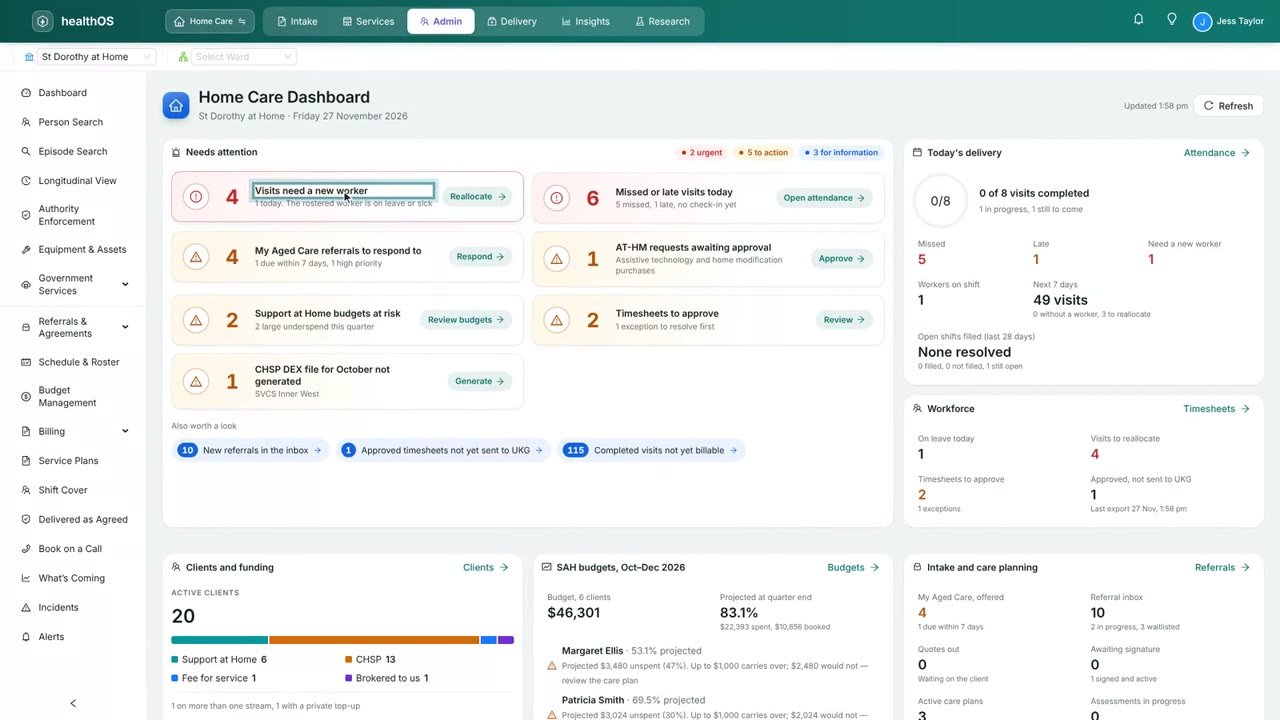
Home care: Support at Home from referral to month-end claimA My Aged Care referral, assessment, the service plan, a care worker’s visit, the family in Connections, and the Support at Home month end.
5:26
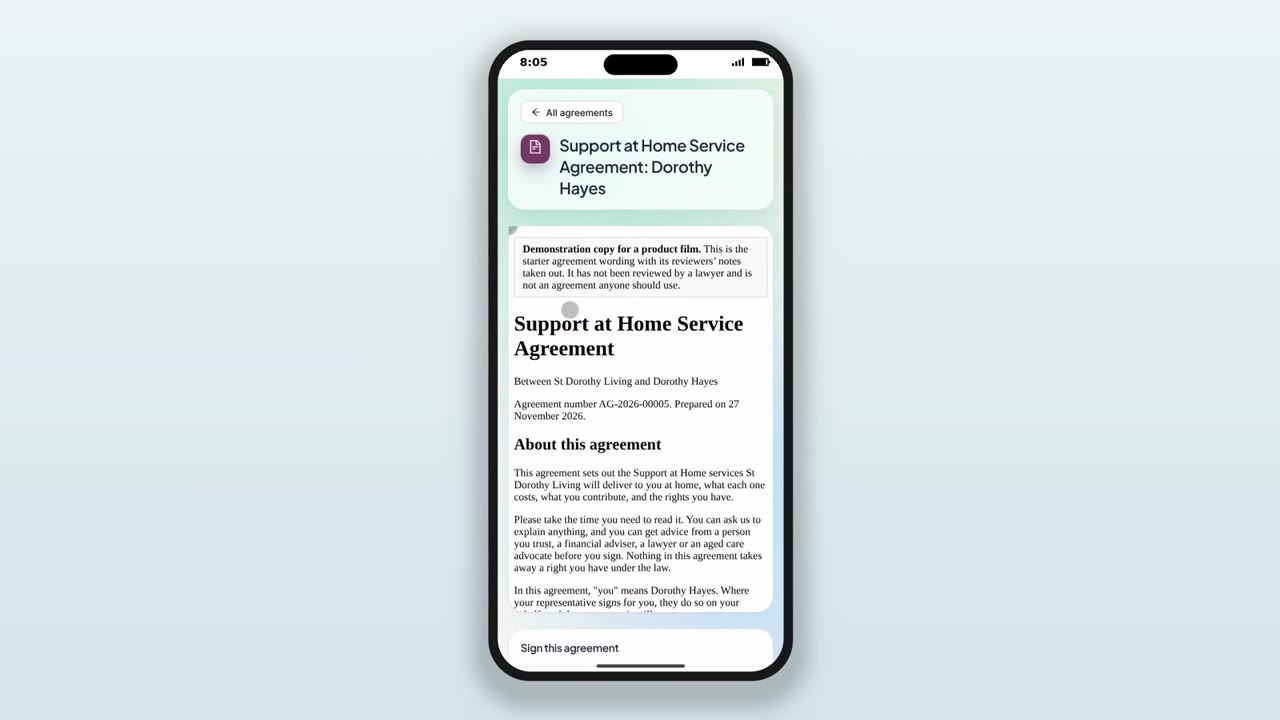
Home care from the family’s side: arranging care for MumFrom her mum’s My Aged Care referral, Lisa signs the Support at Home agreement on her phone, follows the first visit as it happens, messages the care team and pays the first invoice, alongside the coordinator and care worker doing their part.
5:21
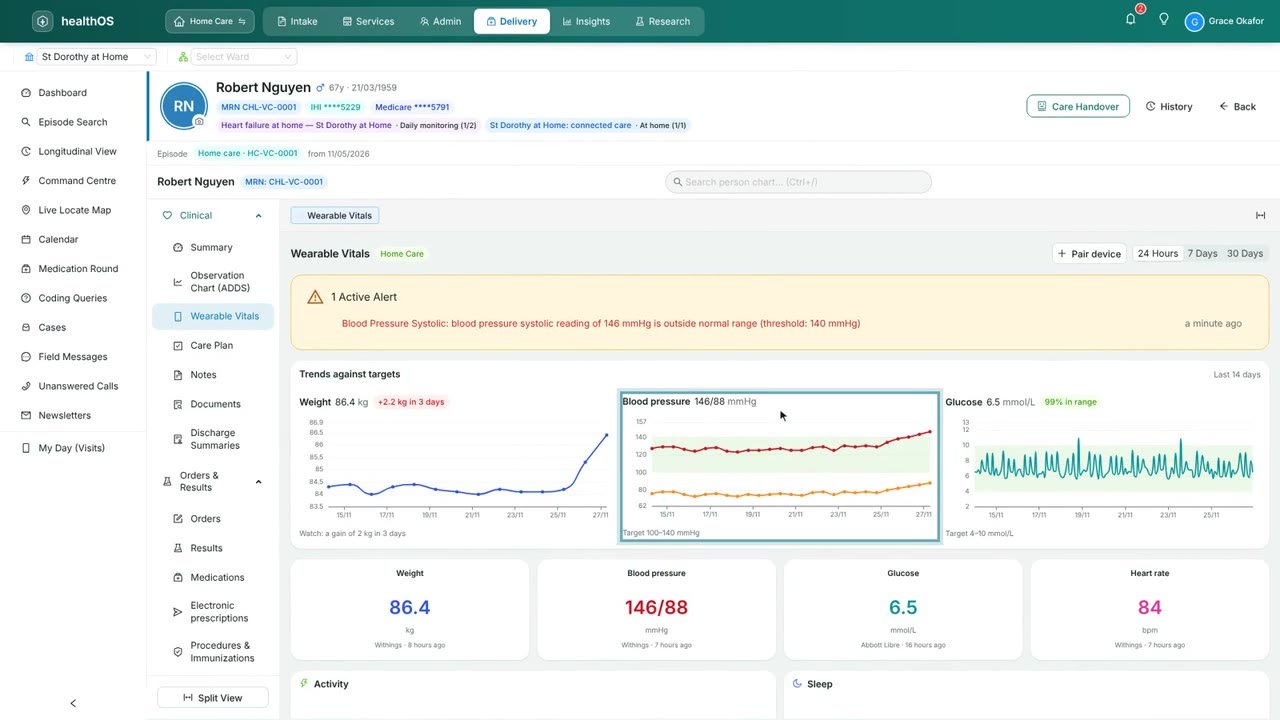
Virtual care: connected care at home, from wearable alert to eScriptA home reading trips a heart failure rule, the nurse practitioner reviews by video, and the electronic prescription is issued from the care pathway.
10:27
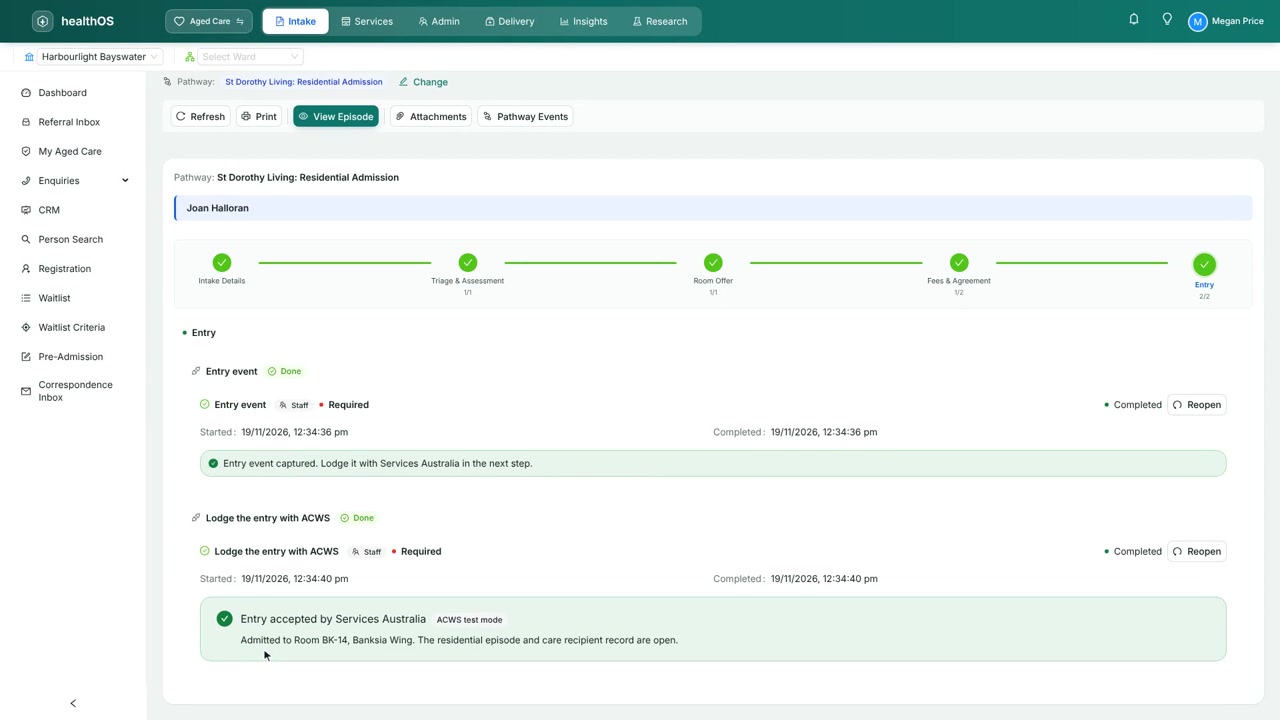
Residential aged care: from My Aged Care referral to first statementA My Aged Care referral, the funding class and means-tested fee from Services Australia’s Aged Care Web Services, the agreement signed in Connections, care and services, care minutes, and the facility’s month-end Aged Care Web Services claim.
One care team

Pick your part of the work
Subscribe on YouTube
2:46
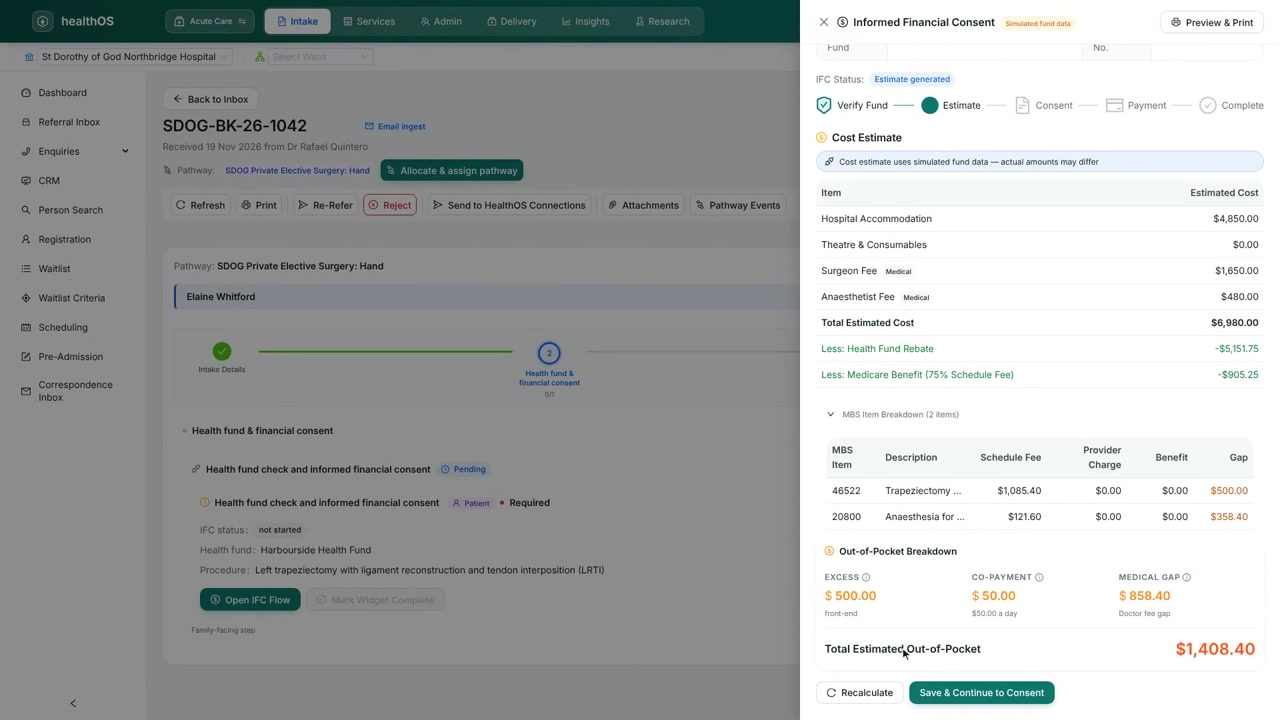
Intake: informed financial consent and card paymentStaff send the estimate; the patient signs and pays the gap on their phone.
2:08
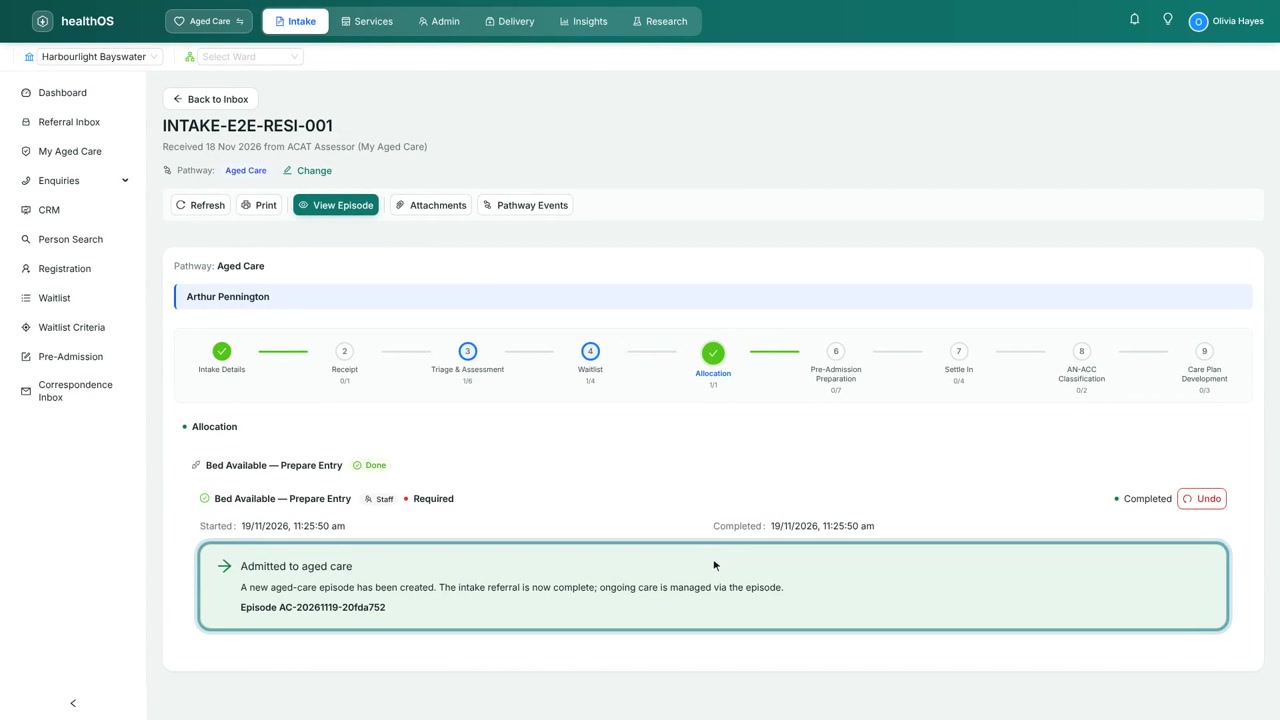
Intake: referral to admission with My Aged CareA referral from My Aged Care, through intake, to admission.
2:21
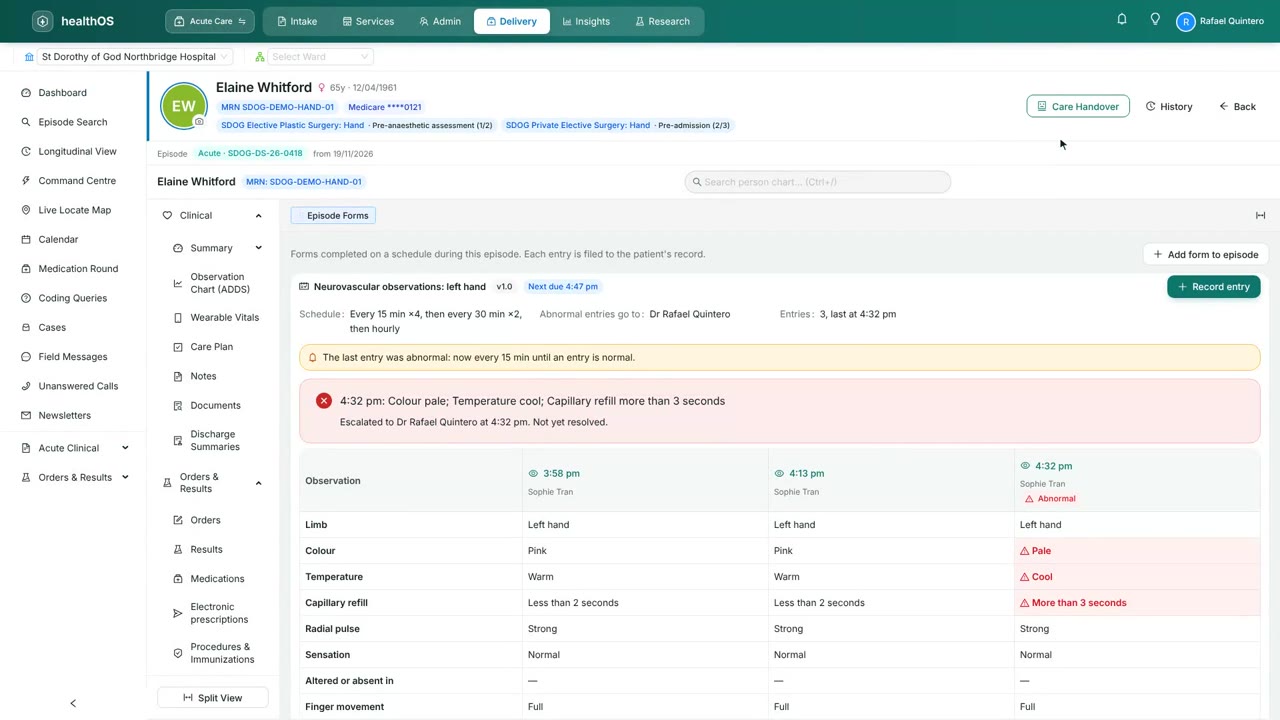
Care delivery: neurovascular observations during a hospital stayScheduled checks on a hand surgery patient, an abnormal set escalated to the surgeon, and the schedule tightening on its own.
1:18
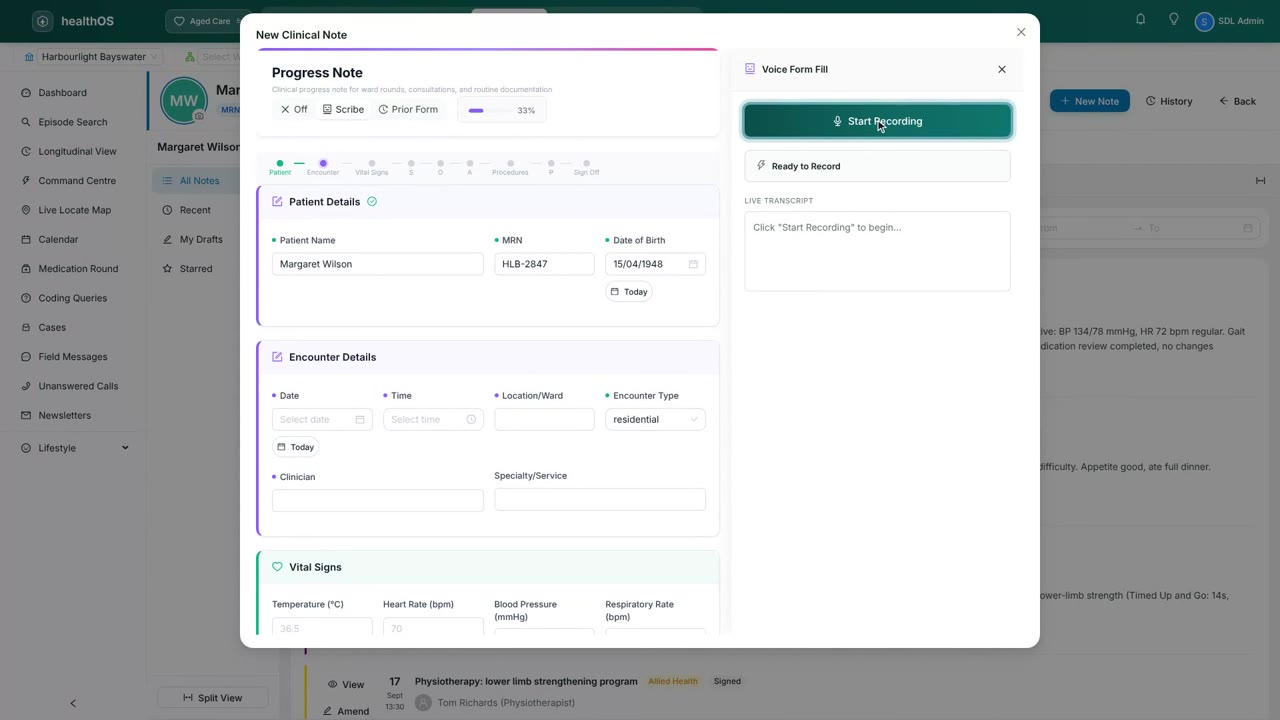
Care delivery: eForms and ambient scribeClinical notes, eForms and dictation on the care record.
2:40
Care delivery: building an eForm and putting it on a care pathway
1:47
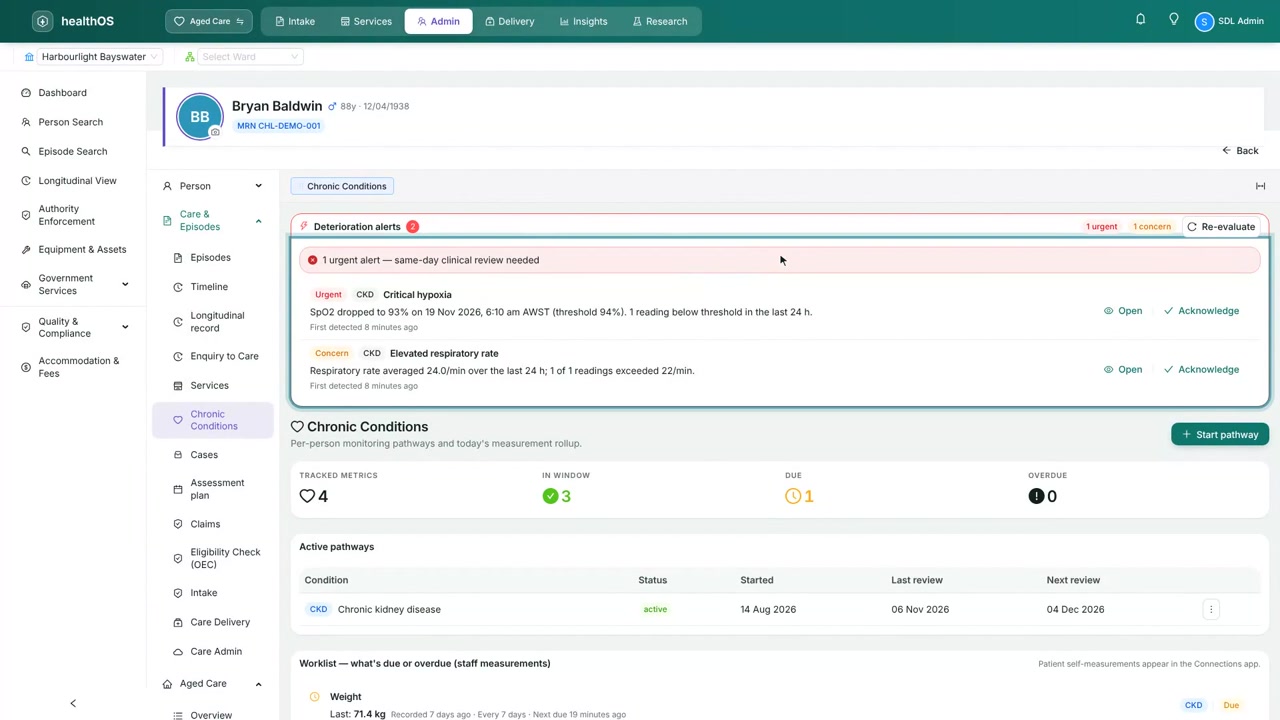
Care delivery: catching deterioration with named early-warning rulesObservations scored as they are saved, alerts routed to the risk inbox with the reading behind them.
2:09
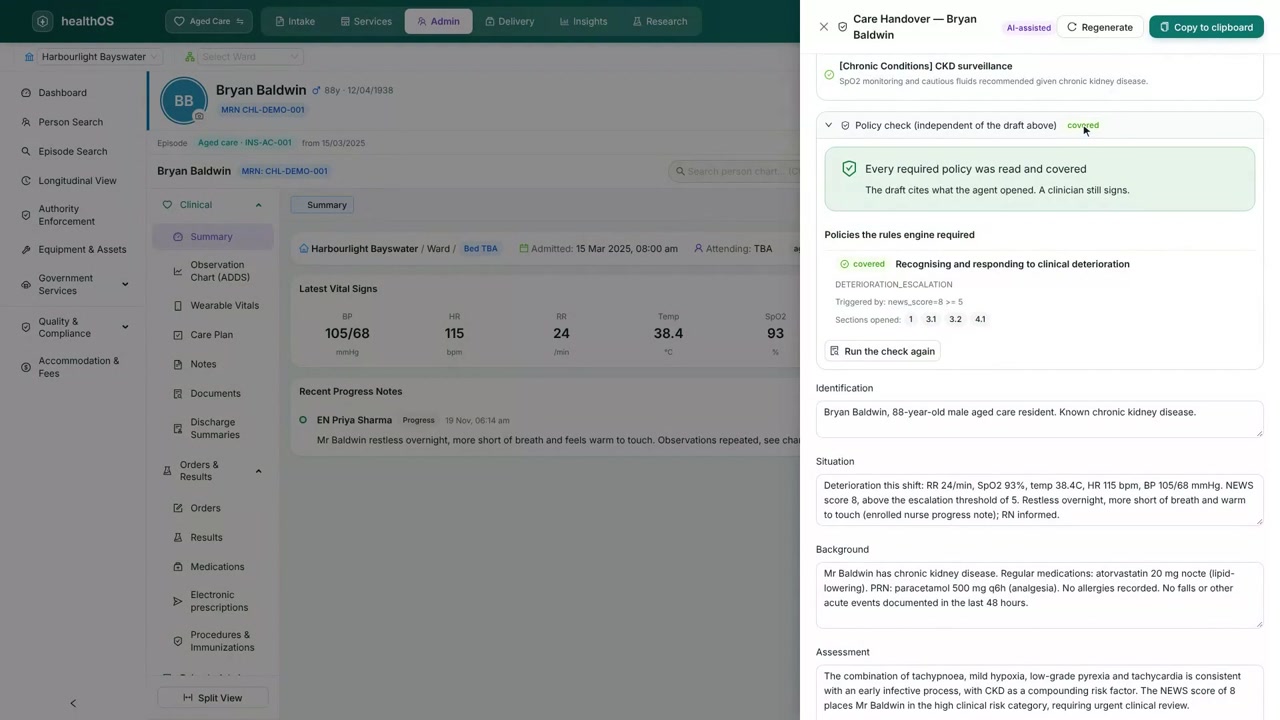
Care delivery: an AI handover that has to prove it followed policyAn ISBAR handover drafted by AI, with an independent check of which policy it had to follow.
1:51
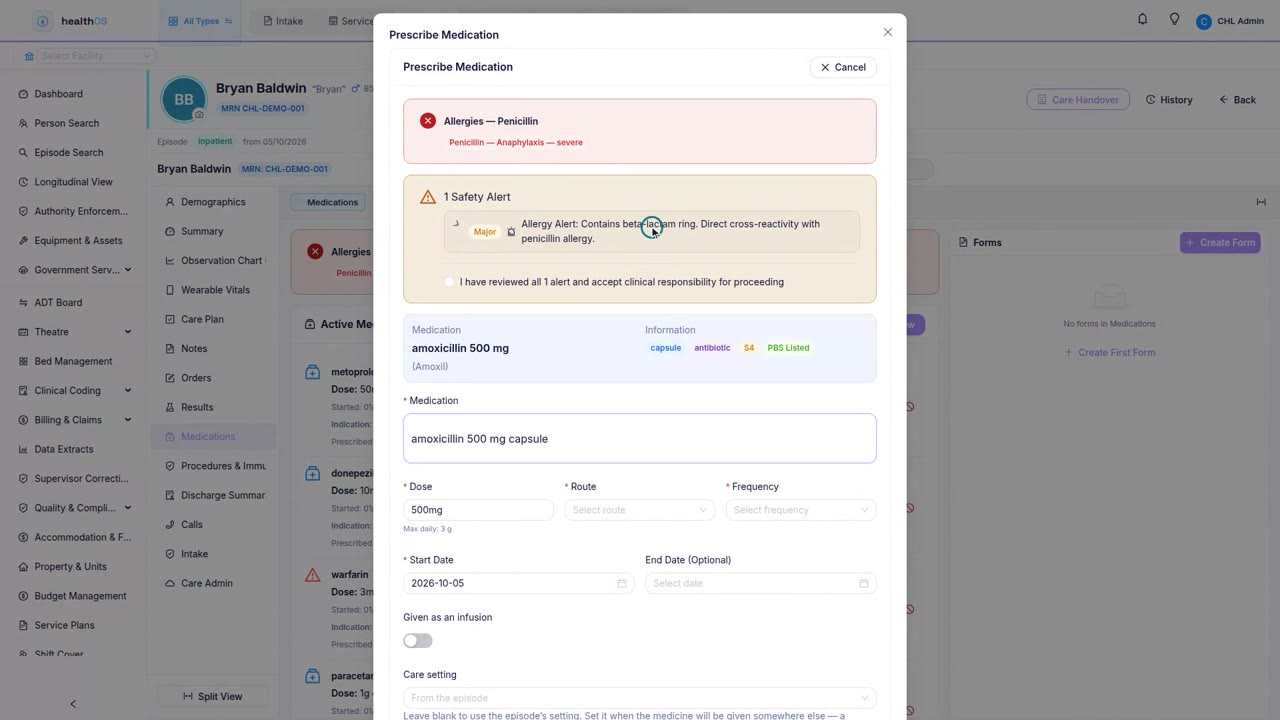
Care delivery: medication chart and ePrescribing allergy checksThe allergy banner, the active chart, and prescribing blocked by a penicillin cross-reactivity alert.
4:00
HealthOS Coder: Code Captain and Code NavigatorCoding from the index and tables, live grouping, and Code Captain showing its working.
2:30
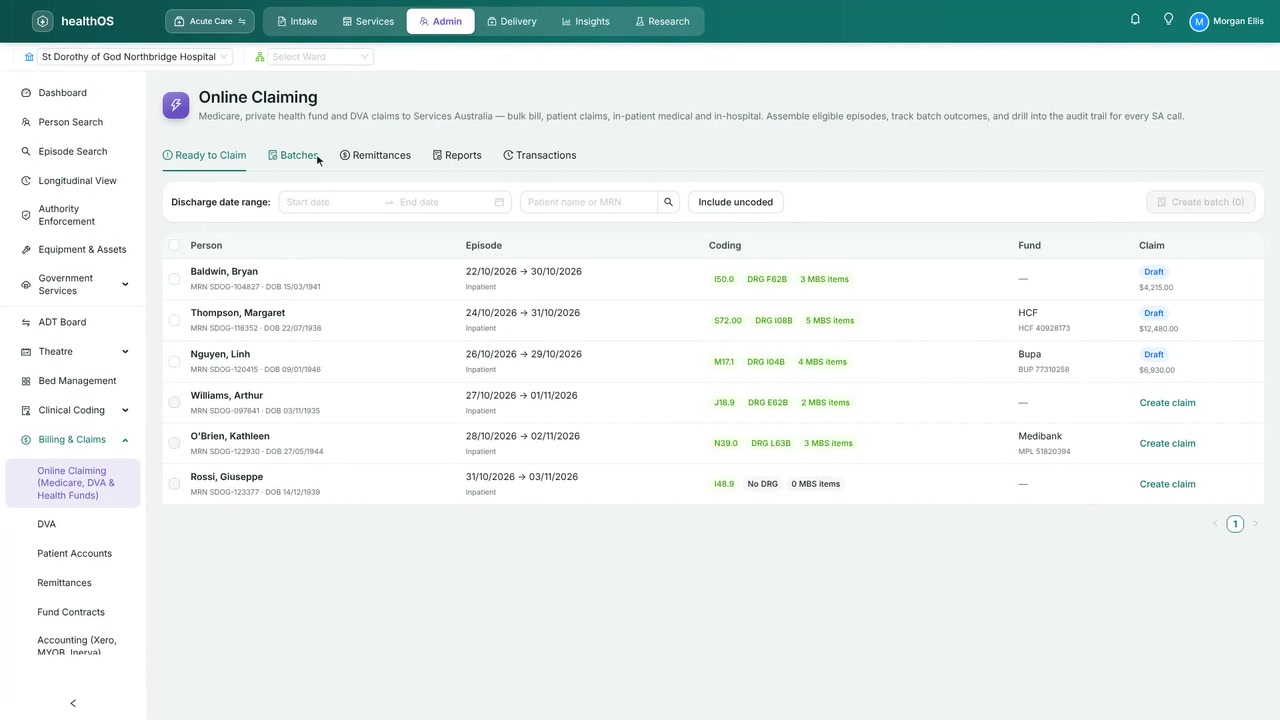
Care admin: Medicare, Veterans’ Affairs and health fund claiming with Medicare OnlineClaims from coded episodes, batches, remittance matched line by line, and every Services Australia call logged.
1:42
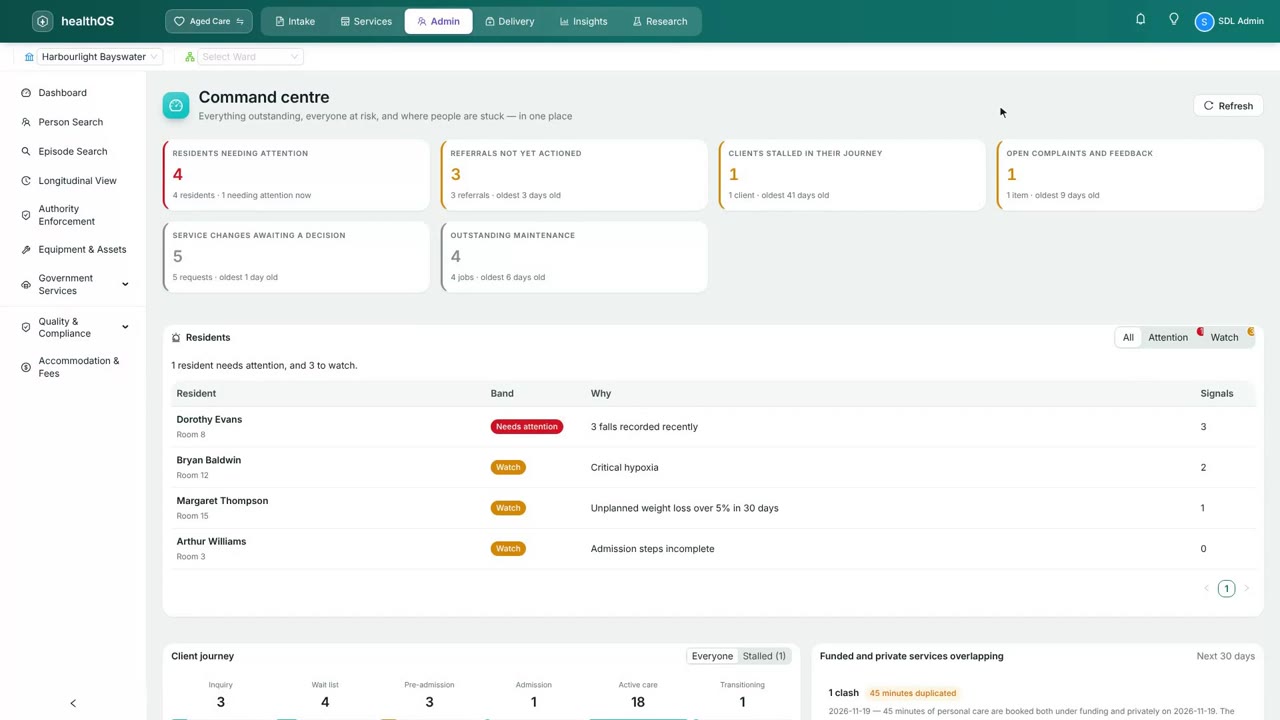
Command Centre: outstanding work and resident riskWork ranked by age and urgency, residents banded red, amber or green, and the risk inbox.
2:44
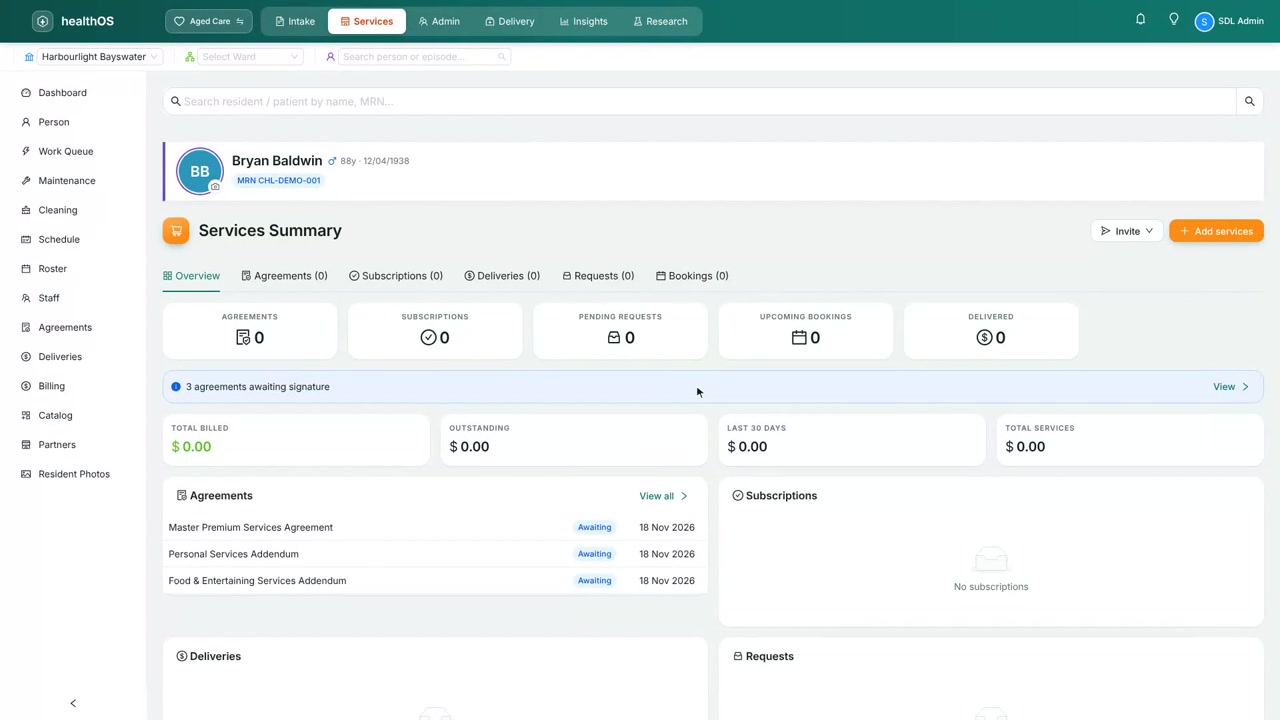
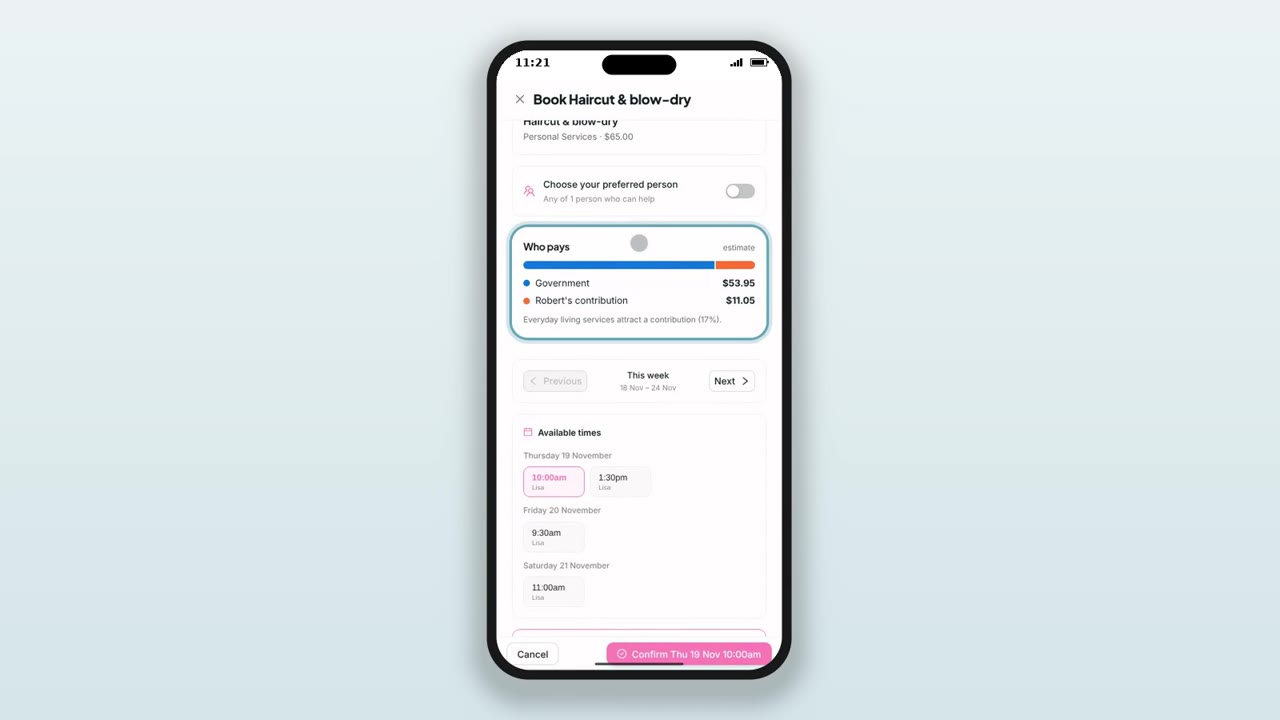
Services: Higher Everyday Living Fee agreements, digital signing and billingFrom the service catalogue to a signed agreement, a booking on the family's phone, and the bill.
3:09
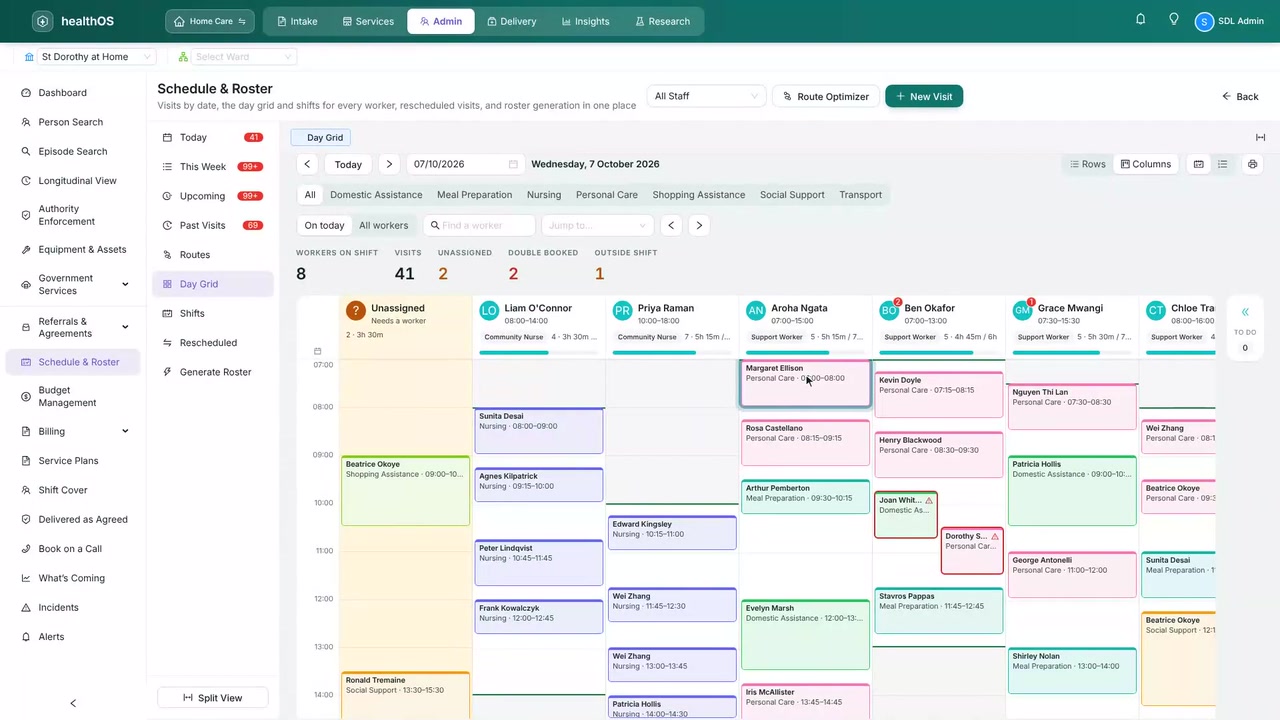
Scheduling: the day grid, week roster and visit reschedulingThe shared scheduling grid across services and home care: the day view, the week roster, a visit moved by drag-and-drop with a reason, and the shift board.
2:35
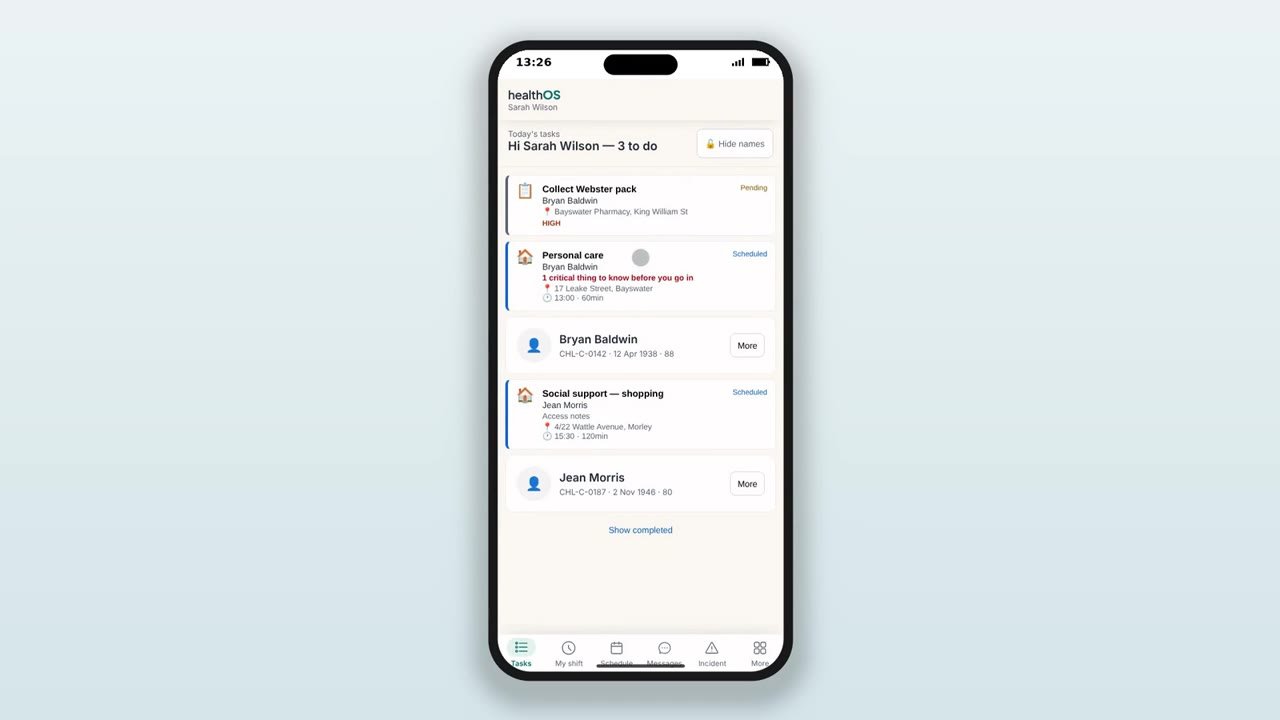
Home care: a day in the life of a care workerThe worker app on a phone: one-tap sign-in with the phone’s screen lock, open shifts, GPS check-in, the visit, medicines and offline sync.
2:03
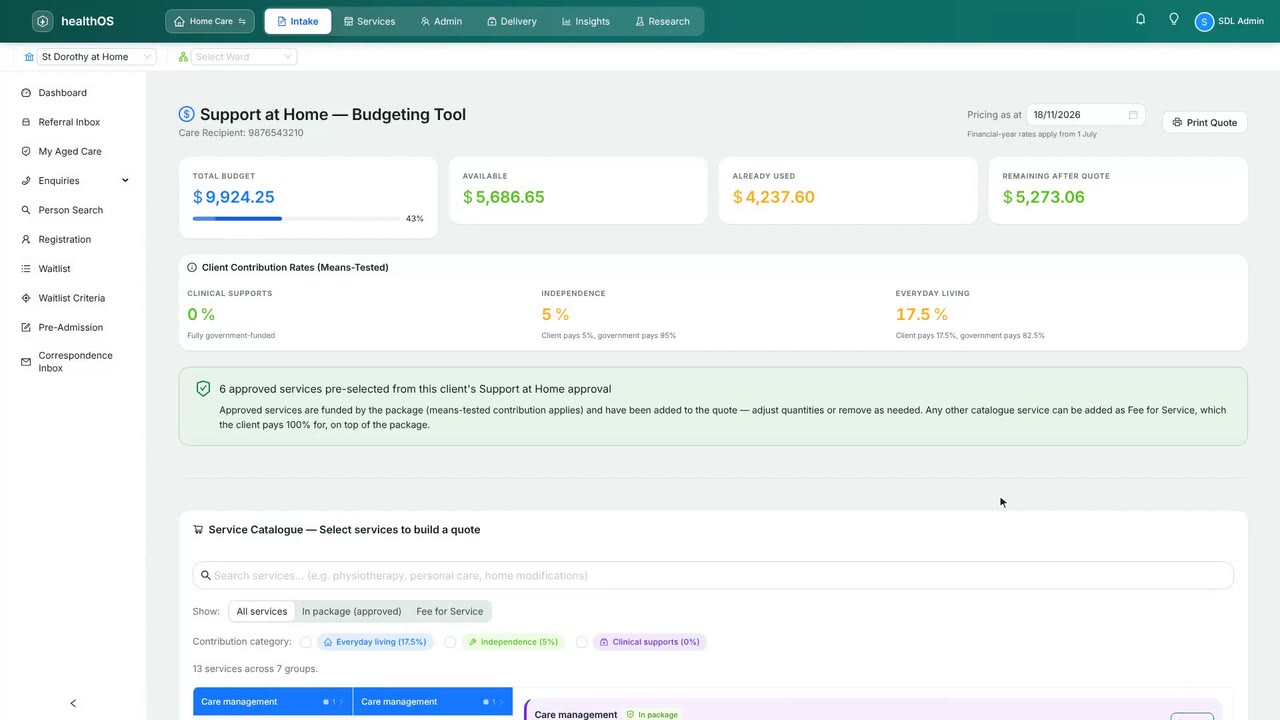
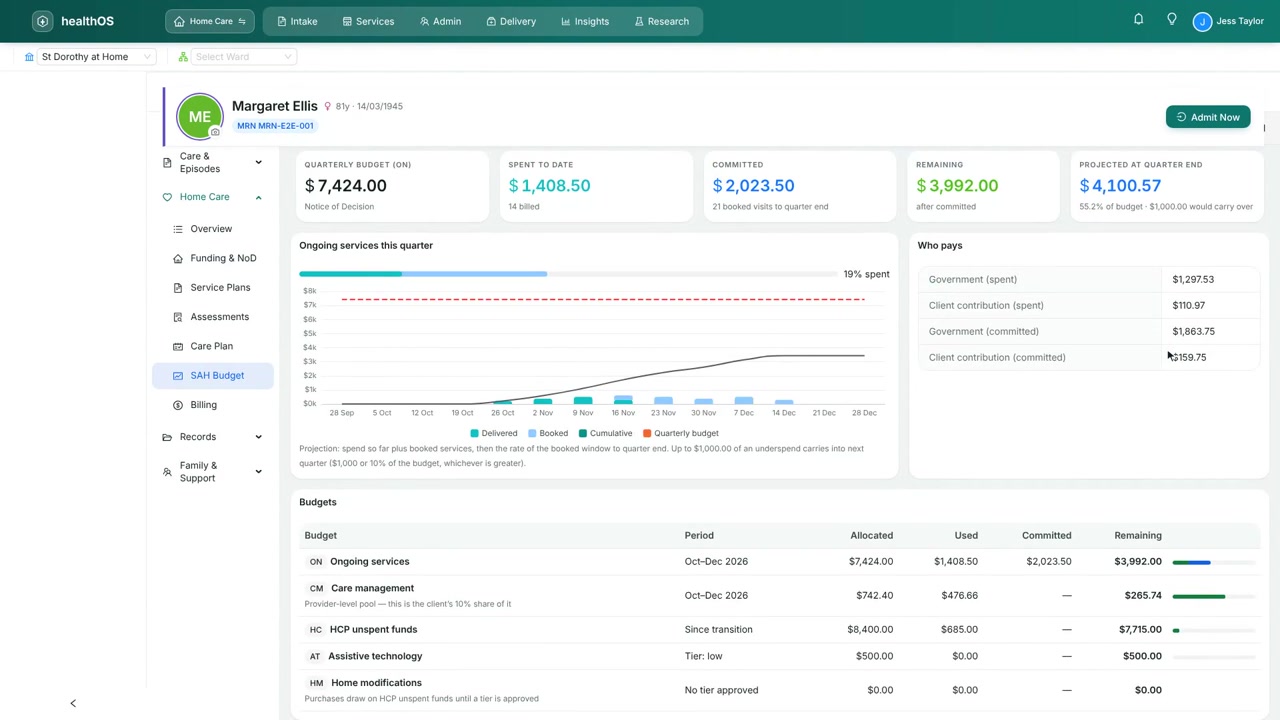
Home care: Support at Home budgeting toolThe client's quarterly budget from Services Australia, contribution rates, and a quote planned against it.
4:07
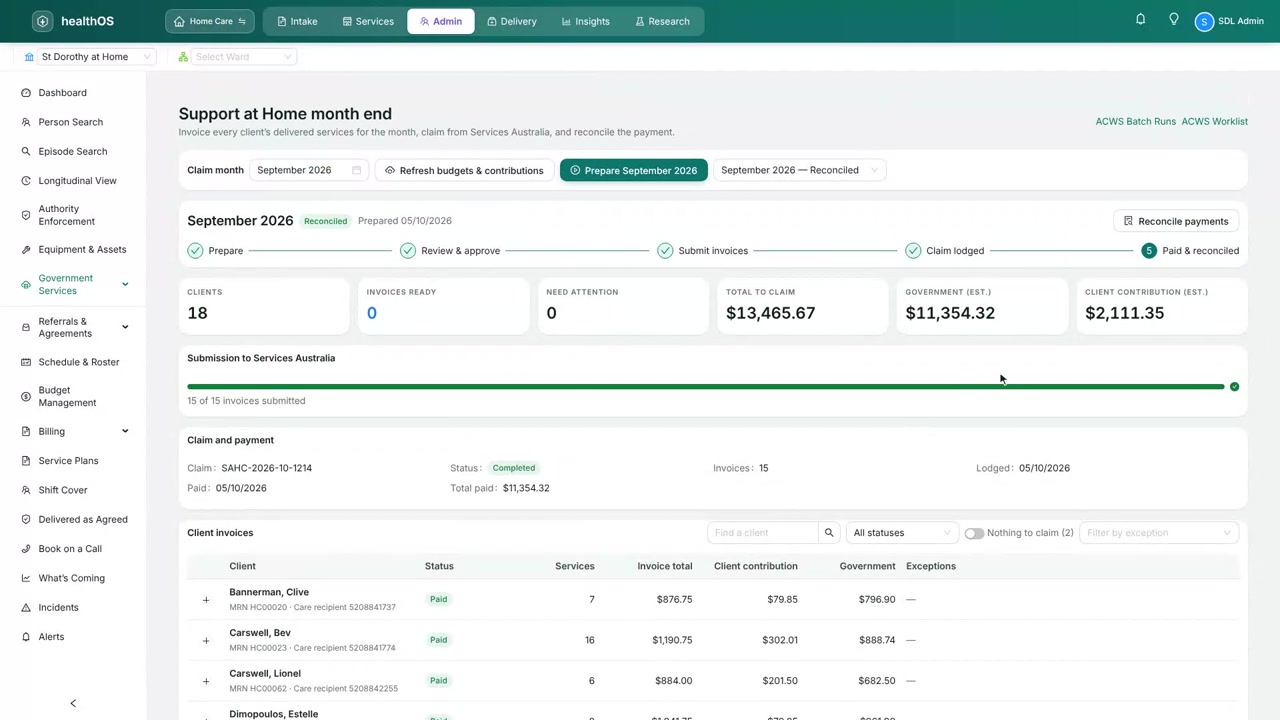
Home care: Support at Home month-end claimingEntry at intake, one month-end batch for every client through to payment reconciliation, and departure on the Care Admin pathway.
3:51
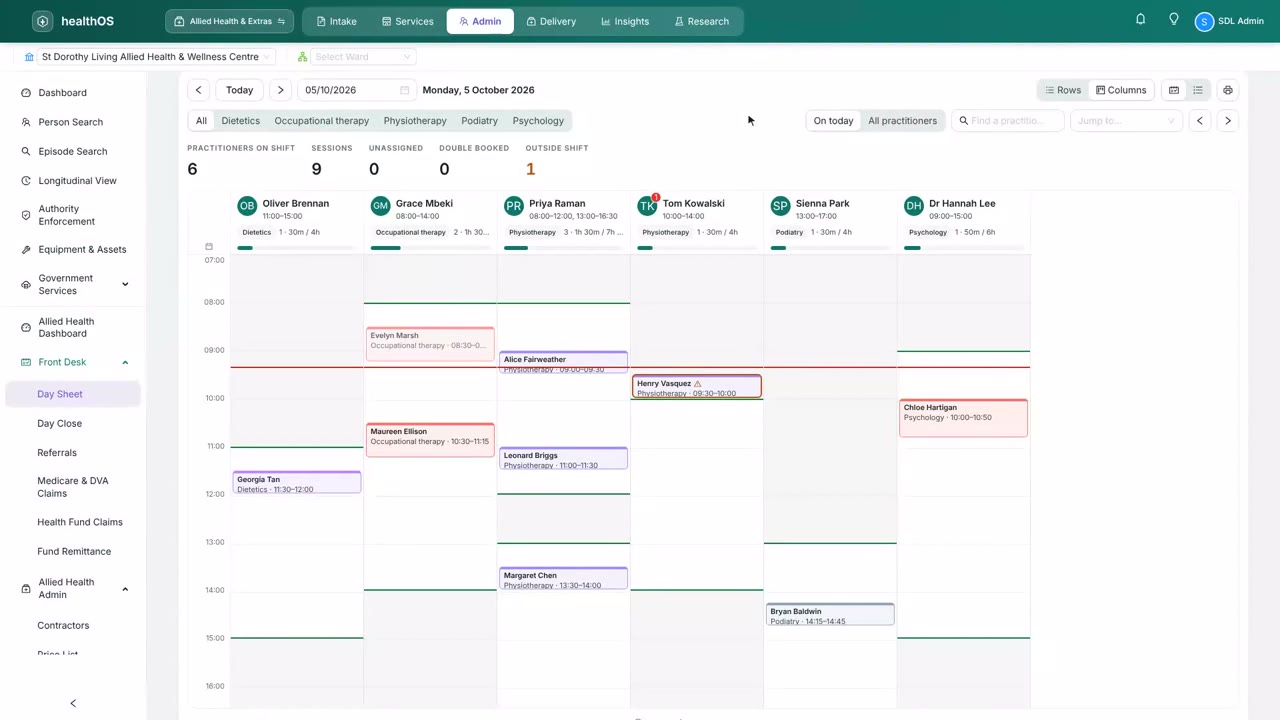
Allied health: the day sheet, fund claims and contractor payThe front desk day sheet, attendance, the dated price list, an HBF claim at the HICAPS terminal, the gap payment, remittance, and the contractor’s timesheet.
2:38
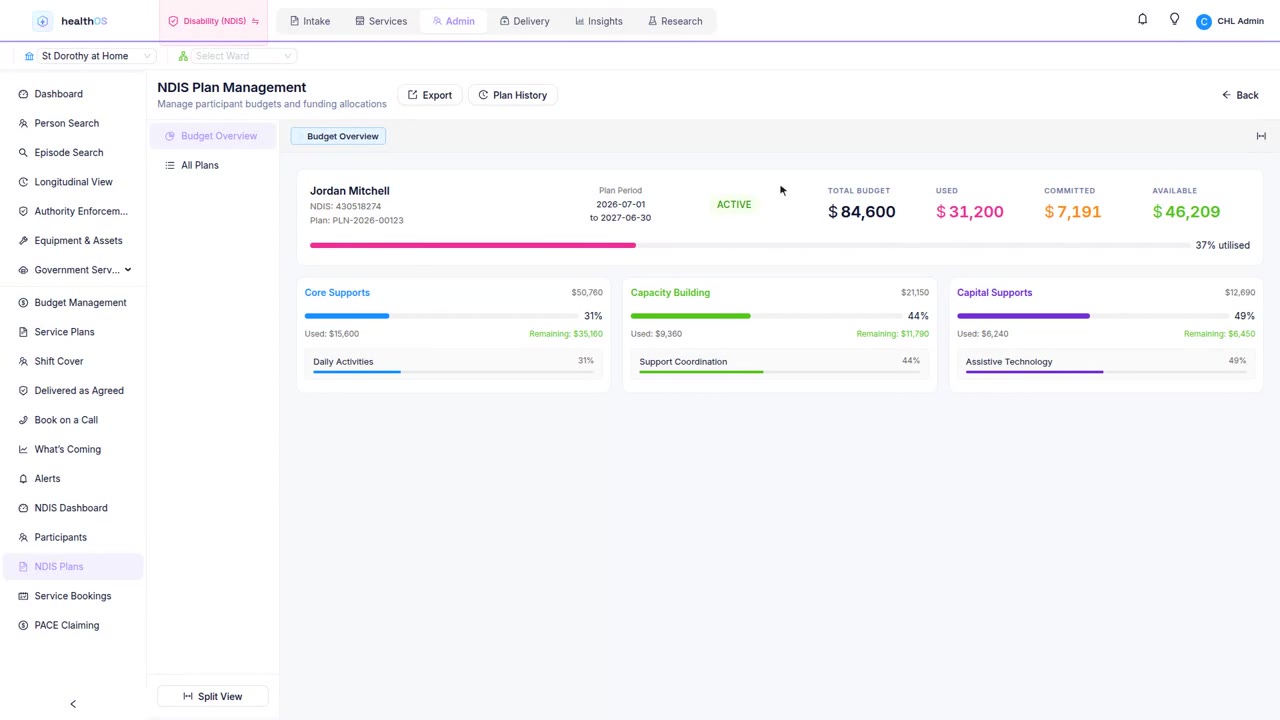
National Disability Insurance Scheme: participants, plan budgets, bookings and claim preparationPlan budgets by support category, agreements, scheduled supports and claim lines ready for review.
3:18
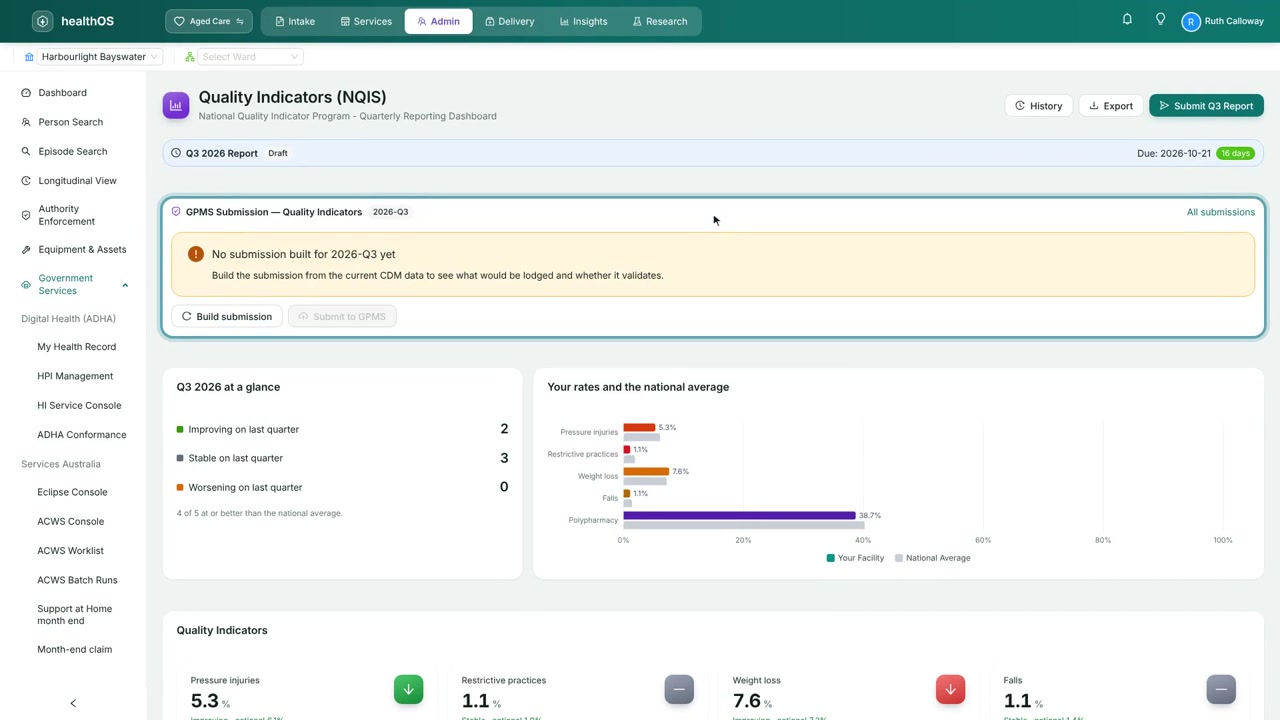
Aged care: Quality Indicators, 24/7 registered nurse and Serious Incident Response Schemequality indicator and 24/7 registered nurse reports built from the record and lodged through the government's provider system, and the Serious Incident Response Scheme register.
3:03
HealthOS Connections: the family portal for aged care, home care and hospitalsWhat families get in aged care, home care and hospital: care notes, medicines and messages, the visit as it happens, the budget, bills shared with the family, and the estimate, instructions and consent before an operation.
2:31
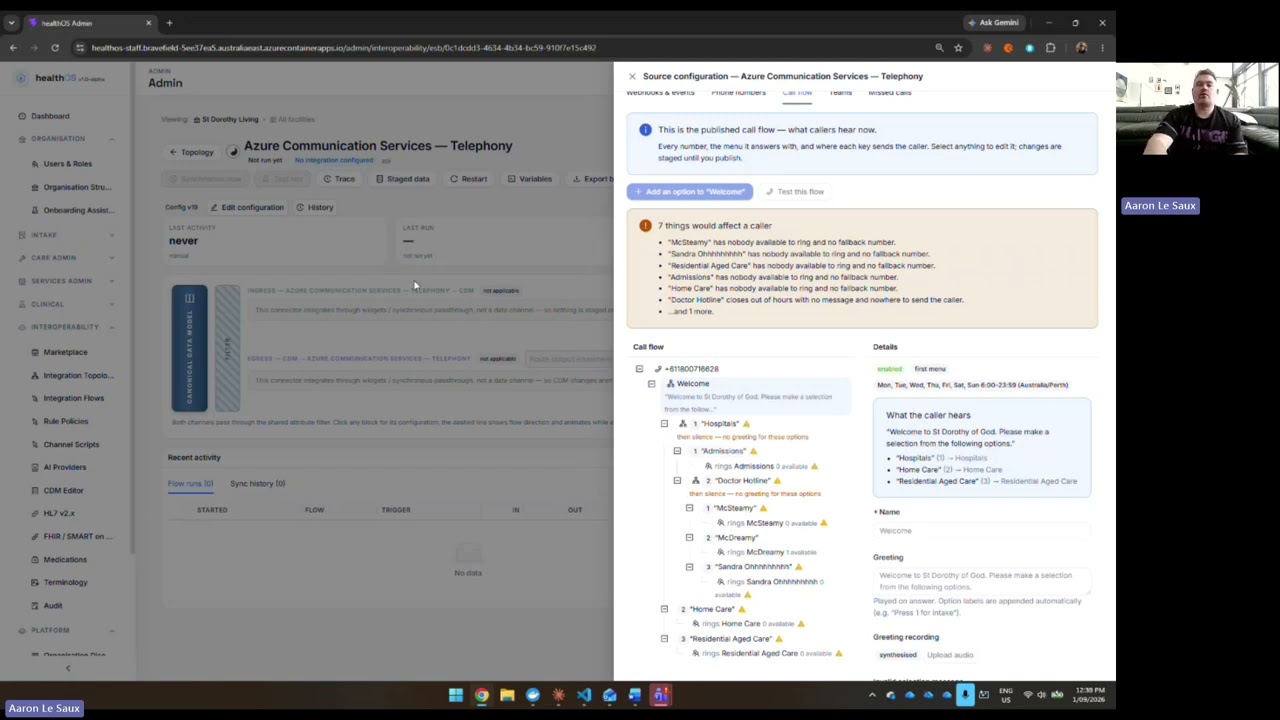
Contact centreCalls answered with the caller's record already open.
3:07
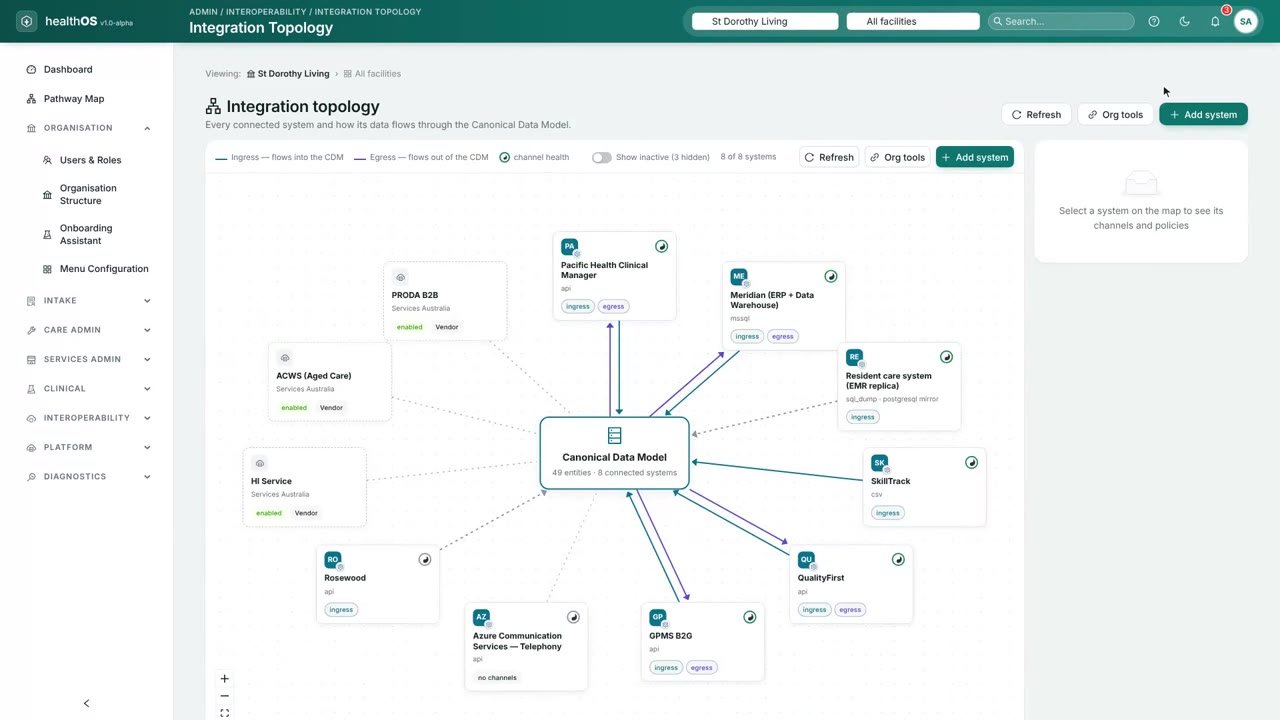
Integration: connectors and the integration topologyInstalling a connector, field mapping and person matching, and the topology around the canonical record.
5:05
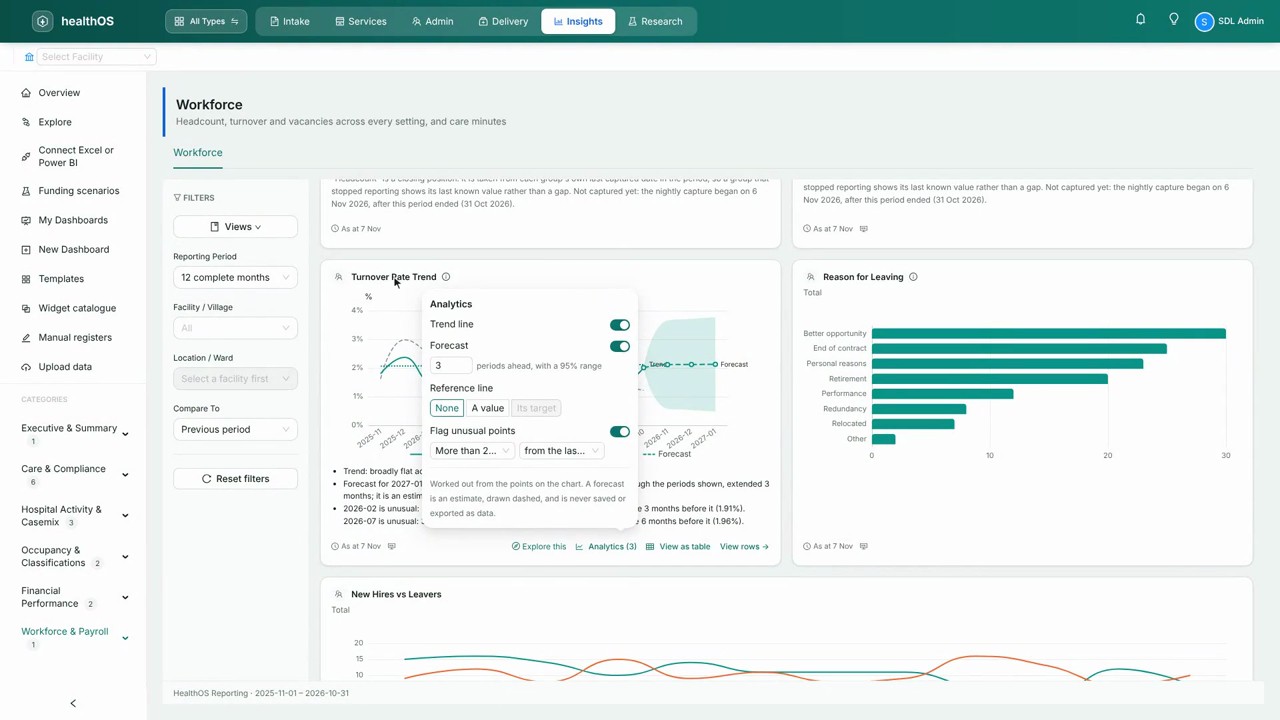
Insights across every care setting, with analytics, board packs and Power BIOne provider, every dashboard split by care setting, with trend lines and forecasts, drill-through, saved views, your own measures and data, slicers and sharing, PDF board packs, embedding, a phone layout and a live feed for Excel and Power BI.
2:04
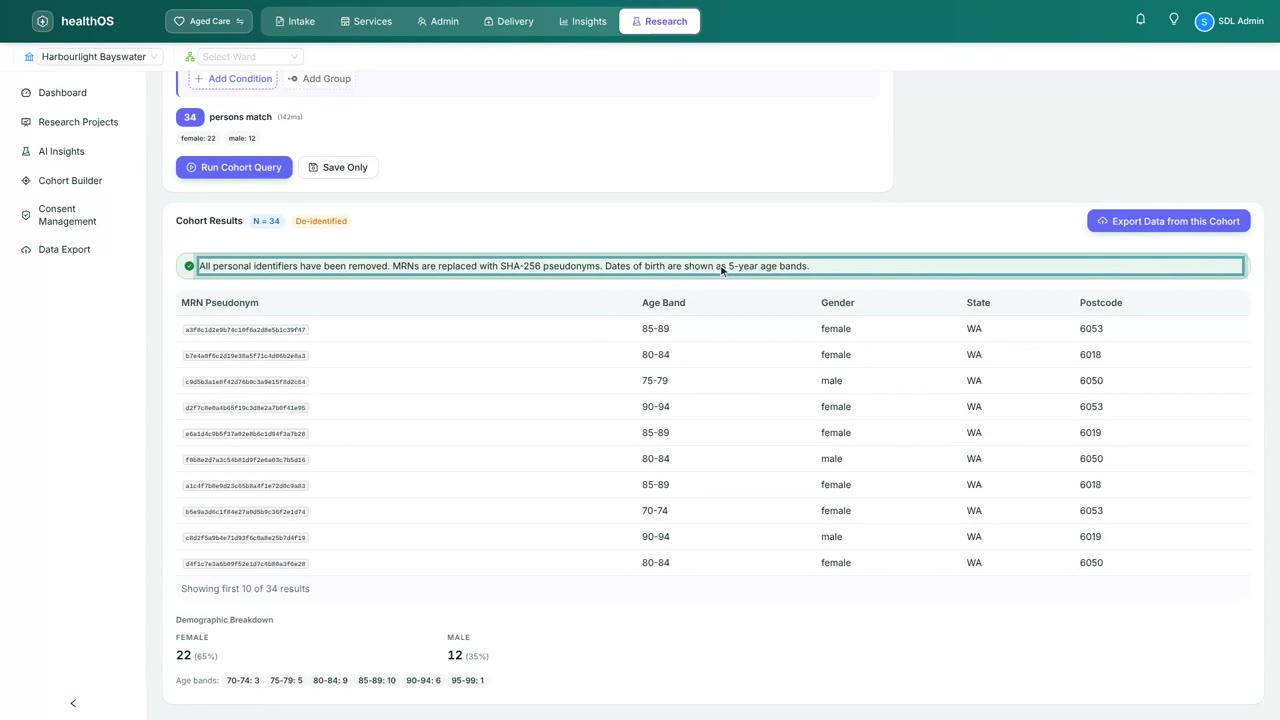
Research: de-identified cohort analysisBuilding and analysing a de-identified research cohort.

Rather see it live?

We’ll walk you through HealthOS on your own workflows.