
The phone knows who is calling
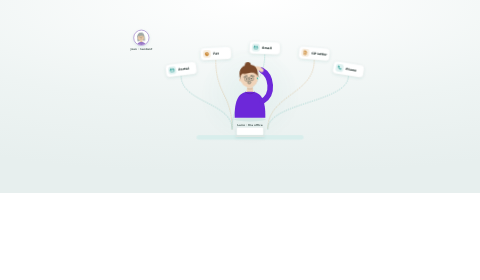
Inbound calls ring in the collaboration app your staff already use, and the caller's record opens on their screen. By the time someone says hello, HealthOS has matched the number and the chart is already open.
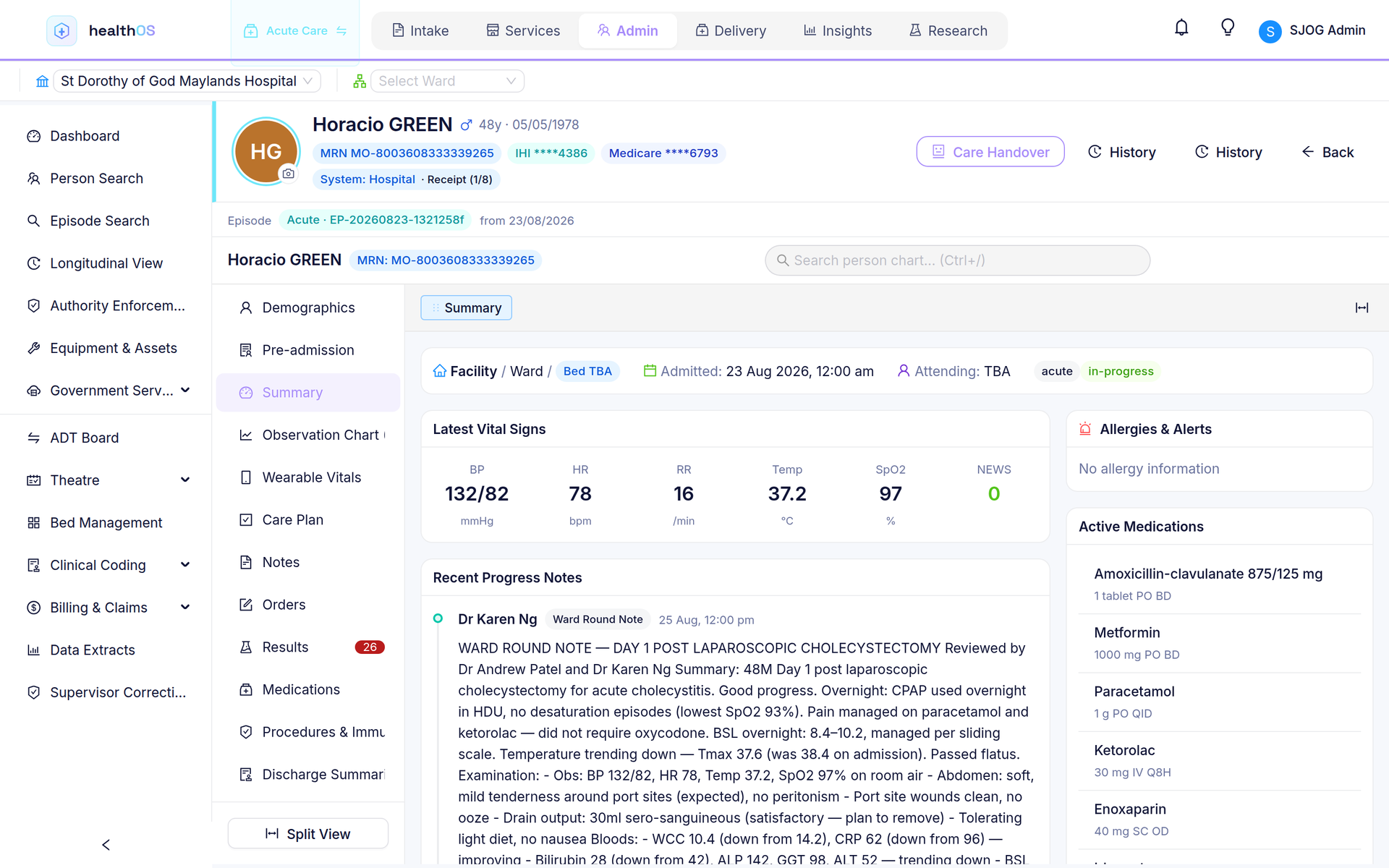
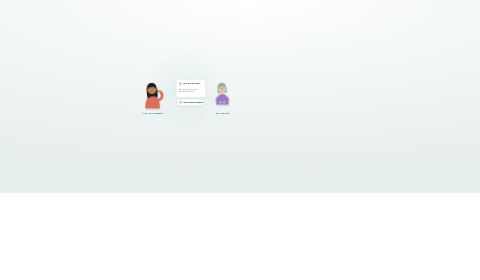
A client's family member calls. Their number is on the chart, so the client's record opens with the call.
Family contact numbers match to the resident they belong to.
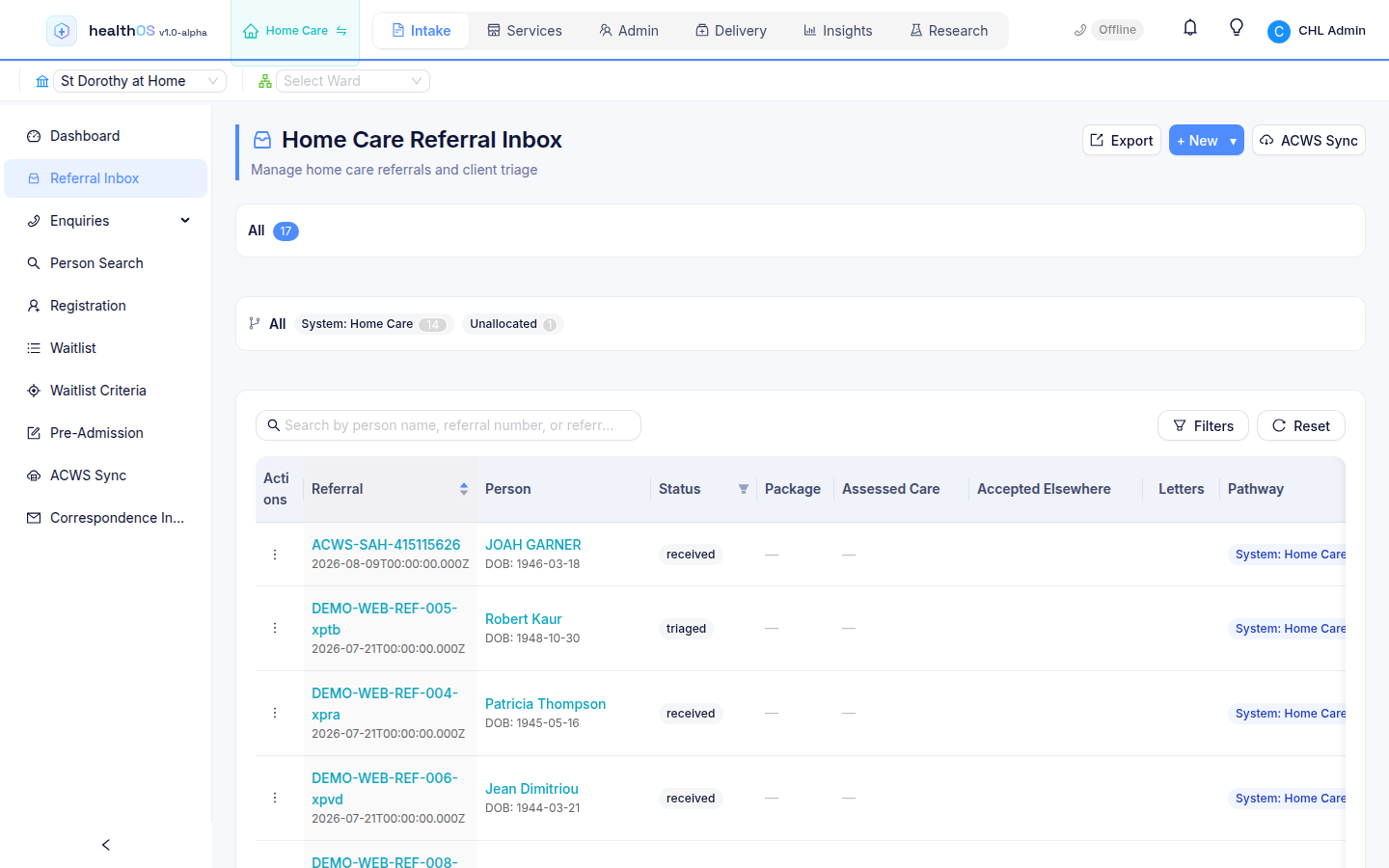
Intake calls land where referrals and enquiries already live.
A contact centre without a contact centre
Caller-ID screen-pop
HealthOS matches the incoming number against the person's own phone numbers and their listed family contacts, scoped to your tenant. The staff member who answers is prompted to open the record, and one click puts the chart on screen. A caller who is not in the system is still a first-class call: an unknown number opens person search prefilled with the number, so the conversation starts with creating the record instead of fumbling for it.
A simple IVR, yours to configure
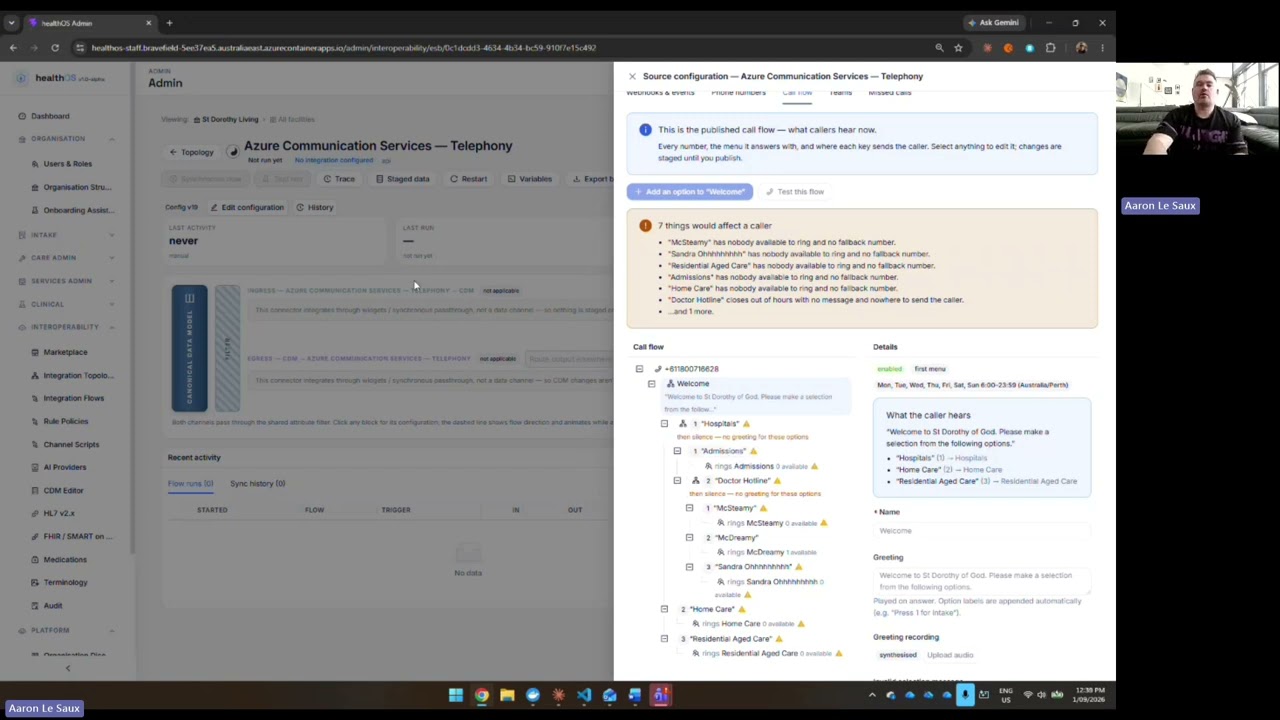
A cloud phone number in your own tenancy answers with your greeting and your business hours. A simple menu routes the caller: press one for intake, two for scheduling. After hours, callers hear your after-hours message instead of ringing out. Menus, options and number routes are configured in the admin portal, with no vendor ticket.
Hunt groups and presence that respect people
Staff set themselves Ready, On break or Wrap-up from a phone bar in the app header, and opt in or out of each hunt group they belong to. Calls go to whoever has been free longest, or round-robin, or ring-all, so nobody gets sprayed and nobody gets skipped.
- On break means no calls
- Wrap-up gives staff time to finish their notes before the next offer
- Opting out of a group is a switch staff control themselves, with no request to IT
Answered in the app your staff already use
There is no softphone to roll out and no headset software to license. HealthOS connects the accepted call into the staff member's collaboration app, where your organisation already talks. HealthOS does the routing, presence and screen-pop, and the audio stays in that app.
Your number, your tenancy, your rules
Telephony follows the same sovereignty posture as the rest of the platform. It is a capability of your deployment. There is no separate phone product holding its own copy of your data.
- The trunk is a cloud communications service running in your own cloud tenancy. Provision a new number there, or bring your existing numbers across via direct routing
- Hunt groups, number routes, IVR menus and call events are tenant-scoped rows in the same database as the care record, under the same row-level security, so there is no side system to secure separately
- Each call, menu choice, routing decision and screen-pop is recorded as call events against the matched person, reviewable later like everything else in HealthOS
A phone call is part of the record
Most providers run the phone system and the care system as strangers. In HealthOS the call arrives already joined to the person. The family member's number is on the chart, so the chart opens with the call, and what happens next is written where the next person will look.
- Family contact numbers match to the resident or client they belong to
- Intake calls land where referrals and enquiries already live
- Call events sit against the person, never in a separate phone portal
- The same record the family portal and clinicians already share
Run it yourself
The phone system is administered like the rest of HealthOS: from the admin portal, by your team. The telephony connector installs from the marketplace, and connection settings, hunt groups, membership, number routes and IVR menus are managed in one place. Buy the number, draw the call flow, publish when ready.
- Phone numbers searched, purchased and released from the admin portal
- Webhooks and event subscriptions set up from the admin portal
- IVR editor with draft and publish: staged changes go live when you say so, and in-flight callers finish on the menu they started on
- Record your own prompts, with text-to-speech as the fallback
The call writes itself down
This is in development. While the call is happening, the words appear beside the person answering: a live transcript through cloud speech-to-text, speaker by speaker, kept on the person's chart. When the call ends, AI drafts the call note from it, and a person accepts, edits or discards it before it counts. There is no always-on listening: only calls are transcribed, and only once the recording policy is satisfied.
- Live transcript during the call, interim lines resolving into final ones
- Speaker-by-speaker transcript kept on the Calls tab of the chart
- AI-drafted call note with commitments quoted and minutes measured, and provenance labelled on the note
- Calls filed against the person's episode, automatically when one is active
Consent comes first
Consent-first recording is in development. Recording is off unless your organisation turns it on, and even then the caller decides. Choose the consent basis per organisation: an announcement at the start of the call, or express consent where the caller presses one to agree. A caller who does not consent is still answered and still routed, just not recorded.
- Recording off by default, enabled by org-level policy
- Announcement basis: callers hear the notice before recording starts
- Express basis: recording starts only after the caller presses one
- The consent basis is stamped on every transcript
Voicemail and missed calls
In development. Every escalation chain ends somewhere: voicemail at the end of every path, with unheard badges on the phone bar, and a callback worklist for missed calls so nobody is lost.
See it in action
 2:31
2:31
Related
See the screen-pop for yourself
We will walk you through it on real data. Bring questions.