
One form engine for every module, and no paper
Paper forms become structured information the record can actually use. Electronic forms with conditional logic, AI generation from paper forms, document OCR, mail merge templates and digital signatures are built into intake, clinical, consent and administration workflows.
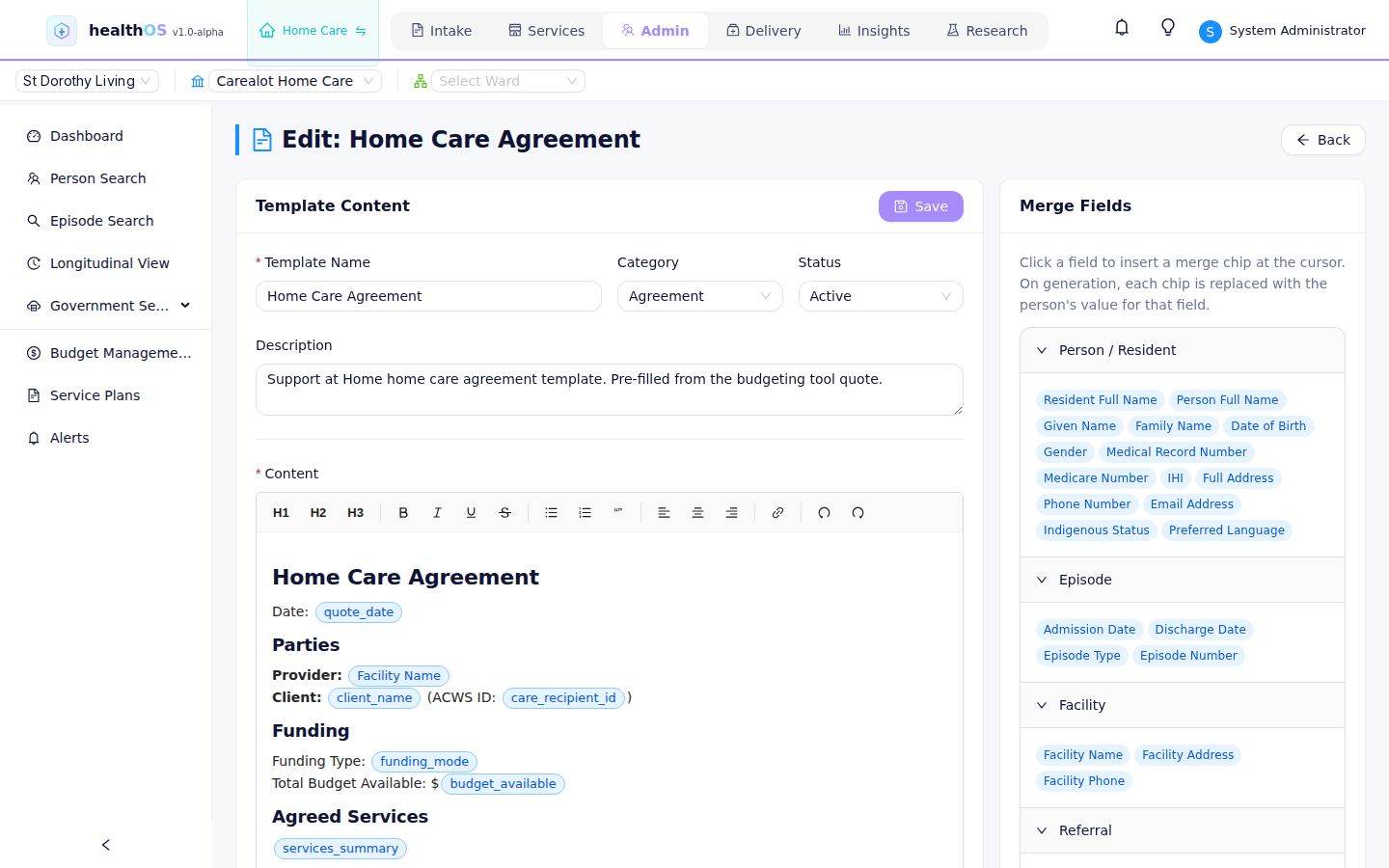
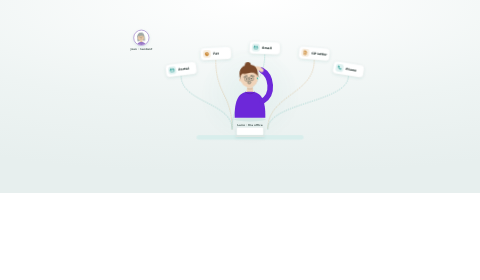
Service agreements built from templates pull the client's funding and services from the record, then get signed on screen.
Consent forms, eligibility screening and pre-admission questionnaires.
Clinical assessments, progress notes and wound charts.
NDIS goals and outcomes, and service delivery records.
Forms that write structured data
Templates that fill themselves from the record
Agreements, letters and packs are built once as templates. Merge fields pull the person's details, funding and services straight from the record, with no retyping and no copy-paste errors. Discharge summaries, care plans, letters to GPs and invoices are populated from the clinical record and generated as PDF on demand. Templates are managed and published in Admin.
Clinicians can build their own forms
A point-and-click form designer with text, dropdowns, date pickers, calculated fields, conditional sections and validation rules. No code is required.
Build forms that write to FHIR
FHIR is the standard health-data format. Fields bind to the record, so when a clinician fills in a form the responses are captured as structured data instead of being locked in a PDF. Discharge-summary diagnoses write to the clinical data model today. Report on the responses, trigger a care pathway off them, or feed them to research: structured data from the point of care.
The same engine in every module
The eForms engine is part of the platform, with no separate product to buy. It powers intake consent, clinical assessments, discharge summaries, participant goals, wound assessments and medication reviews. The same engine, builder and structured output are used across every HealthOS module.
- Intake: consent forms, eligibility screening, pre-admission questionnaires
- Care Delivery: clinical assessments, progress notes, wound charts
- Disability: NDIS goals and outcomes, service delivery records
- Research: study consent, CRF data capture, protocol checklists
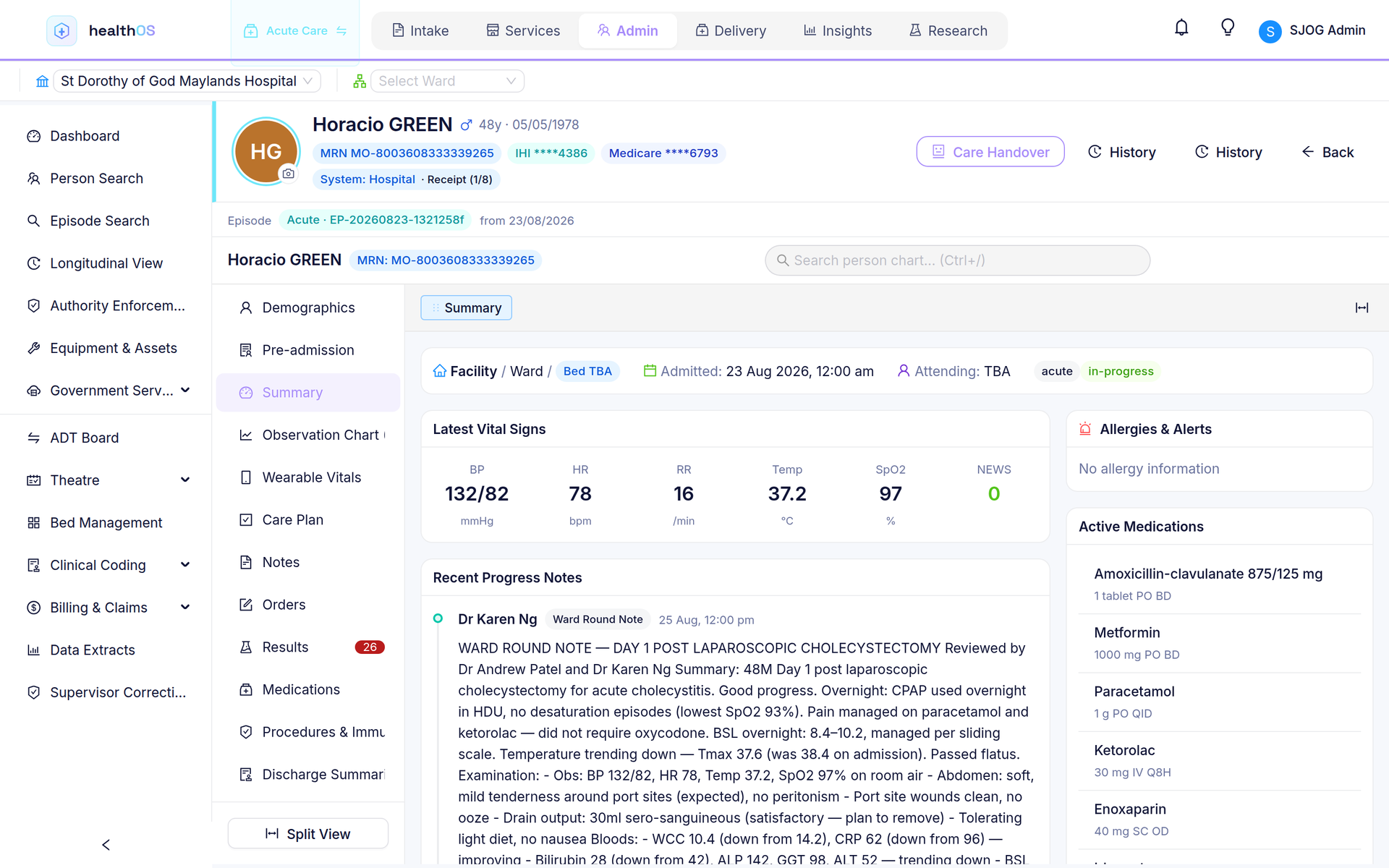
From paper to structured data
Referral letters arrive as scanned documents. Pathology results come as PDFs. The document OCR service digitises scanned documents, including handwritten notes, extracts structured fields where possible, and stores everything against the person record, indexed, searchable and linked.
- Optical character recognition with field extraction
- Human review for low-confidence extractions
- Stored against the person record with metadata tagging
- Full-text search across all stored documents
Collect it before the first appointment
Share a public link for self-service registration, pre-admission questionnaires and consent collection. Responses flow directly into the HealthOS intake pipeline with no manual re-entry.
- Public URL with an optional access code for security
- Mobile-responsive and accessible (WCAG 2.1 AA)
- Auto-creates a person record on submission
- Electronic signature capture for legally binding consent
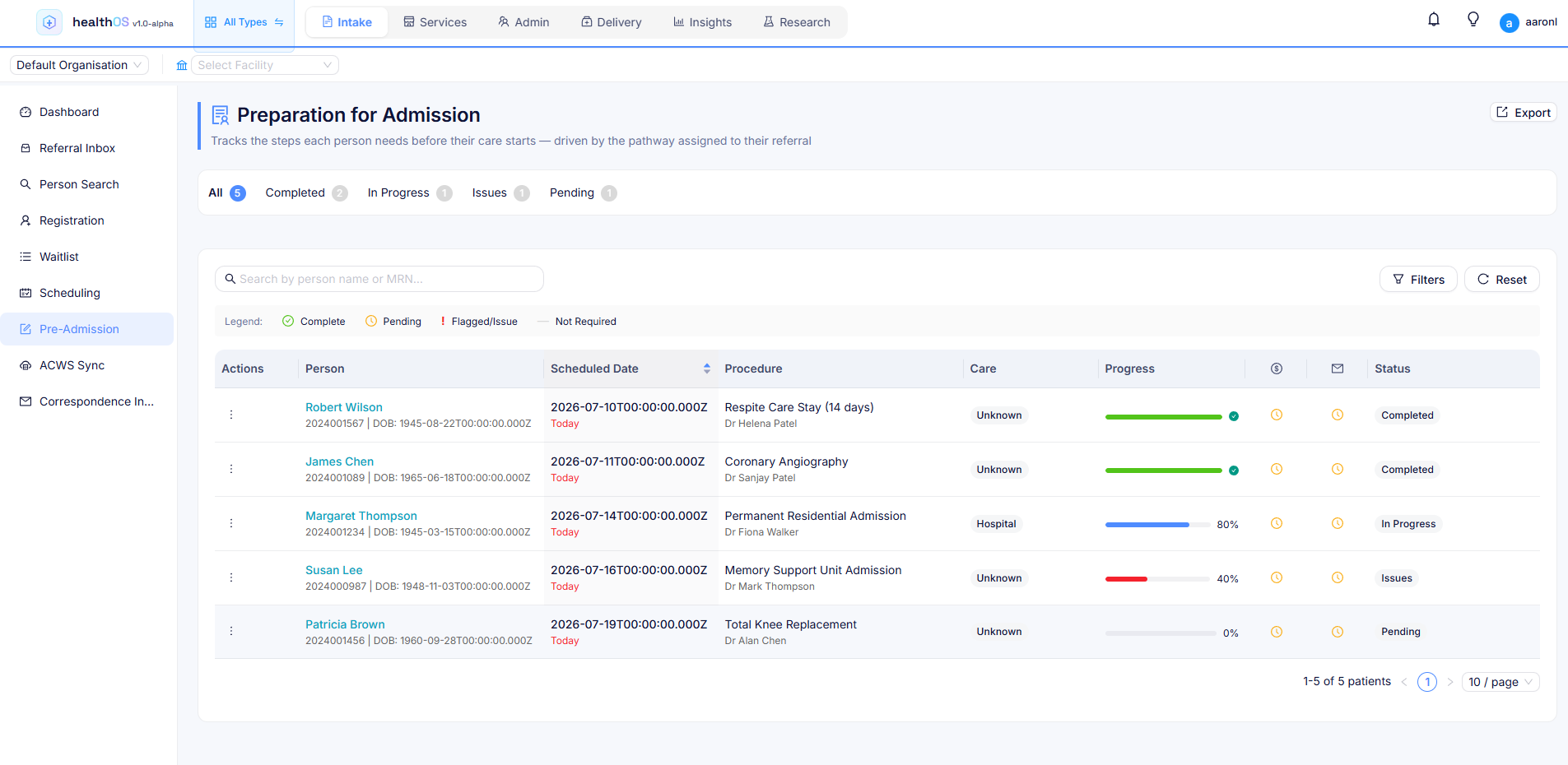
Signed on screen and kept on the record
Built-in electronic signatures for consent forms, service agreements and intake documents. Each one is signed on screen and stored against the person record with a full audit trail. Consent audit trails sit under the same access control as the rest of the record (see Security).
Paper to digital, with AI
Digitising existing paper forms used to mean rebuilding each one field by field. Now you can photograph or scan any paper form and the AI generates a structured electronic equivalent, with field types, validation rules and conditional sections. Clinicians review and publish, cutting form migration from hours to minutes.
- Upload a photo or scan of any paper form
- AI detects fields, labels, checkboxes and layout
- Generates a structured HealthOS form with validation and conditional logic
- Review and adjust in the point-and-click builder before publishing
- Works for referral templates, assessment sheets, consent documents and intake forms
See it in action
Related
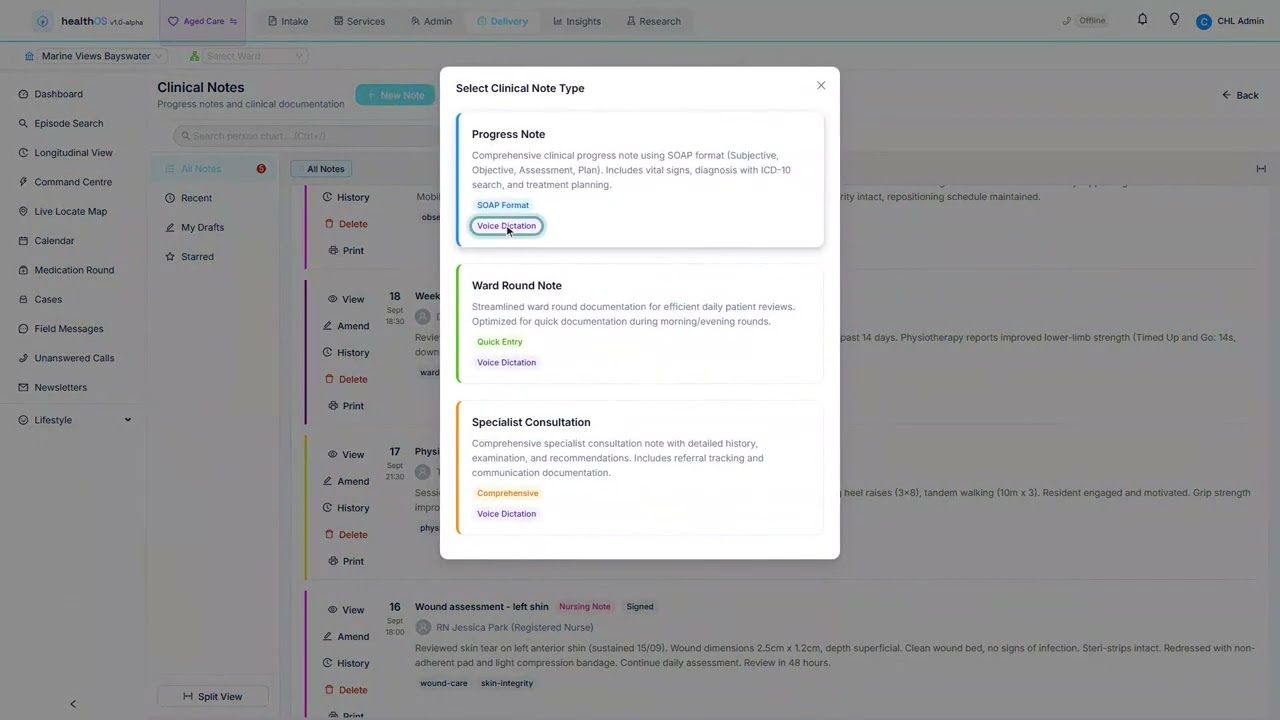
See the forms engine in action
A 45-minute walkthrough covering form building, FHIR mapping and document management.