
Build a care workflow without writing code
Your workflows run themselves, and your own team can change them. Every workflow in HealthOS, from an intake or a claim to a discharge or a monthly compliance cycle, is a pathway you assemble point-and-click in the admin console. No developers, no vendor tickets, no waiting on a release. This is what we mean by "configuration, not consultants."
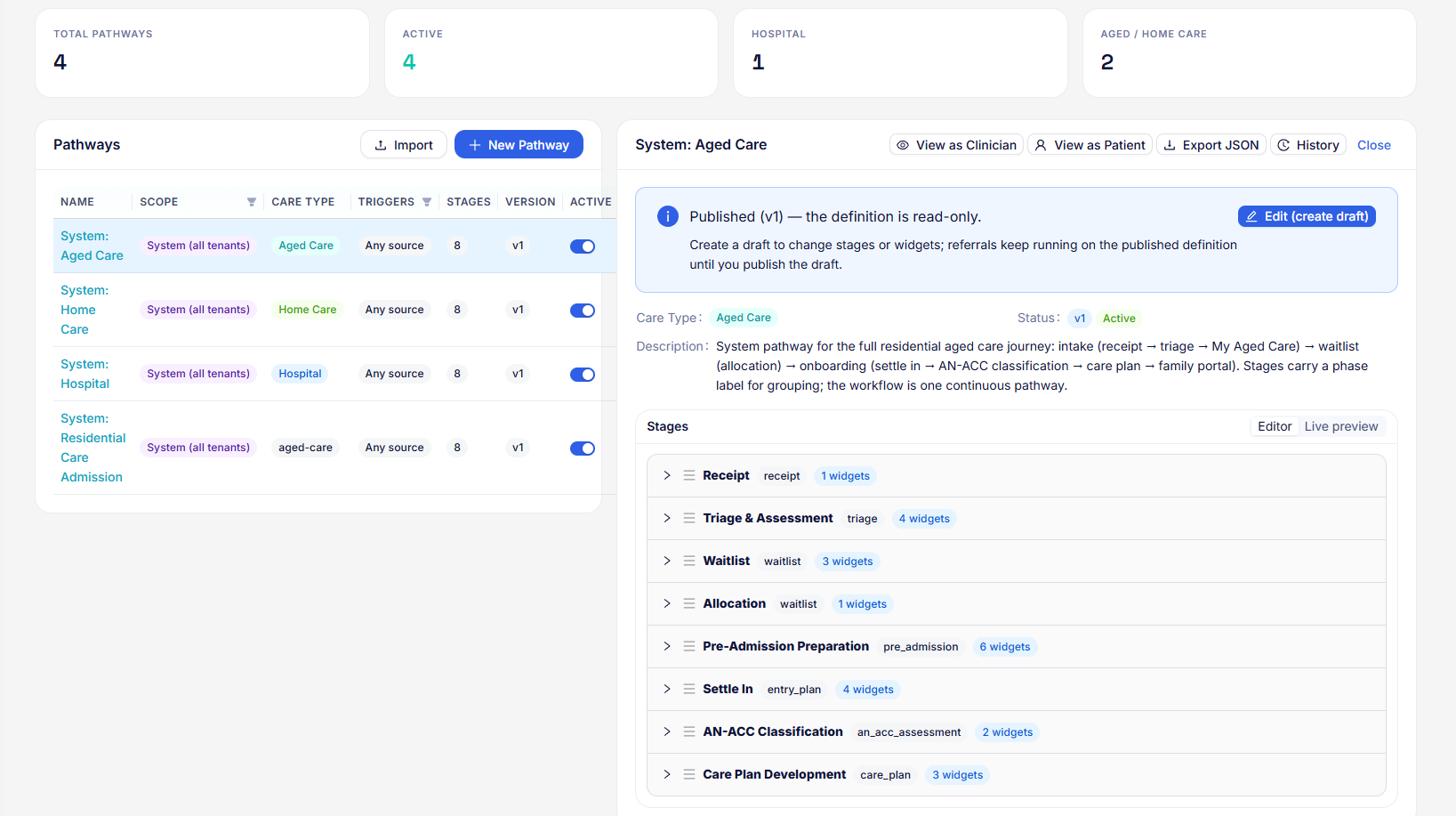
Budget checks, contributions and home-care start, inline in the intake.
AN-ACC classification and ACWS entry and departure as pathway stages.
Program changes handled by adjusting a pathway.
The same engine adapts without a release.
Two ideas: widgets and pathways
A widget is one unit of work
A widget does one real thing and records the result against the person. It is a step in the job rather than a form field. Some widgets capture information; others reach out to a government system or move the person forward.
- Look up a national health identifier (IHI) or verify a Medicare number against Services Australia
- Check a Support at Home budget or lodge an aged-care funding event to Services Australia (ACWS)
- Collect a consent or complete an assessment on a digital form
- Hand off: create an episode, admit the person, invite the family
A pathway is an ordered set of stages
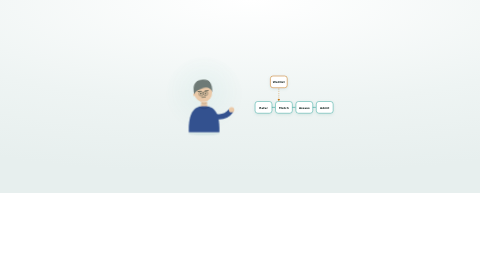
Group widgets into stages, order the stages, and you have a pathway: the whole journey for a referral or an episode, from first contact to admitted, or from admitted to claimed and reported. One pathway runs the lifecycle, and a person can run several at once.
- Stages are grouped into phases (intake, waitlist, onboarding) for a clean worklist
- Staff and the family can run parallel pathways over the same journey
- Widgets can be conditional, shown only when the funding, facility or clinical need calls for them
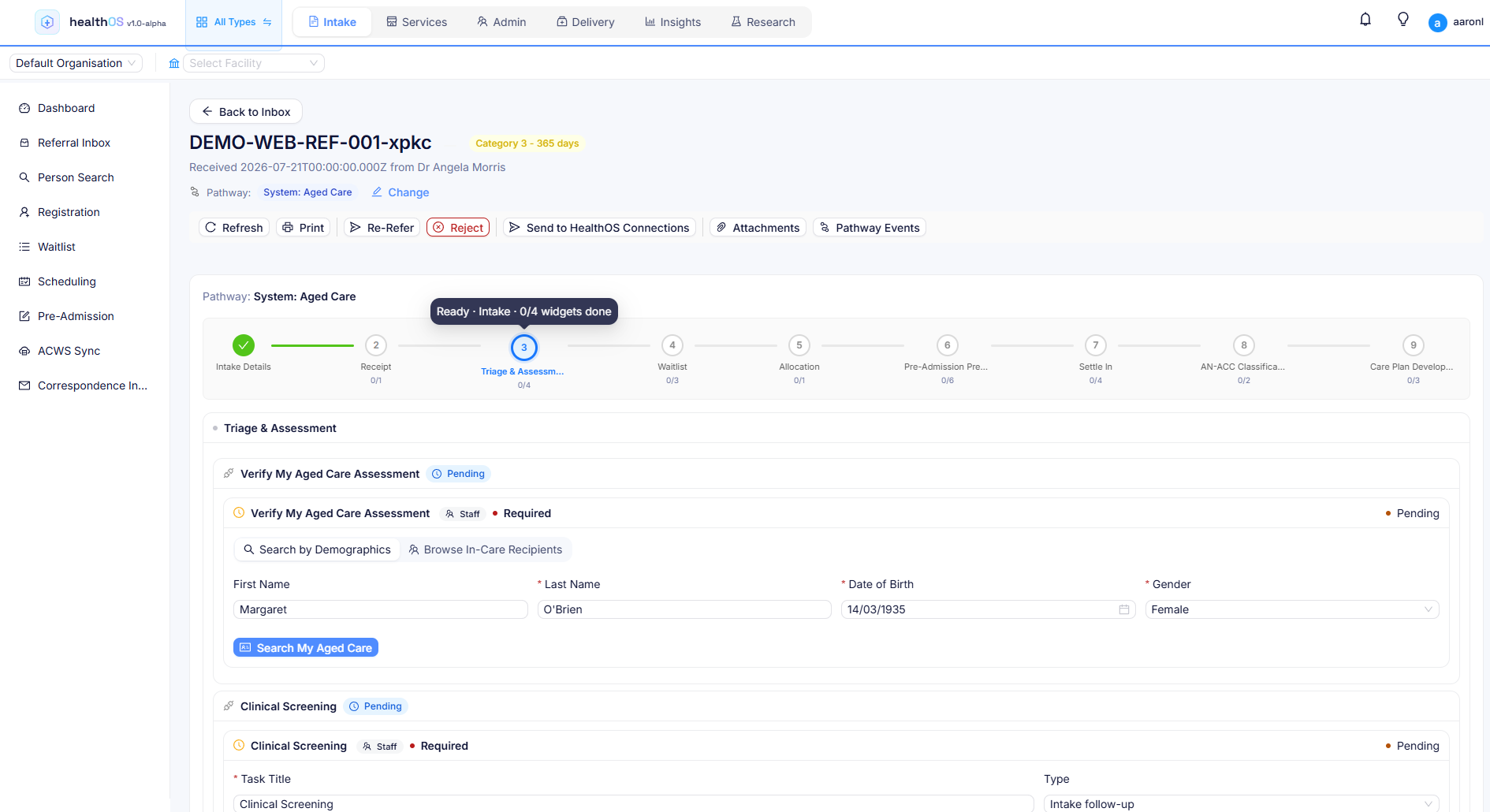
A library of widgets, ready to drop in
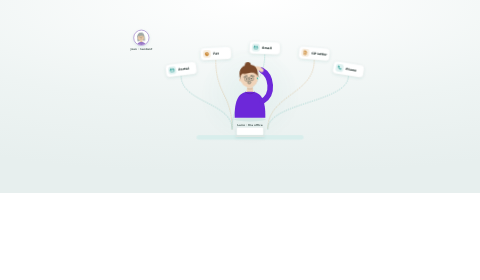
You don't start from a blank page. Pick from a growing toolbox of widgets, the same ones that power intake, claiming, clinical care and compliance across the platform. When a new widget ships it appears in the toolbox for every facility. Add it to a pathway and it's live, with no per-site rollout and no code.
| Group | What the widgets do |
|---|---|
| Identity & eligibility | IHI lookup, Medicare and DVA validation, My Aged Care referral checks. Verify who someone is and what they're entitled to before you go further. |
| Government & claiming | Aged-care entry, departure and claiming (ACWS), Support at Home budgets and contributions, quality reporting (GPMS), Medicare and health-fund claims (ECLIPSE). The government step, inline in the workflow. |
| Clinical & assessment | Scored assessments, care-plan builders, consent capture, medication-list capture. Structured clinical work that writes straight to the record. |
| Documents & forms | Any eForm, document generation and electronic signatures, collected online and stored against the person. |
| Handoffs | Waitlist placement, pre-admission handoff, admission. The widgets that create episodes, flip statuses and move the person into care. |
Building a Support at Home intake pathway
Here's the whole build, done in the admin console by an operations lead in an afternoon. No ticket to us.
- Choose the context. Set the care type (Home Care) and funding (Support at Home). The pathway resolves automatically for referrals that match.
- Lay out the stages. Referral received, eligibility, assessment, agreement, onboarding. Drag them into order and group them into phases.
- Drop in the widgets. Add Medicare validation and SaH budget check to eligibility, an assessment form and consent to assessment, and a home-care start handoff to onboarding.
- Set the conditions. Make the DVA check appear only for DVA clients, and require the budget check before the agreement stage unlocks. Point-and-click rules, no scripting.
- Preview as a draft. Walk the draft end to end with a preview link before anything goes live.
- Publish. It's immediately live for new referrals across the facilities you scoped it to. Change your mind next week? Edit a new draft and publish again.
Draft, version and publish safely
Configuration this powerful needs governance, so pathways behave like code without being code. Published definitions are read-only. You edit a draft, preview it, then publish, and every publish is versioned and auditable.
- Editing always happens on a draft while the live pathway keeps running untouched
- Every publish is a numbered, restorable version with a change summary
- In-flight referrals stay pinned to the version they started on, so a change never rewrites work already under way
- Nothing is hard-deleted, and a removed widget's execution history survives
Your team owns the change
The alternative to configuration is a consulting engagement every time a funding rule changes or a new program lands. Because pathways are configured, the platform adapts to Support at Home, residential aged care (AN-ACC), NDIS and private care without a release. Pathways run in Intake & CRM for referral to admission, in care for chronic conditions, and in Government Services as inline claiming and reporting widgets.
- Government restructures a program? Adjust a pathway, not a codebase
- Every facility can share one pathway or run its own variation
- The same engine drives intake, care admin, clinical pathways and compliance cycles
Structured pathways for proactive care
Pre-built templates for CVD, diabetes, CKD, COPD, heart failure and hypertension, with condition-specific monitoring cadences, configurable per organisation. Older Australians rarely have one chronic condition, so a person can be on several concurrent pathways with shared goals and coordinated medication reviews across conditions.
- Prevention screening at pathway entry and at scheduled intervals: AUSDRISK, cardiovascular risk (absolute risk calculator), diabetic foot, renal function
- Medication list at transitions: the current list, collected from your pharmacy system, is surfaced at admission, discharge, handover and specialist review for the clinician to review before acting
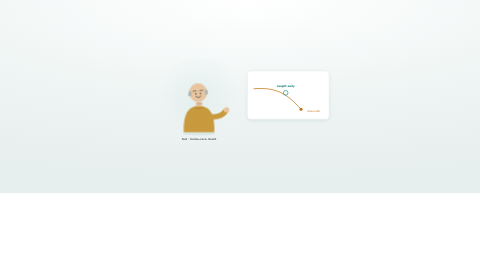
- Escalation triggers: surveillance widgets feed the deterioration engine, where nine detection rules evaluate window-based patterns and route alerts by role and urgency
- Goal, intervention, outcome: goals set, interventions delivered and outcomes measured with source attribution, for a clear clinical audit trail
- Automated handover: AI-generated clinical handover documentation at every pathway transition point, structured, coded and audit-ready
- A unified view of chronic condition progress, goals, escalations and next actions for each person
Designed for more than one condition
One reading can count across pathways, and one medication list covers them all.
- Multiple concurrent pathways per person (for example CVD, diabetes and CKD at once)
- Cross-pathway intelligence: one BP reading satisfies monitoring widgets on both the CVD and CKD pathways, with no duplicate measurements
- The clinical worklist shows due, overdue and completed monitoring widgets across all active pathways, sorted by urgency
- A person's full medication list is visible across every concurrent pathway and reviewed in one place
- Polypharmacy is easy to see when every medication sits on one list
- Care-plan export in FHIR, the standard health-data format (CarePlan Bundle), per pathway instance: CarePlan, Goals (LOINC-coded) and Observations (UCUM units) with SNOMED CT-AU condition coding, for independent evaluation
Prevention and early detection, built in
Every pathway treats prevention screening as a first-class design principle. Risk factors are identified early and interventions triggered before conditions escalate. Threshold bands come from the RACGP Red Book, KDIGO 2024, GOLD 2024 and ADS guidelines.
| Pathway | Monitoring cadence |
|---|---|
| Entry screening | AUSDRISK diabetes risk assessment; cardiovascular risk screening (absolute risk calculator) |
| CVD | BP daily, weight weekly (HF signal), LDL annual, quarterly clinical review |
| Diabetes | Glucose daily (CGM preferred), HbA1c quarterly (lab), BP daily, weight weekly, quarterly review |
| CKD | eGFR 3-monthly, ACR 6-monthly (lab), BP daily, weight daily (fluid balance), quarterly nephrology |
| COPD | SpO2 daily, respiratory rate daily, spirometry annual, quarterly respiratory review |
Evidence-based thresholds you can tune
Clinical threshold bands are sourced from Australian clinical guidelines and configurable per pathway, per person and per clinician preference. The longitudinal rules engine replays thresholds against incoming monitoring data, whether it comes from paired devices, manual entry or ingested clinical systems.
| Measure | At risk | Critical | Pathways |
|---|---|---|---|
| Systolic BP | >140 mmHg | >180 mmHg | CVD, HTN, CKD, HF |
| Blood glucose | <4 or >11.1 mmol/L | Diabetes | |
| eGFR | <60 | <30 | CKD |
| SpO2 | <92% | <88% | COPD, HF |
| HbA1c | >53 mmol/mol | >75 mmol/mol | Diabetes |
See it in action
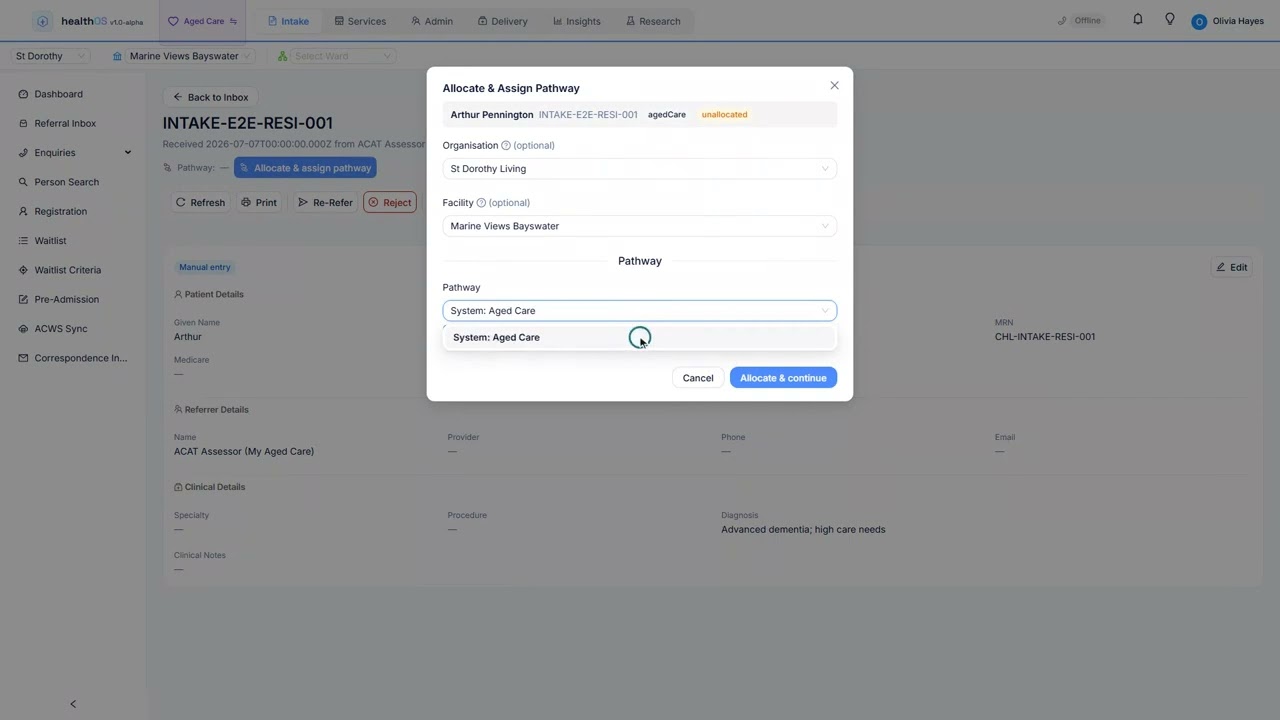 1:46
1:46The short version
Related
See a pathway built from scratch
We will walk you through it on real data. Bring questions.