
Six portals on one record
Staff, families, care workers, admins, mobile app users and partner organisations each see what they need, all drawing from the same record. When the workforce is spread across facilities and hundreds of homes, the worker app is the nurses' station in their pocket.
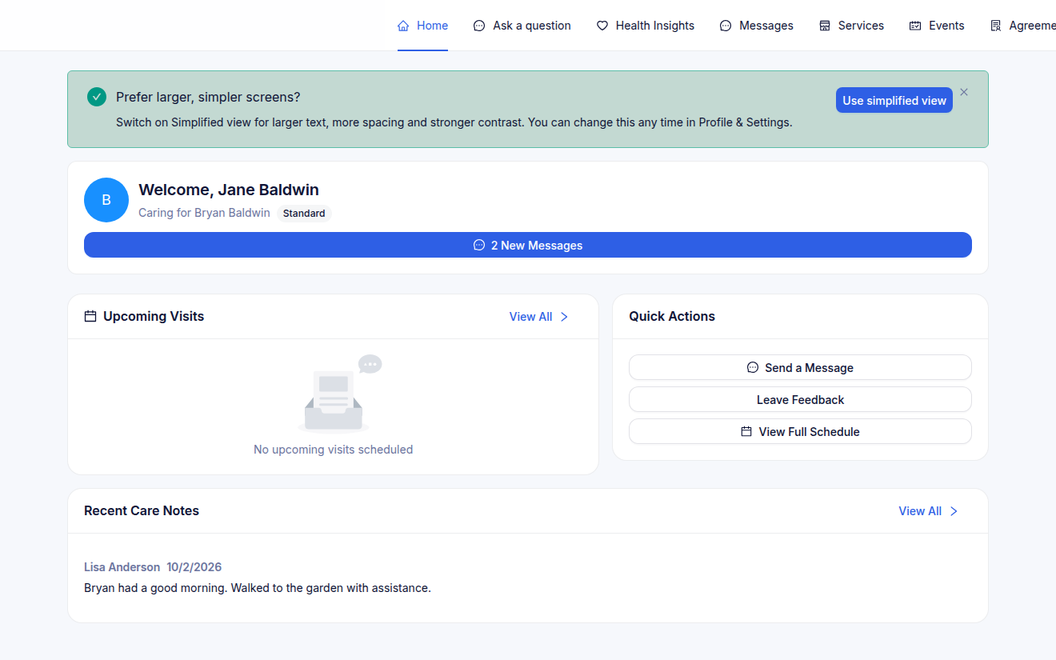
Care worker field access through HealthOS Worker.
Family updates for residents.
Participant self-service.
Patients complete pre-admission, education packs and informed financial consent from home.
Purpose-built for every role
No passwords, no IT tickets, no app store hunt
Family members are often in their seventies and eighties themselves. The way in has to be effortless, so it is.
- Magic links first. The care team sends an invitation, and tapping the link signs the family member in. No account to create, no password to remember
- Then their own login. When they want one, they link the portal to the account already on their phone and sign in with Apple or Google, and from then on it is one tap
- Then the app, if they want it. The same link hands off to the native app, which opens already signed in, and activity stories, visit changes and messages arrive as push notifications
What a family sees when they log in
Upcoming visits, who is coming and when, care plans, upcoming services and messages to the care team, without a phone call to the office. Update a care plan in the staff portal and Connections stays in sync with the underlying record.
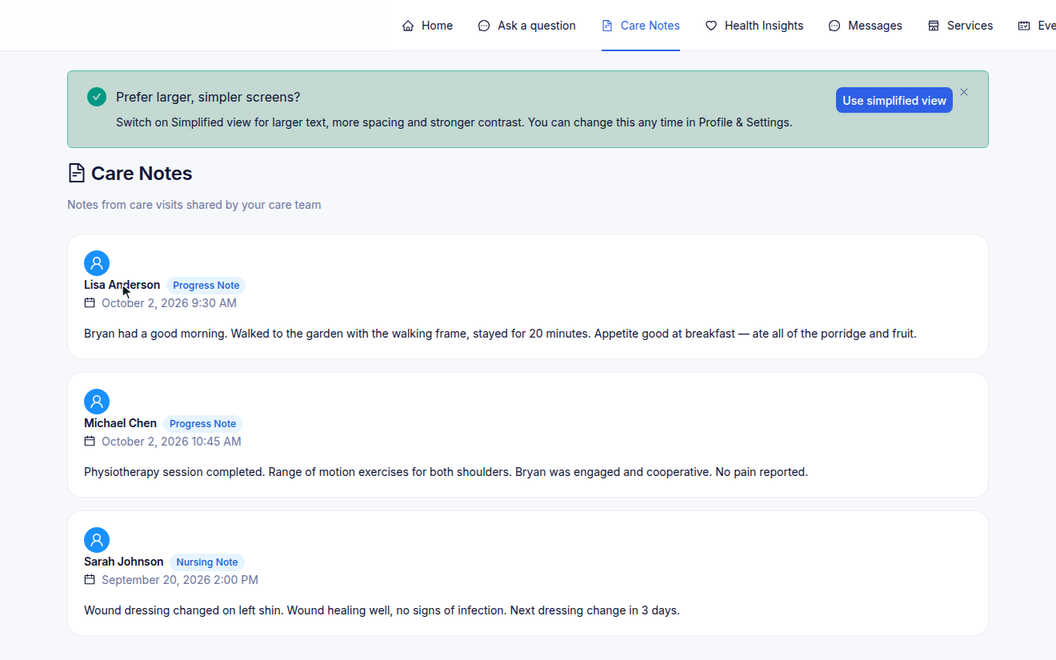
Every role sees what they need
- Magic-link sign-in, with optional Apple or Google account linking
- Role-based access control
- Organisation branding per portal
- Data kept in sync with the underlying record
| Portal | Who it is for and what they see |
|---|---|
| Staff portal | Clinical and administrative staff access the full client record, care plans, progress notes and service orders. |
| HealthOS Connections | Families see care plans, upcoming services and messages to the care team. |
| HealthOS Worker | Field workers see their schedule, client details and service delivery forms, and complete services on the go. |
| Admin portal | Organisation-wide configuration, user management, reporting and system administration. |
| Mobile app | A native app with magic-link sign-in, push notifications and in-app e-signatures. One app binary serves every organisation, working out which one it belongs to at runtime, so there is no per-customer build to maintain or ship. Deep links open directly to the relevant record. |
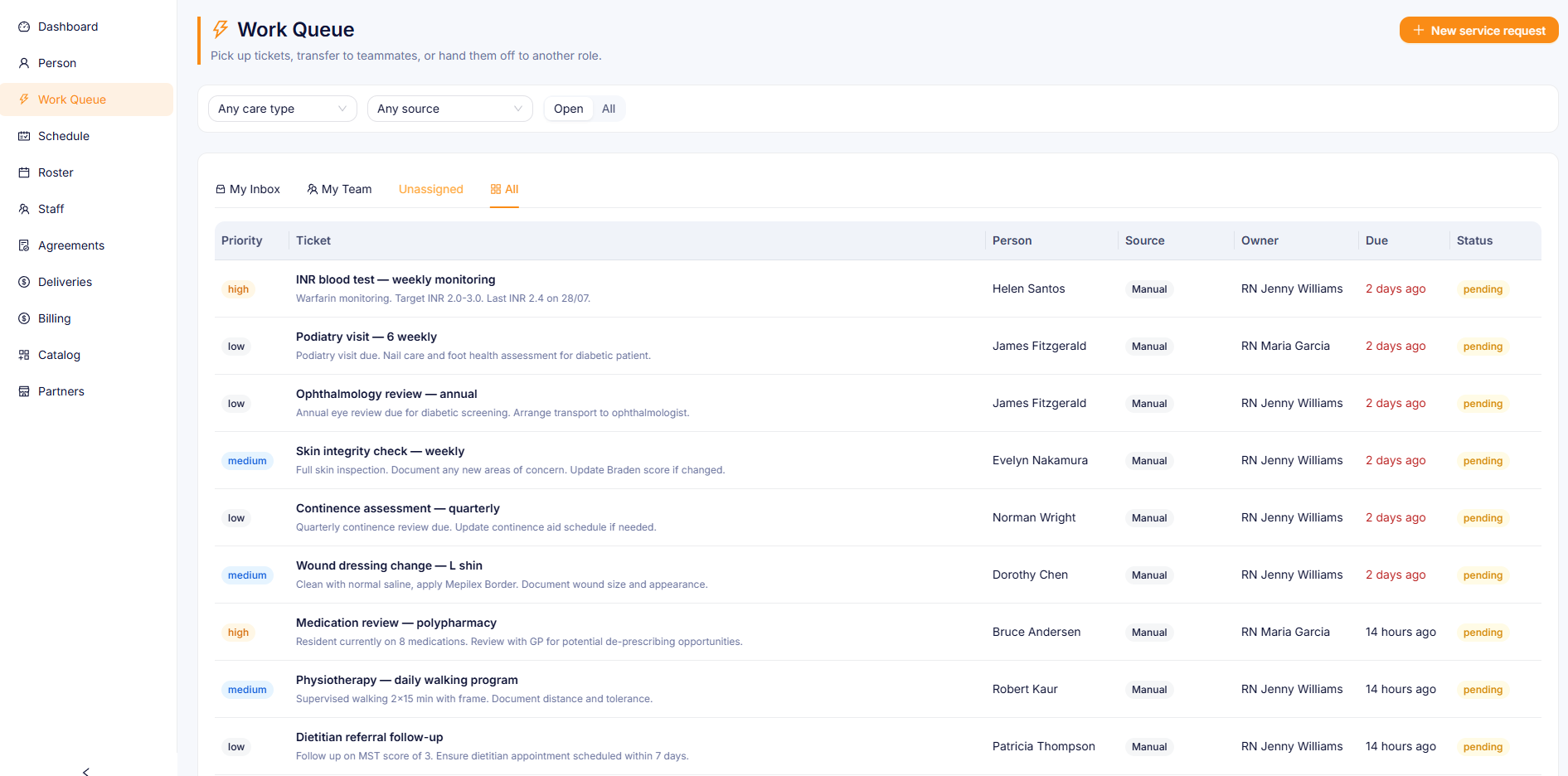
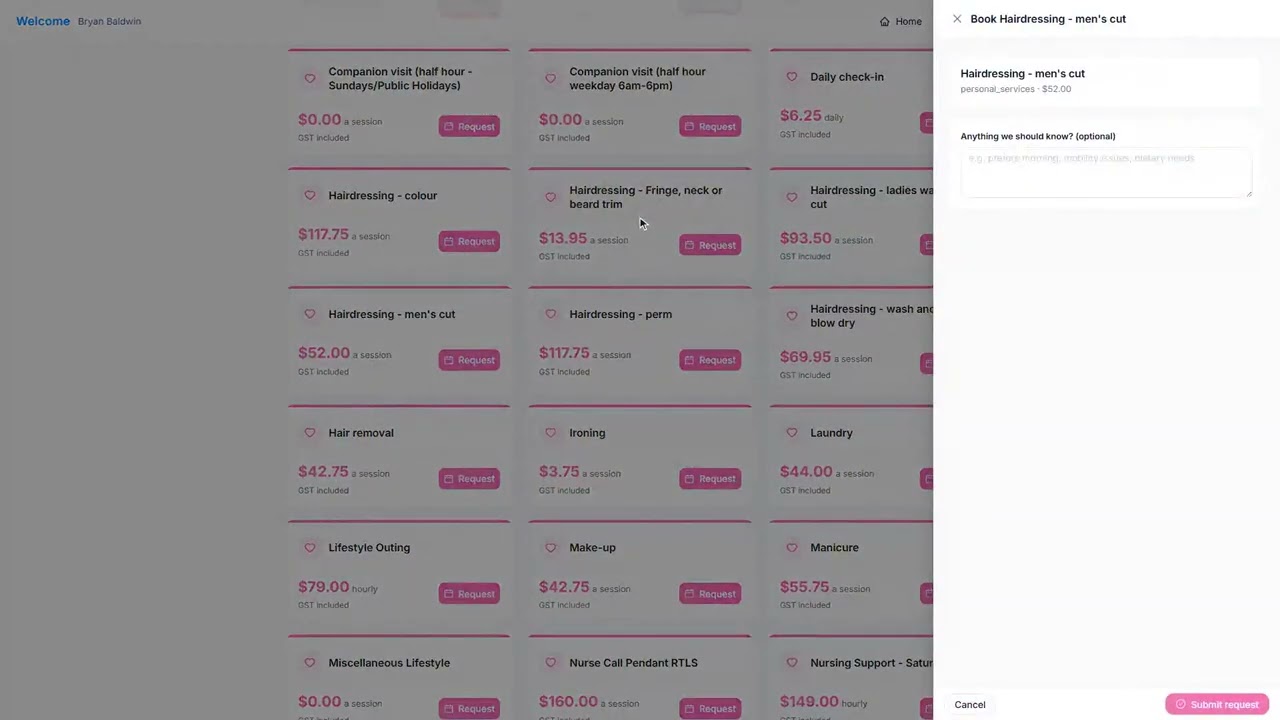
| Partner portal | Third-party service providers such as allied health, transport and catering manage agreements, browse an agreement-gated catalogue, submit service requests and track them, without staff-level access. |
Third-party service delivery through the partner portal
External service providers onboard with their own portal login and manage their organisation profile. They browse an agreement-gated catalogue and submit service requests, which route to your work queue, then track their own requests, all without staff-level access to the clinical system. Agreements define which services each partner can deliver, the rates and the billing terms. See Services.
Chronic conditions in the care team workspace
The care team has a dedicated view of a person's active chronic condition pathways. Today's measurements show what is due, completed and overdue, supporting adherence and follow-up. A patient- and family-facing version in HealthOS Connections is rolling out, drawn from the same underlying record with no duplicated data entry.
- Active pathway summary per condition (CVD, diabetes, CKD, COPD) with current status
- Today's measurements: due, completed and overdue monitoring widgets at a glance
- A measurement rollup that can be filtered for a patient audience, showing only patient-relevant data
- Cross-pathway deduplication: if BP is monitored on both the CVD and CKD pathways, one reading satisfies both
Built for the families who need integrated care most
HealthOS Connections supports every family member, whatever their language, literacy or cognitive capacity.
- Language preference recorded at person level, and the interface and communications respect it
- Interpreter-required flags visible to staff at point of care
- Substitute decision-maker (SDM) workflows: nominated representatives can receive communications and request services on the person's behalf
- Dementia-inclusive design, with a passive monitoring view for SDMs, simplified navigation and a large-format display mode
- Culturally and linguistically diverse (CALD) family support, with a translated materials pathway for community languages
See it in action
 2:49
2:49
Related
See the portals in action
We will walk you through it on real data. Bring questions.