
Bring your data in and keep your systems running
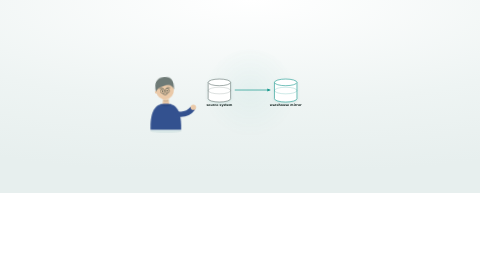
The systems you already own start working as one. HealthOS lands beside them with no rip-and-replace: changes flow both ways, and nothing is ever hard-deleted.
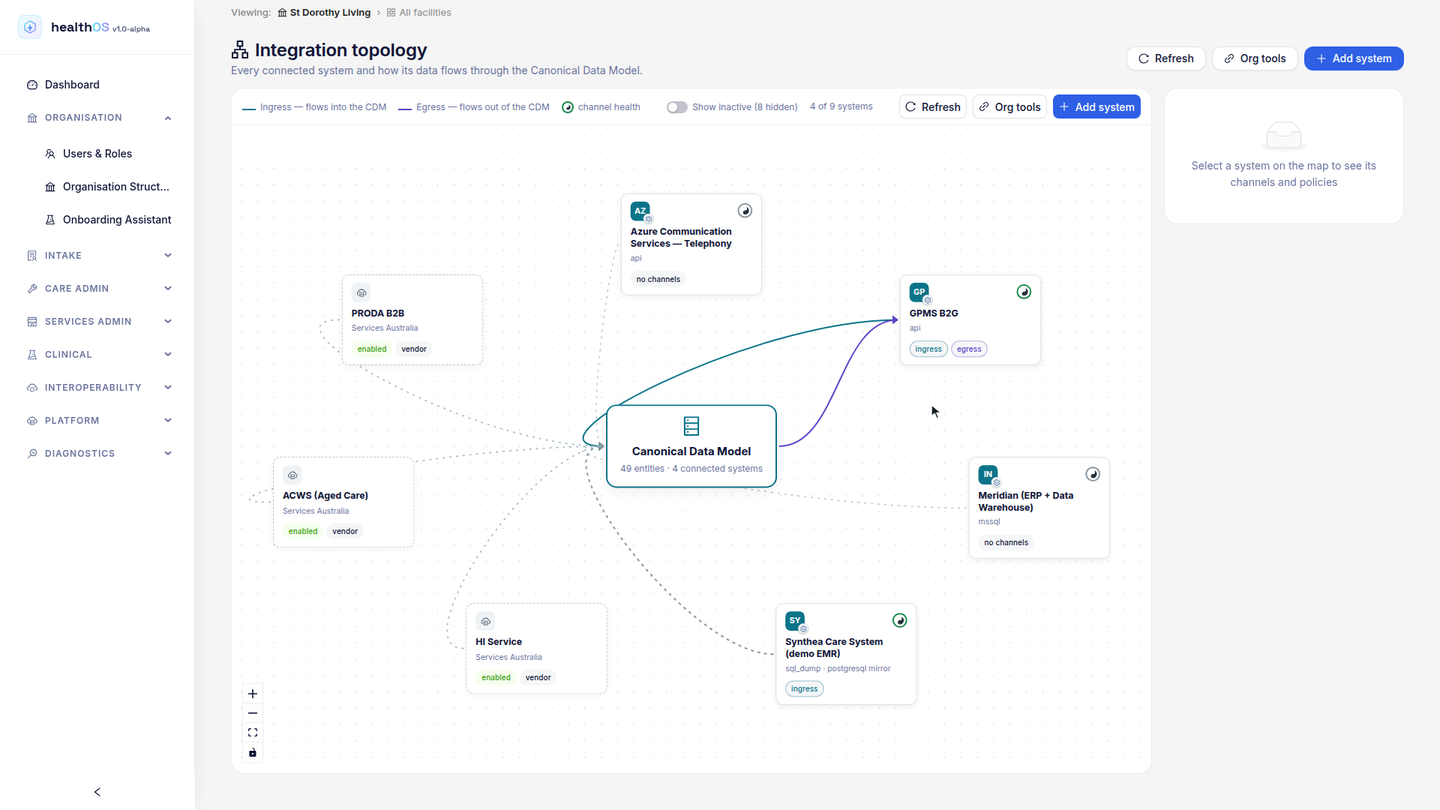
No rip-and-replace. HealthOS connects to the systems you already own.
Changes flow in, and write-back channels push them out to the systems that need them.
Deletions travel as safe tombstones. Nothing is ever hard-deleted.
Data migration without the drama
Multi-format ingestion
Bring data in however your source systems can produce it, from a one-off migration file to the standard health-data formats.
- CSV, SQL dumps and flat files
- HL7 v2 messages
- FHIR bulk data ($export)
- SFTP polling
- Staging database tables from PostgreSQL, MySQL and SQL Server sources, including cloud data warehouses over their PostgreSQL or SQL Server wire protocols
Matching people beyond the MRN
Healthcare data lives in silos with different identifiers. HealthOS matches people across systems in layers: deterministic matching on Medicare number, IHI, MRN and DVA number first, then probabilistic fuzzy matching on name and date of birth for the remainder. Every match decision is confidence-tiered and audited.
- Deterministic: Medicare, IHI, MRN, DVA number
- Probabilistic: name similarity plus date of birth, with a confidence tier
- Human review queue for matches below the confidence threshold
- Full audit trail: who approved which match, when, and why
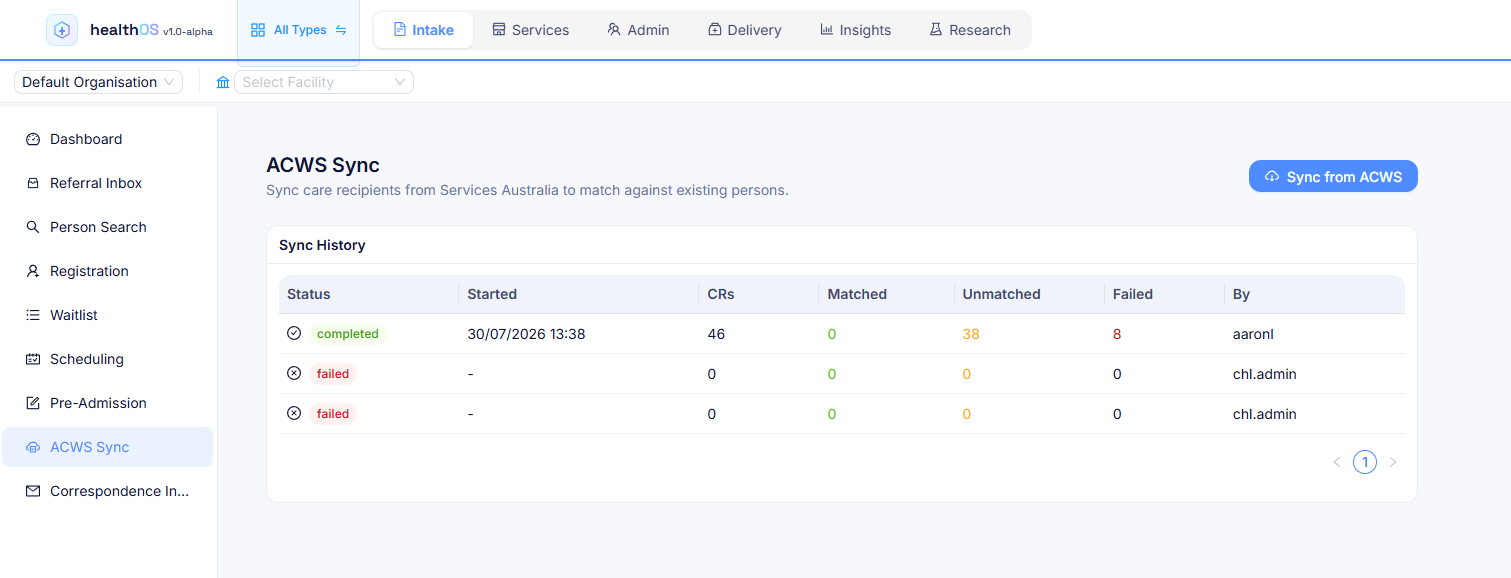
Map once, import repeatedly
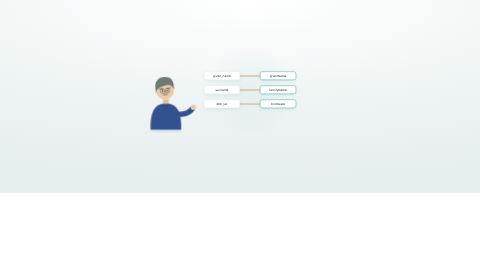
The visual field mapper defines how source columns translate to the canonical data model. Templates are versioned and reusable. When your PAS sends HL7 ADT messages, the same mapping runs every 15 minutes without intervention.
- Visual point-and-click source to target mapping
- Schema validation catches type mismatches before import
- Transformation rules for date formats, code lookups and concatenation
- Reusable templates per source system and message type
Map, match and import from one console
Register external systems with their connection details and sync schedules: SFTP polling, cron-based sync or webhook triggers. Define field mappings and monitor import runs in the same console, and check each system's health and last-sync status from one place. Person matching runs automatically, with human review for the edge cases.
From legacy to live
Migrating from a legacy system doesn't have to be a big bang. HealthOS supports staged import: bring historical data in batches, validate, reconcile against the source, then switch over when you're confident. Staging-table ingestion pulls directly from cloud warehouses, so data teams can prepare and curate datasets in their existing toolchain before HealthOS picks them up.
- Staged import, validated before committing
- Staging-table ingestion from PostgreSQL, MySQL and SQL Server sources, including cloud data warehouses over their wire protocols
- Data cube staging area for review and reconciliation
- Side-by-side comparison against source system counts
- Parallel run mode, with both systems live until cutover
Integration flows that replace your interface engine
HealthOS includes a visual integration engine for ongoing data pipelines. Define channels as source, transform and destination with drag-and-drop, write transforms in Python, and schedule runs on cron or trigger them from webhooks. Scripts go through a governed approval workflow before they run in production, which keeps production flows safe. A built-in dashboard shows run history, errors and throughput for every channel.
- Visual drag-and-drop channel builder
- Python-based transforms with versioned script governance
- Scheduled (cron), webhook and event-driven triggers
- Canonical Data Model (CDM): vendor schemas map to a single standard
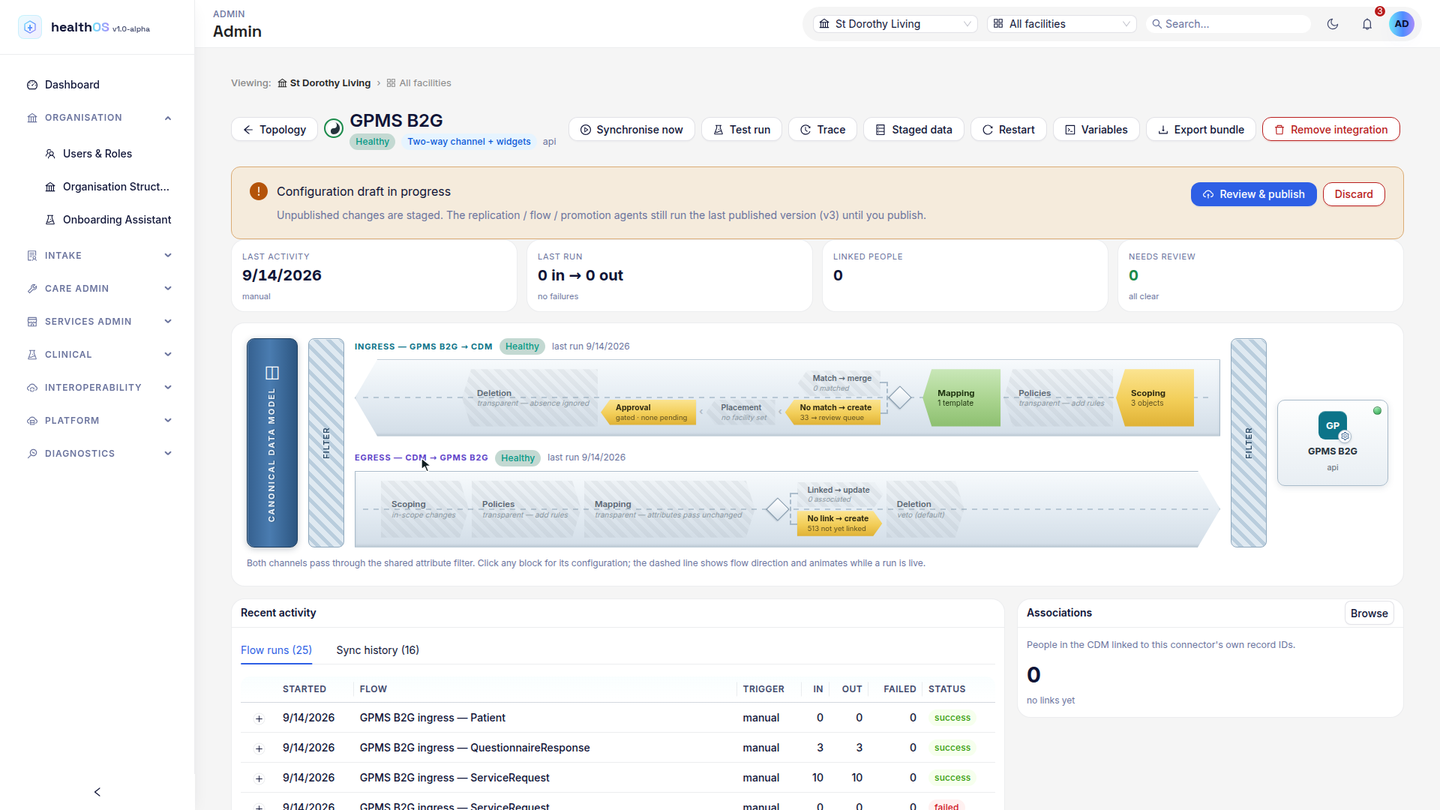
Connector marketplace
More than ten pre-built connectors install from the marketplace. Map them to the canonical data model and start syncing.
- FTP/FTPS and SFTP
- HTTP endpoints
- Your office and document-sharing suite
- Object storage
- Direct database connections
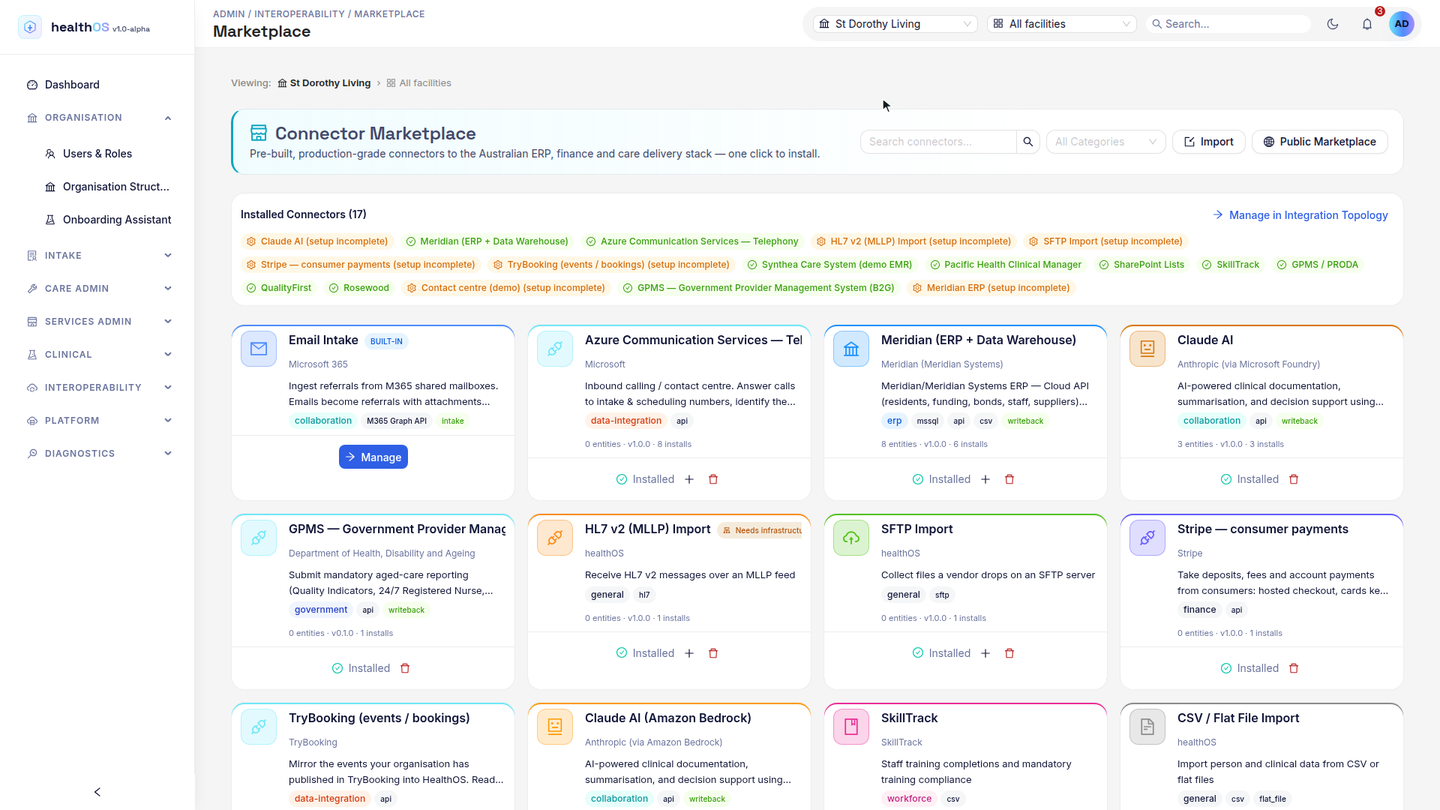
One canonical model that flows both ways
Every connector maps into the same Canonical Data Model (CDM), the standard vocabulary at the centre of HealthOS. That is what turns a pile of vendor schemas into one queryable record. It is also what lets HealthOS be the integration hub instead of another silo: changes flow in, and they flow back out to the systems that need them.
- Every source normalises to one model, and the same record drives care, analytics and government submissions
- Write-back channels push CDM changes out to your other systems, event-driven and near-real-time
- Loop-safe by design: a system is never sent its own changes echoed back
- Deletions propagate as safe tombstones with a transition suited to each receiving system, never a destructive hard-delete
The systems HealthOS connects to
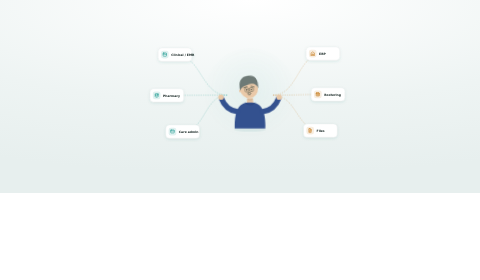
HealthOS connects across the systems Australian providers already run, through the connector marketplace, warehouse replication and standards-based interfaces. These are the categories. Tell us your exact systems and we'll confirm the fit.
| Category | What connects |
|---|---|
| Clinical & EMR | Electronic medical and clinical care records, via FHIR, HL7 v2 or direct feeds |
| Aged & home-care admin | Residential and community care administration and rostering systems |
| ERP & finance | Finance, billing and enterprise resource planning systems, read and write |
| Diagnostics | Pathology and radiology / imaging results feeds |
| Government gateways | Services Australia and the Department of Health: aged-care claiming (ACWS), Medicare and health-fund claiming (ECLIPSE), identity (HI Service) and provider reporting (GPMS) |
| Standards & files | Any FHIR R4 or HL7 v2 source, plus CSV, SQL, SFTP and cloud warehouses |
Related
See bulk integration in action
A 45-minute walkthrough covering field mapping, person matching and a live data import.