
You talk. It drafts. You sign
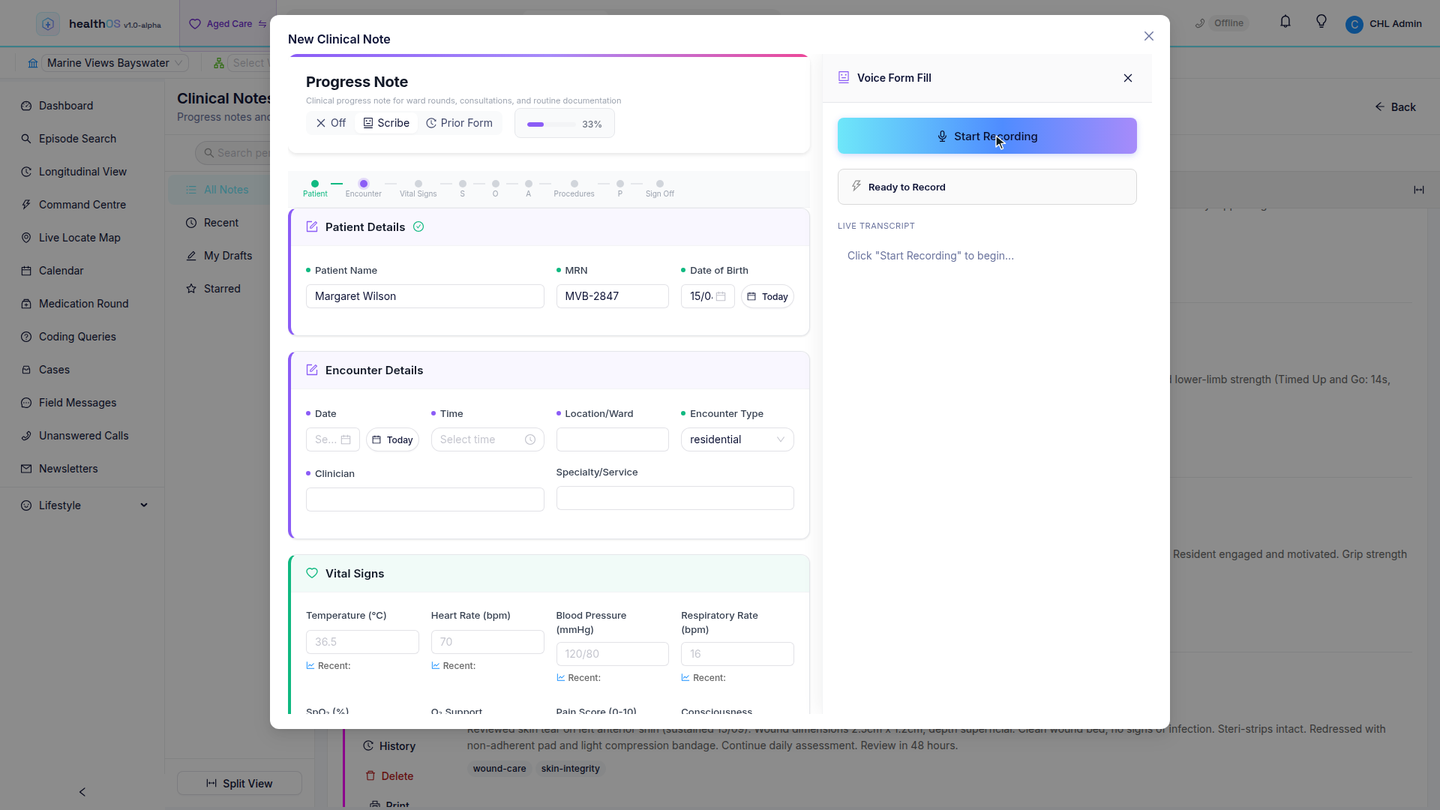
Push-to-talk dictation turns spoken words into structured notes, filled forms and charted vitals, with a clinician approving every word before it reaches the record. There is no always-on microphone and no recording of conversations.
Three ways to write without typing
Dictate a progress note in your own words
The AI structures what you said into a clear SOAP note (subjective, objective, assessment, plan). It appears as a draft for the clinician to edit and apply. Nothing is saved until they apply it themselves.
Fill the eForms your team built
Dictate against the eForms your own team built in the form builder. Each phrase is mapped to the right field, and the form is only saved when the clinician confirms and locks it. Your eForms are structurally equivalent to Questionnaires in FHIR, the standard health-data format, so the AI completes your form and never invents clinical structure.
Read observations out as you take them
Say the blood pressure, pulse, temperature and oxygen as you measure them. The values land in the right fields on the observation chart, staged for an explicit submit.
Built to a stricter spec than an ambient scribe
Ambient tools record the whole room and guess who said what. HealthOS voice dictation is deliberately narrower, because trust in the record matters more than novelty. The clinician dictates into their own microphone, starting and stopping on explicit action. Conversations with patients and families are never captured, and there is no always-on listening mode.
- Notes stay drafts until applied
- Forms require Confirm & Lock
- Vitals are staged for explicit submit
- The AI never writes to the record on its own
The model sees as little as possible
Each mapping call receives only the new dictation chunk and the form schema. It does not get the accumulated transcript or the values already in the form. Scribing runs through your organisation's AI model routing: from the admin portal you pick which model structures notes and which fills forms, independently. Models are hosted in your own tenancy, from commercial frontier models to low-cost open models, so high-volume dictation can run on a cheap model while safety-critical tasks keep a premium one.
- Only the new chunk and the form schema go to the model
- Separate model choices for notes and for forms
- Models hosted in your own tenancy
- Every scribing request logged in the AI audit trail: which model, which task, when
On by default, in the browser
Dictation uses the browser's own speech recognition and open standards. There is no proprietary microphone hardware, no extra app and no per-user licence. It ships enabled and works in Chromium-family browsers today, on desktop or tablet, wherever the record is.
Dictated once, used everywhere
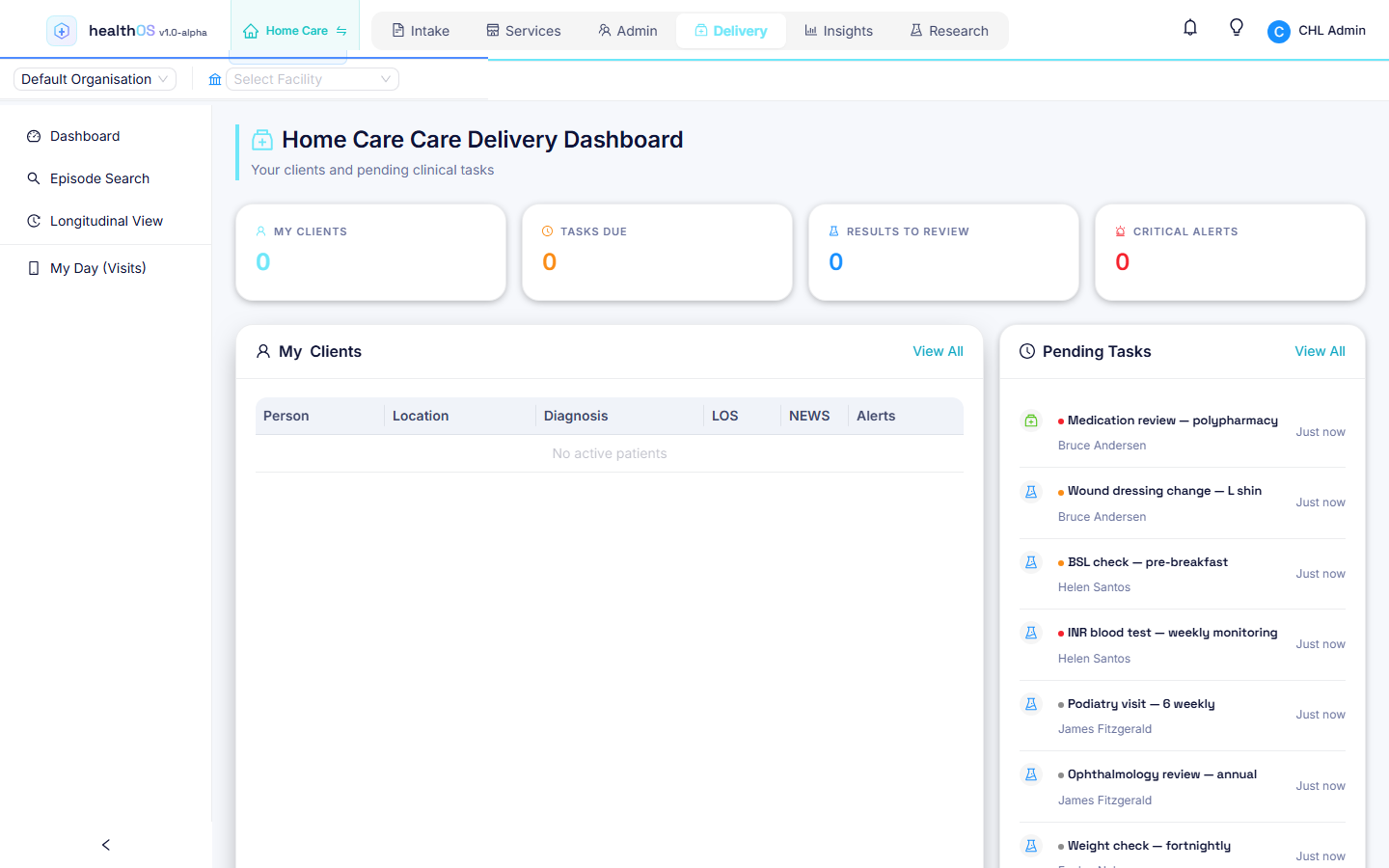
A dictated note lands in the Canonical Care Record alongside observations, medications and care plans, so it feeds handover, reporting and the family portal like any other entry.
- Notes join the person's longitudinal record
- Vitals feed the deterioration engine like typed entries
- Forms write structured data, never free-text blobs
- Available wherever the record is, desktop or tablet
Related
See voice dictation in action
We will walk you through it on real data. Bring questions.