
The family sees the week, without ringing the desk
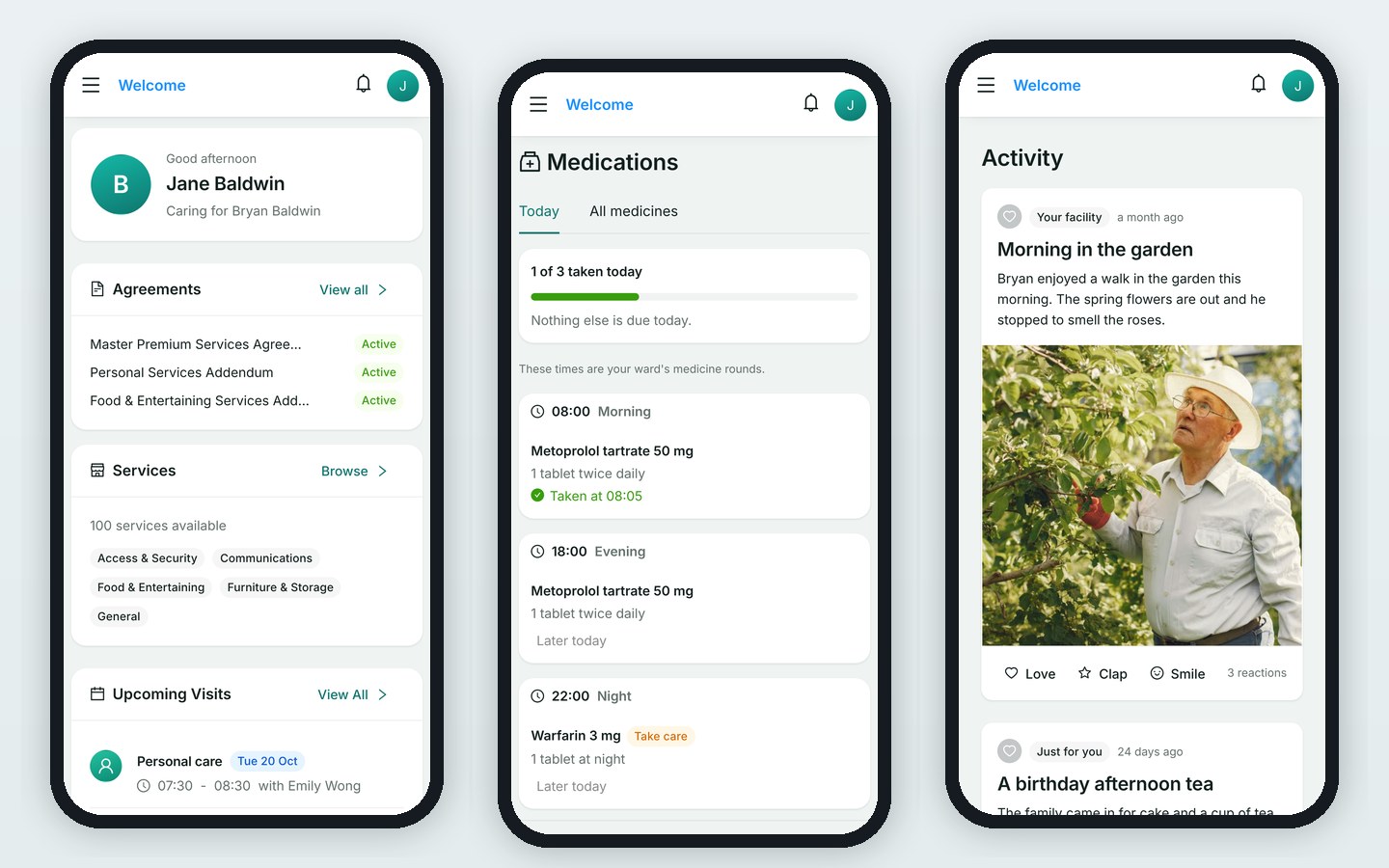
HealthOS Connections gives the family a window into their person's week: visits, activity stories, photos and messages. It starts from one emailed link, with no password to set up.
The people at this step
Sees the week, signs what needs signing, books services such as the hairdresser, and pays statements.
Post activity stories and photos to the resident's record, and the family sees them.
Takes fewer calls asking how the week went.
Step by step
- One emailed link
The family signs in from an email, with no password and no app store.
- The week, as it happened
Visits, activity stories, photos and messages from the home.
- Agreements and services
Signed agreements stay in one place, and premium services can be ordered from the resident's catalogue.
- The account
Statements are paid from the same link.
Where it ends
The record the family sees is the one the care team keeps, so there is one story about each resident.
See HealthOS in your aged care setting
We will walk you through it on real data. Bring the hardest thing your current platform can't do.