
Home / Care settings / Specialists & private rooms / Into hospital
The specialist rooms journey, step 5 of 6
Into hospital, without writing it all again
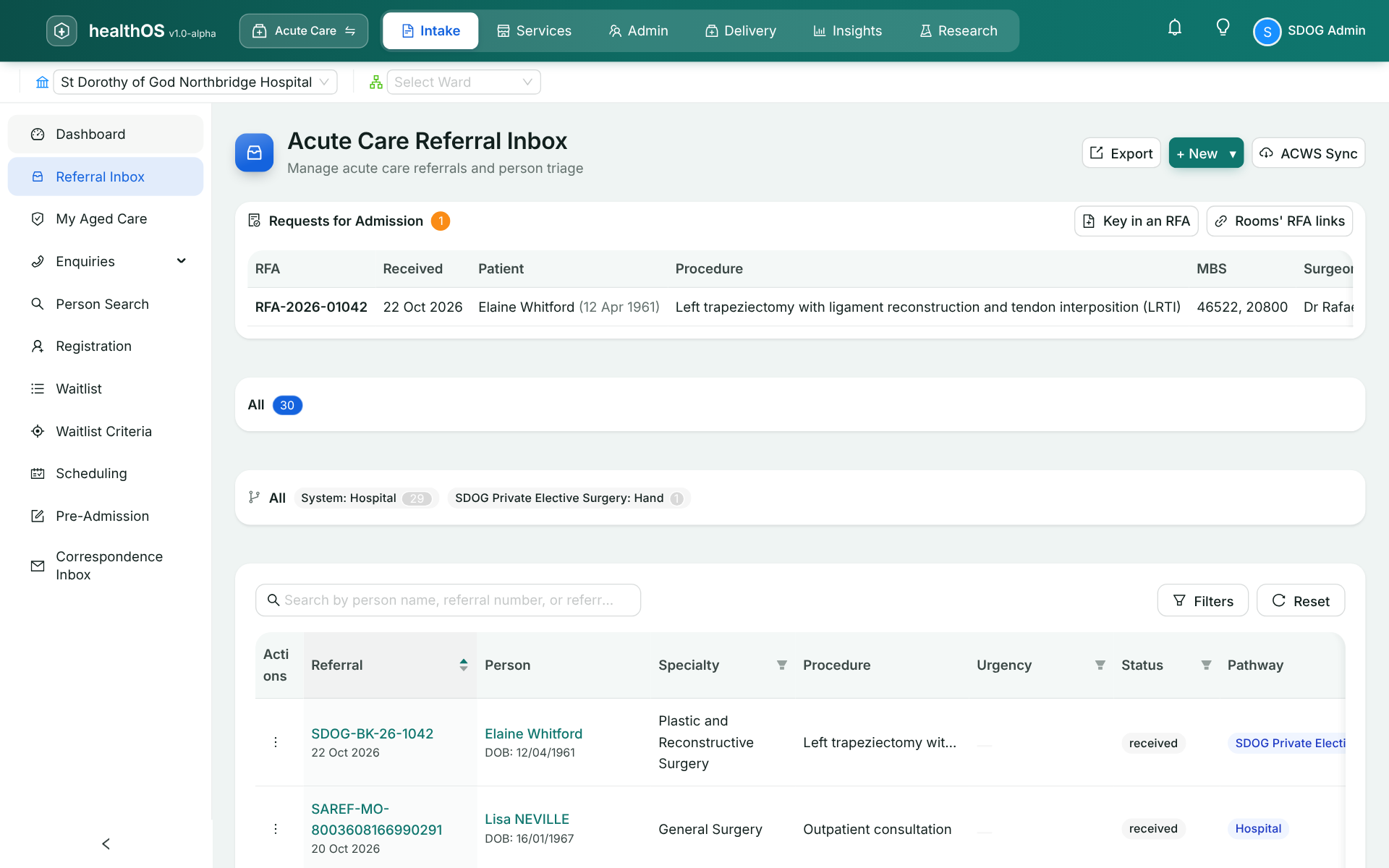
The rooms send a Request for Admission to the hospital by link. When the hospital runs HealthOS too, the surgeon sees their theatre lists in the rooms diary.
Who takes part
The people at this step
The surgeon
Decides on the operation, and sees their theatre lists from linked hospitals in the rooms diary.
The front desk
Sends the Request for Admission from the rooms with the procedure and MBS items.
The hospital
Receives the request in its referral inbox. See the hospital journey.
What happens
Step by step
- A request for admission
Sent from the rooms by the link the hospital gives the practice, with the procedure and MBS items.
- Theatre lists in the diary
Linked to the hospital, the surgeon sees their own lists in the rooms diary.
What the next step gets
Next, the operation itself and what follows it.
See HealthOS in your rooms
We will walk you through it on real data. Bring the hardest thing your current platform can't do.