
Claimed through Eclipse, paid at the counter
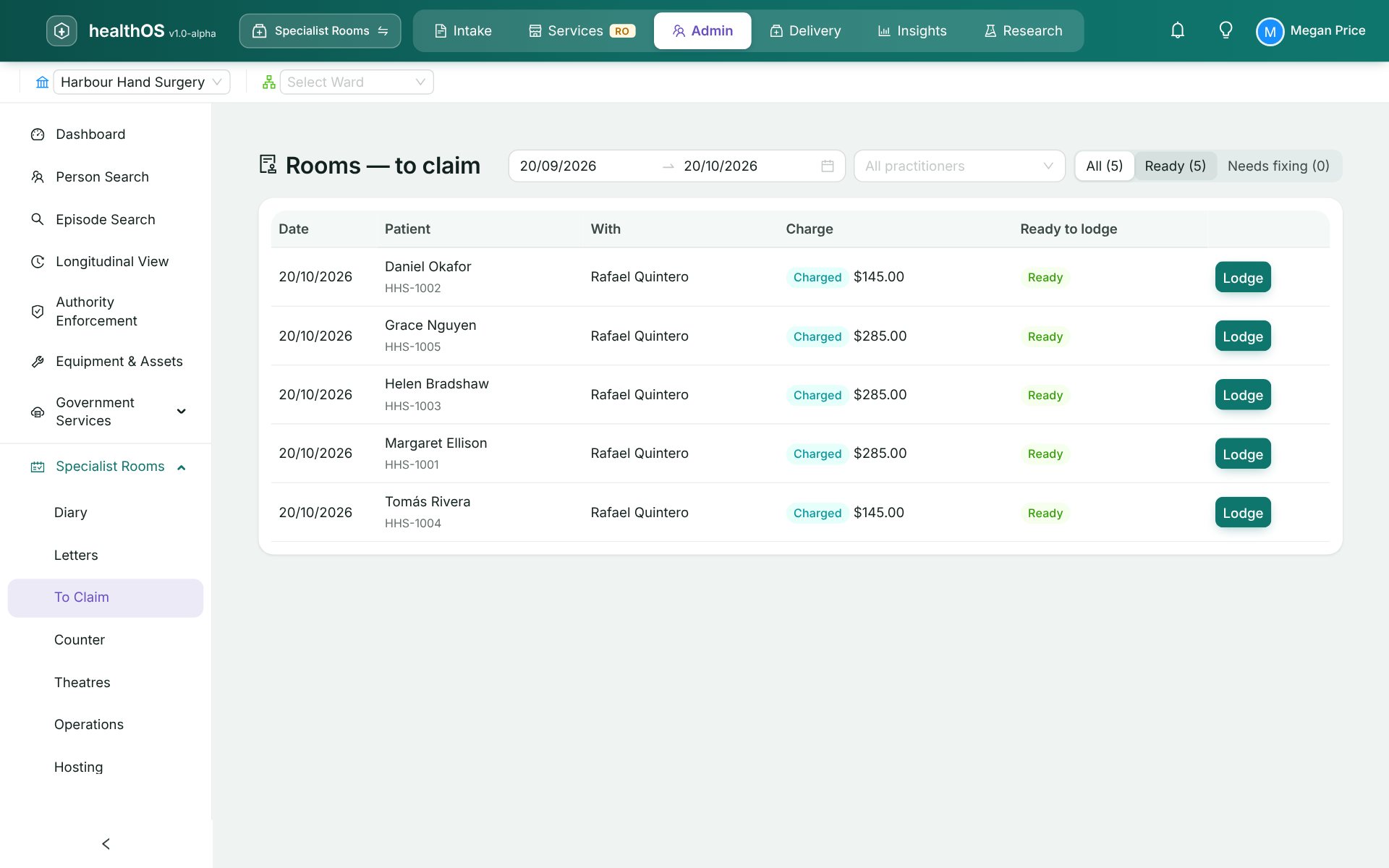
Patient claims, bulk bill claims and DVA claims go through Eclipse from the visit. The patient's invoice shows the expected Medicare benefit, and payments are taken on the counter's EFTPOS terminal.
The people at this step
Works the to-claim worklist, lodges each claim and takes the payment at the counter.
Approves refunds, which always need a second person.
Pays at the counter, with Medicare's share posting to the right part of the account.
Step by step
- The to-claim worklist
Every visit not yet claimed, and what is stopping it.
- Lodged through Eclipse
Patient, bulk bill and DVA claims, with their status and same-day deletion from the visit.
- The patient's invoice
Raised from the visit with the expected Medicare benefit printed on it.
- At the counter
Payment on an EFTPOS terminal from the same screen. Medicare Easyclaim on the terminal is in development.
What the next step gets
The visit is claimed and paid, and the letter can go to the GP.
See HealthOS in your rooms
We will walk you through it on real data. Bring the hardest thing your current platform can't do.