
Services ordered from the budget that pays for them
Every service is mapped to the funding line that covers it: the program, the price and the claim. Staff order care without memorising which rule applies to whom.
The people at this step
Builds the client's services from the catalogue, and sees only what the client's funding covers.
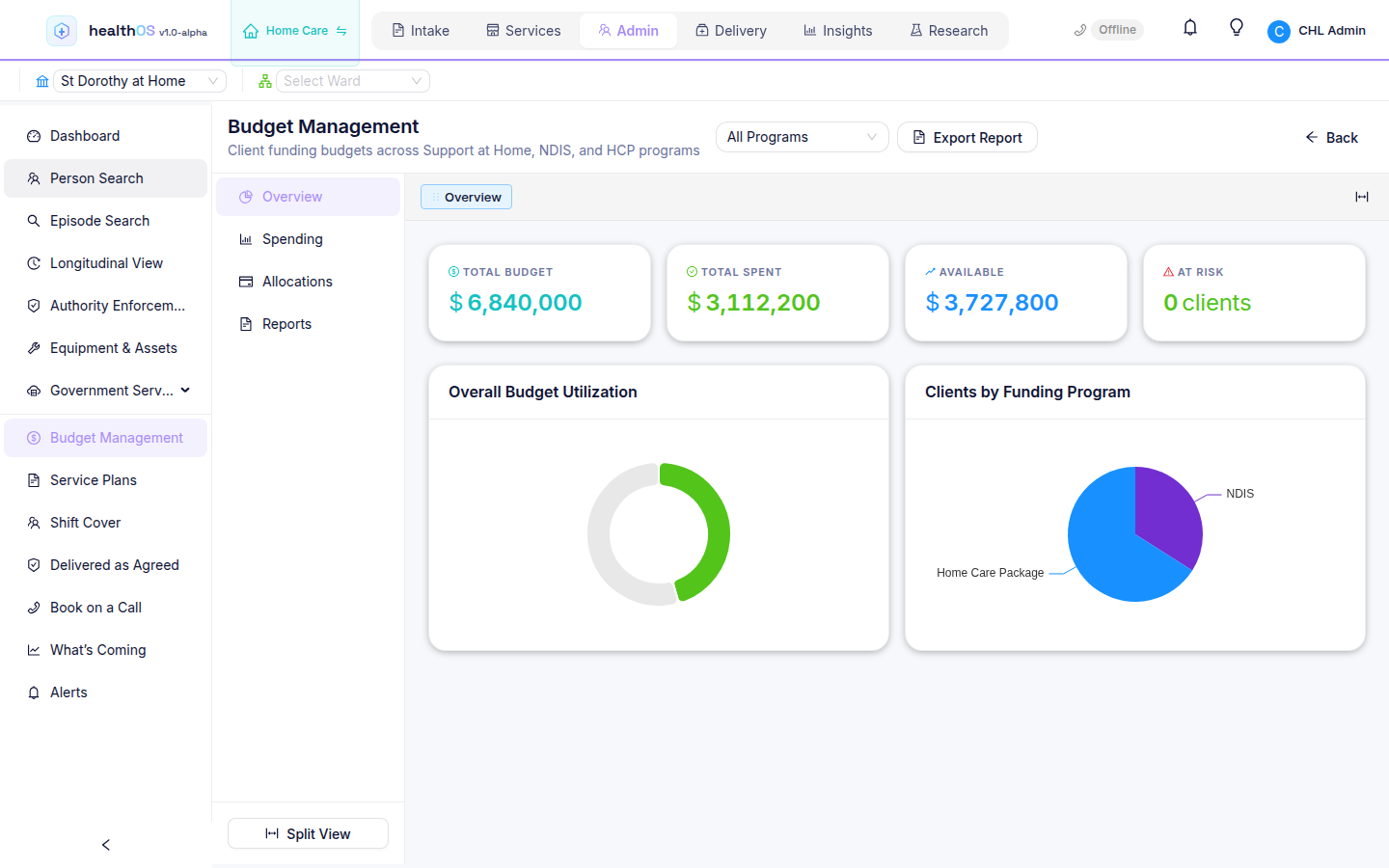
Sees budgets, spend and what is left across every funding program at once.
Step by step
- One catalogue
Support at Home, CHSP and DVA services sit on one catalogue, each mapped to its funding line and price.
- Only what the funding covers
The catalogue is filtered to the services the client's funding pays for.
- Prices with guardrails
An above-benchmark price is checked against the reference rate.
- A budget that moves
Spend and what is left update as services are ordered and delivered.
What the next step gets
The schedule is built from services that are already priced and funded.
See HealthOS in your home care setting
We will walk you through it on real data. Bring the hardest thing your current platform can't do.