
Pre-admission, finished from the patient's couch
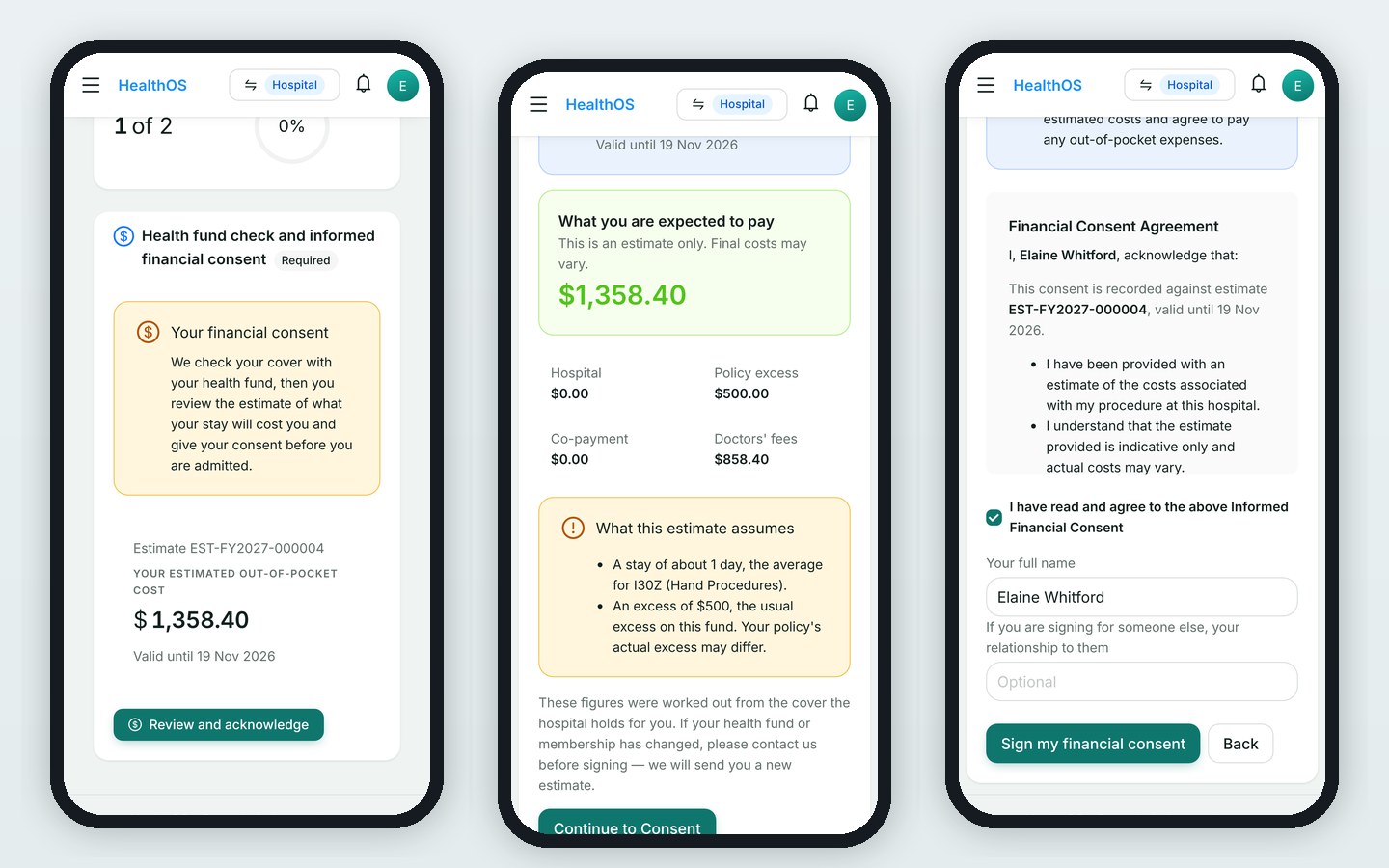
The patient opens one emailed link, with no password and no app, and does their pre-admission on a phone. The hospital checks their health fund and sends the estimate they consent to.
The people at this step
Fills in the health questionnaire, reads what to expect, and signs informed financial consent against a numbered estimate. They can pay a deposit by card from the same link.
Runs the fund eligibility check and issues the estimate. It is worked out from the hospital's own prices, the fund's contract and the patient's excess.
Completes the pre-anaesthetic assessment as a step on the same pathway, and sees the questionnaire the patient already answered.
Allocates a bed in the unit the case is booked into, so the patient has somewhere to go on the day.
Step by step
- The fund is asked
An online eligibility check through Eclipse returns the patient's cover and excess while they are still at home.
- A numbered estimate
The estimate is built from the MBS fees for the listed items, the fund's contracted rates and that excess. It stays fixed while it is valid.
- The patient's link
Questionnaire, estimate and consent in that order, on a phone. A changed estimate means a new one, never an edited one.
- The clinical steps
The pre-anaesthetic assessment and any other clinical forms sit on the pathway beside the patient's own steps.
- Admission
With consent signed and a bed allocated, the patient is admitted and the episode opens.
What the next step gets
Theatre gets an admitted patient whose consent is signed, assessment done and bed booked.
See HealthOS in your hospital setting
We will walk you through it on real data. Bring the hardest thing your current platform can't do.